
Smart Tools
Every smart tool available inside Virse, grouped by the work it does. Open one to see how it works, or start with it directly on the canvas.
Graphic design35 tools
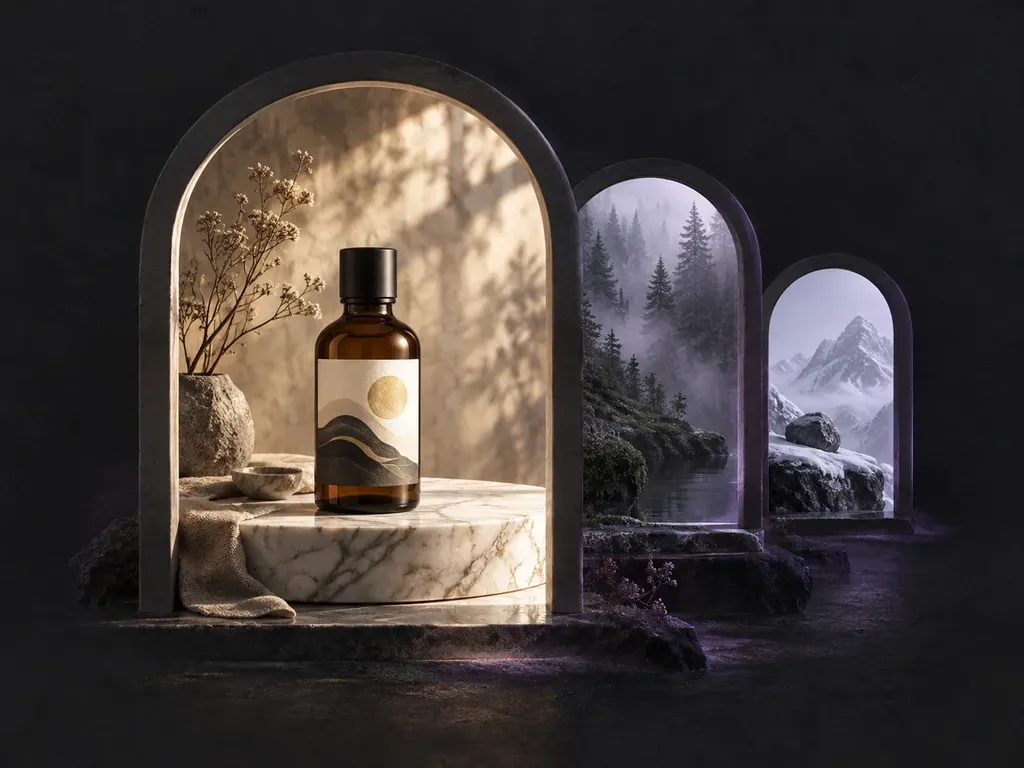
Creates a new scene from a description, with or without your product in it.
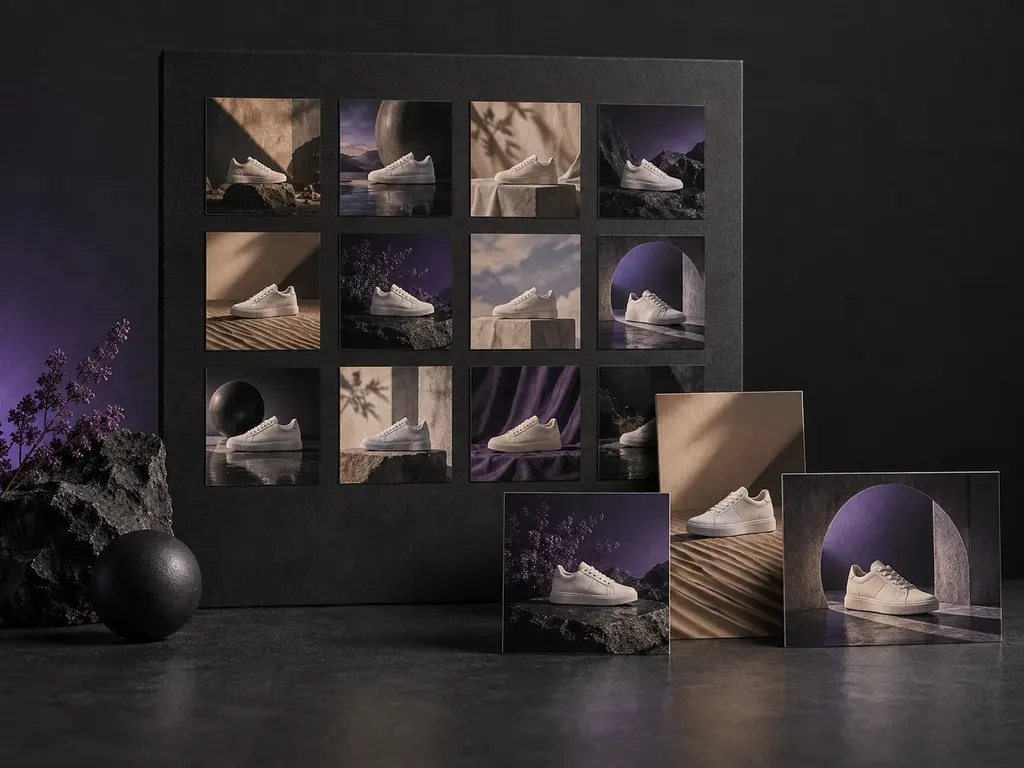
Creates a batch of images from a prompt list or one base image.
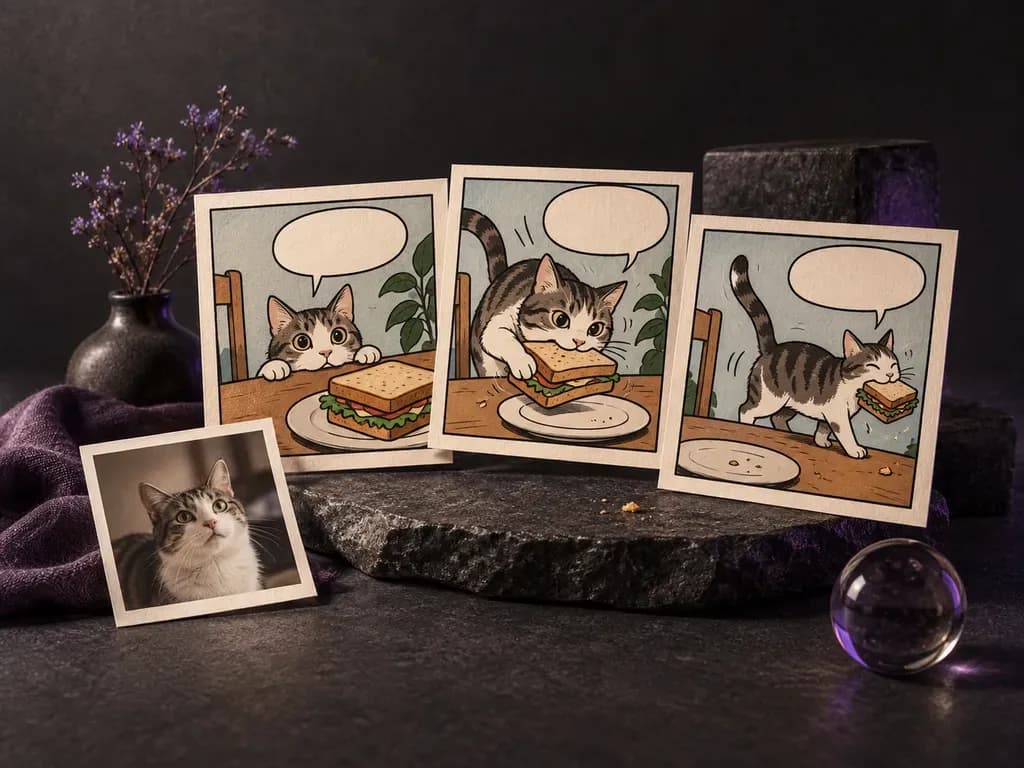
Turns a photo or a short scene into comic art.
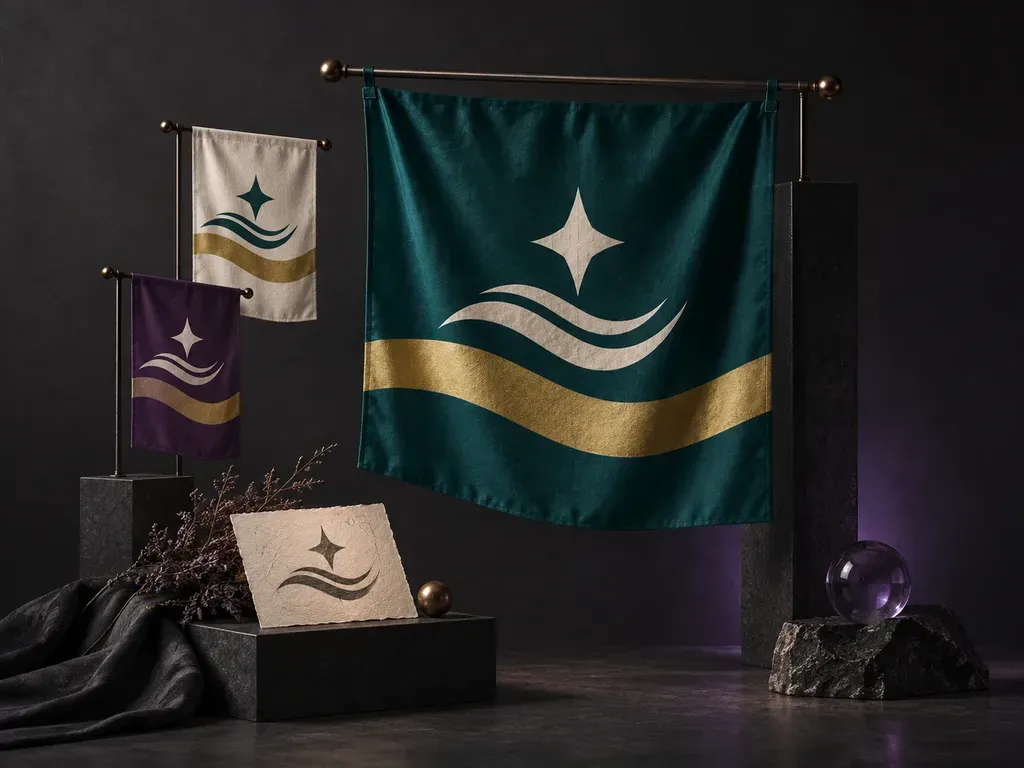
Turns a written flag idea into a front-view flag design.
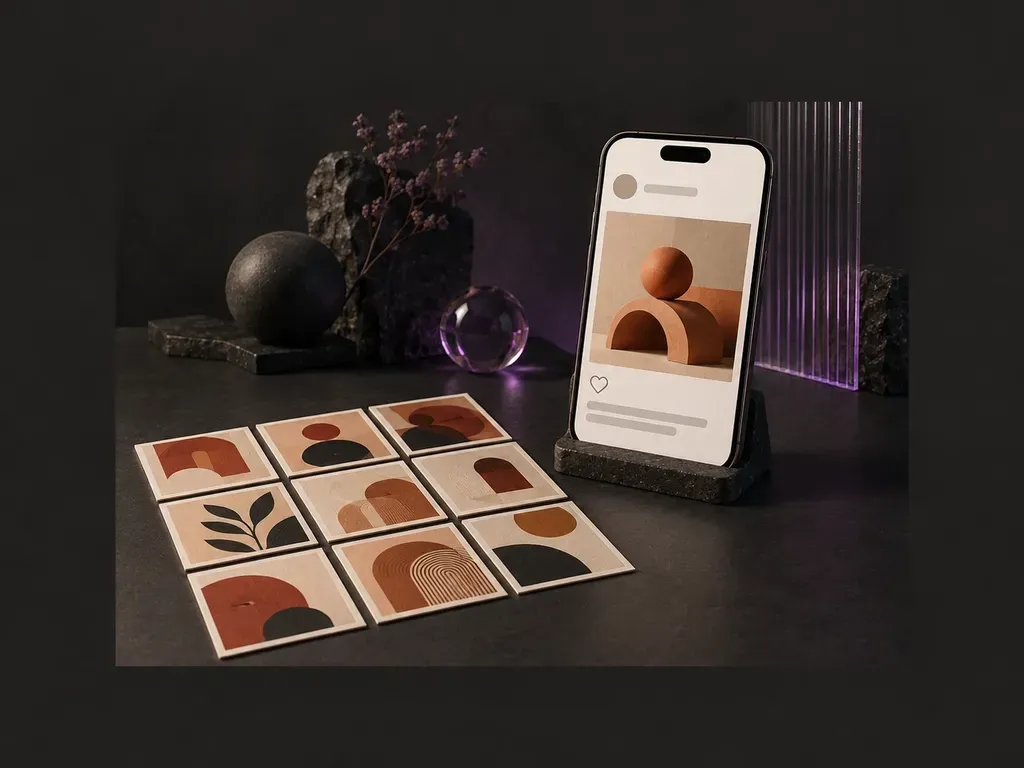
Turns a finished design into a realistic Instagram post preview.
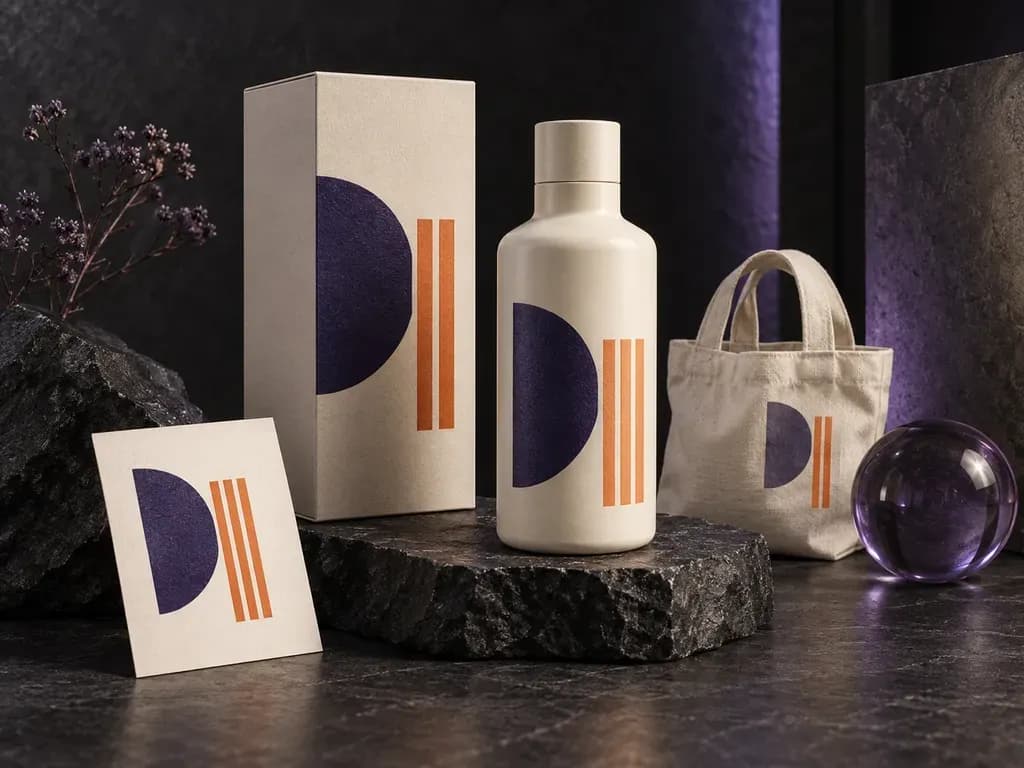
Put your existing design in a product or display scene.
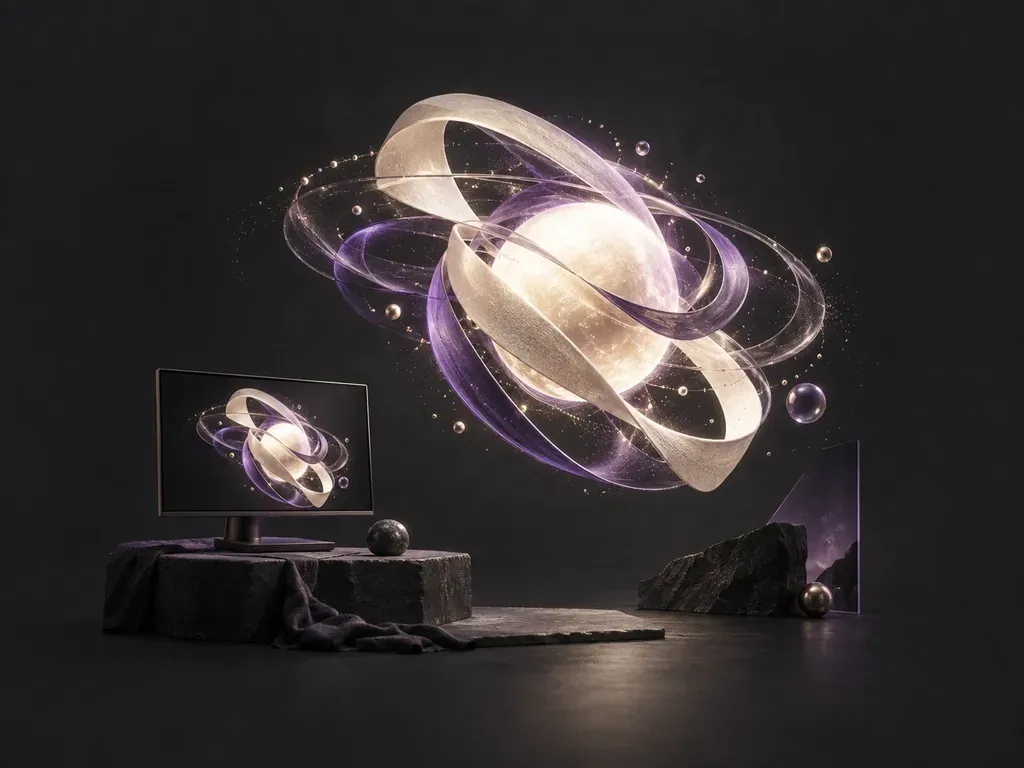
Turns a written motion idea into a short animated video clip.
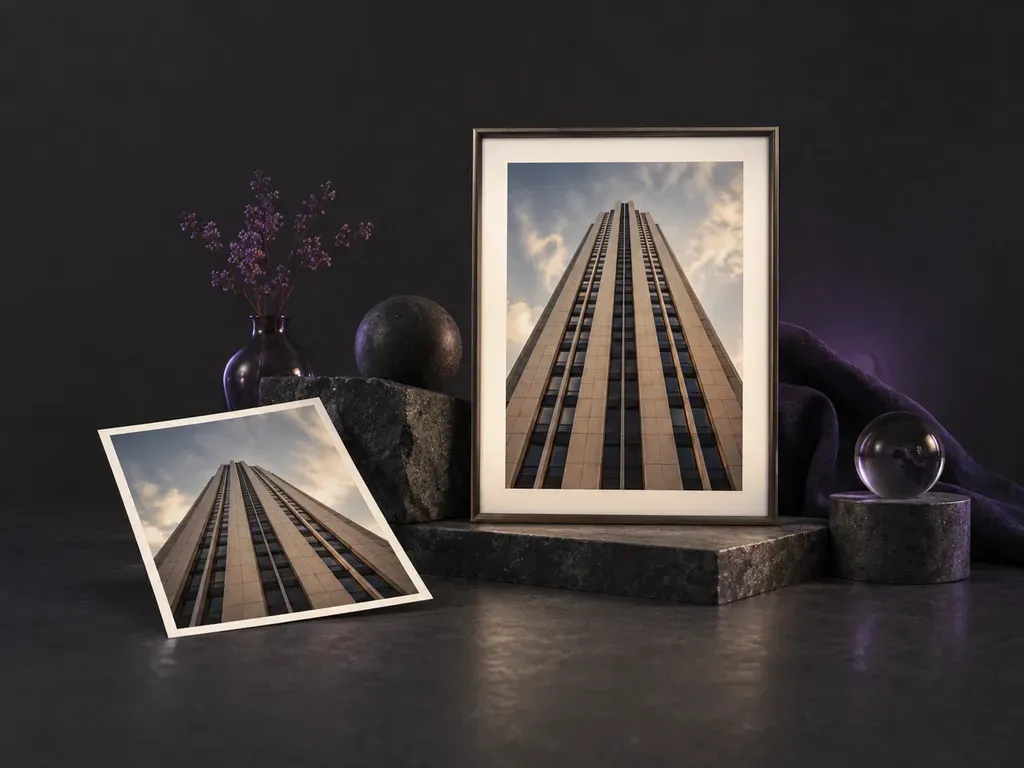
Straightens photos shot at an angle, or adds a 3D tilt.
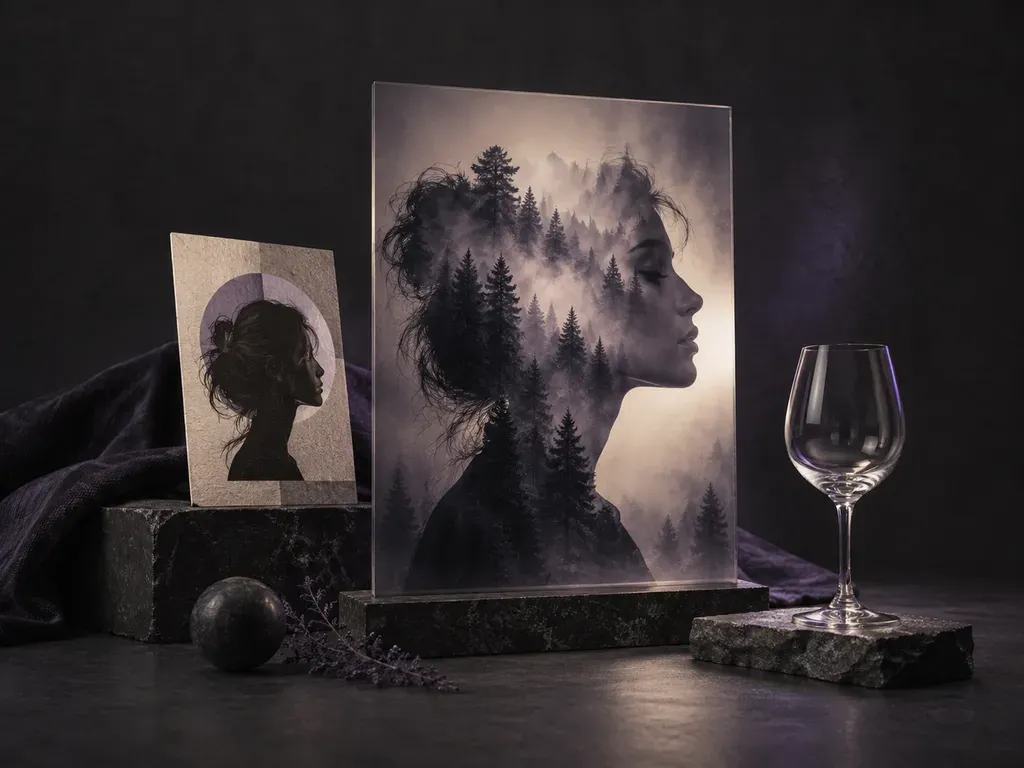
Blend two images into one composite using image-to-image generation.
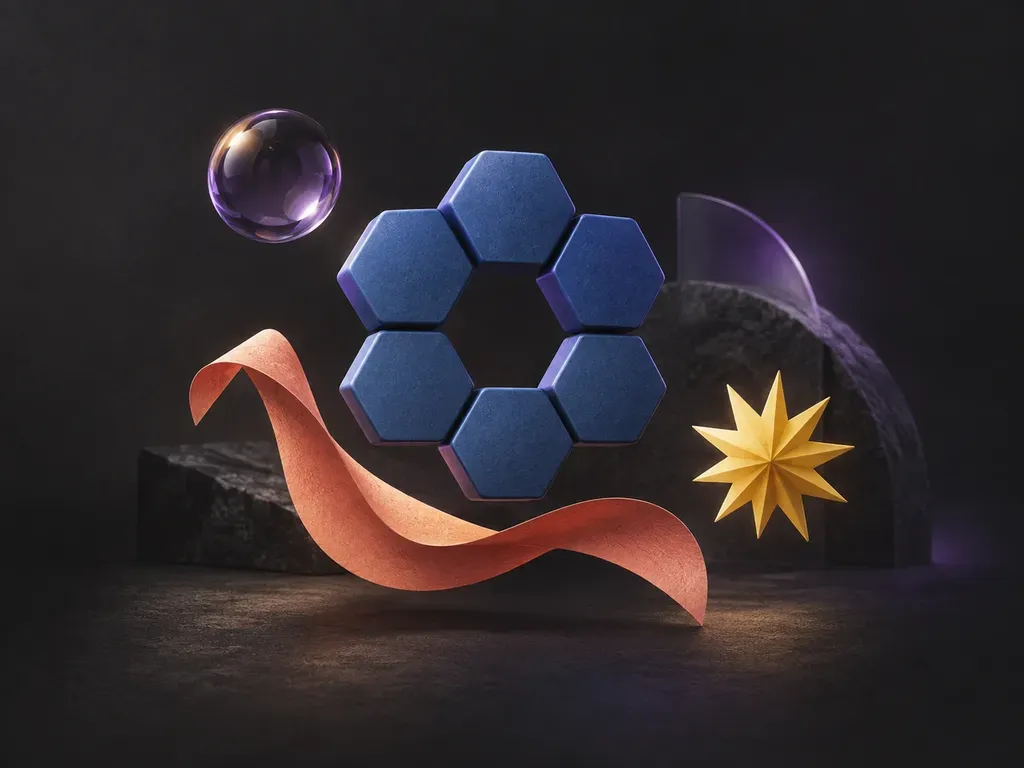
Draws a shape or graphic element from a short description.
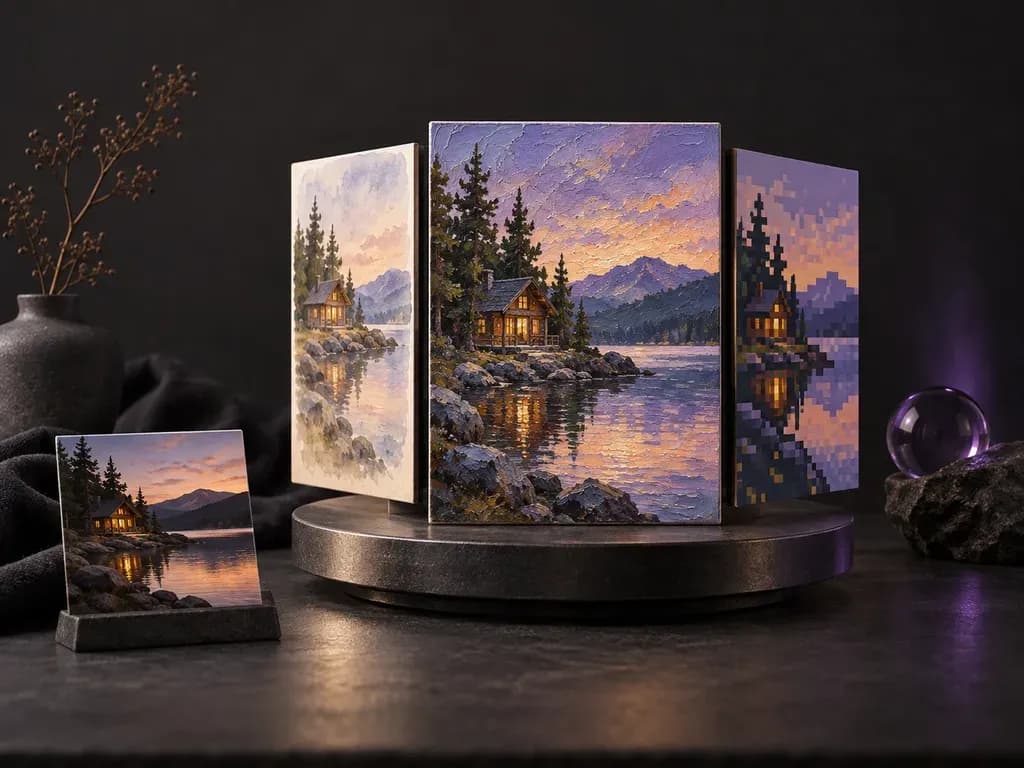
Redraws a photo, or a prompt, in the art style you describe.
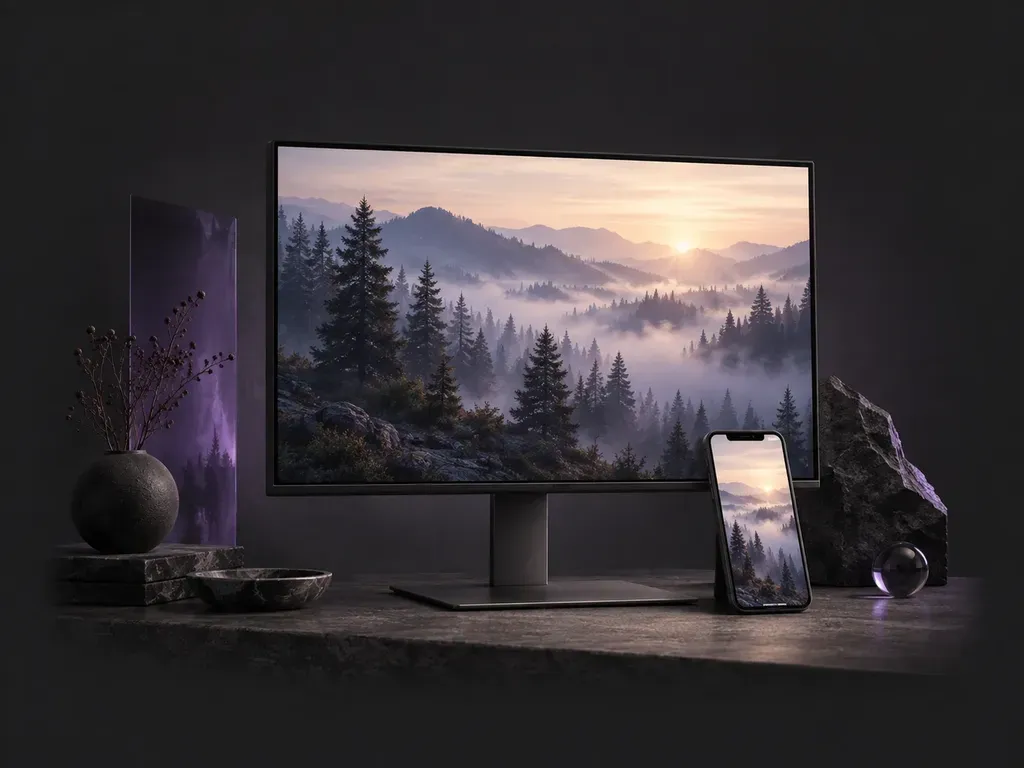
Paints a phone or desktop wallpaper from a short description.
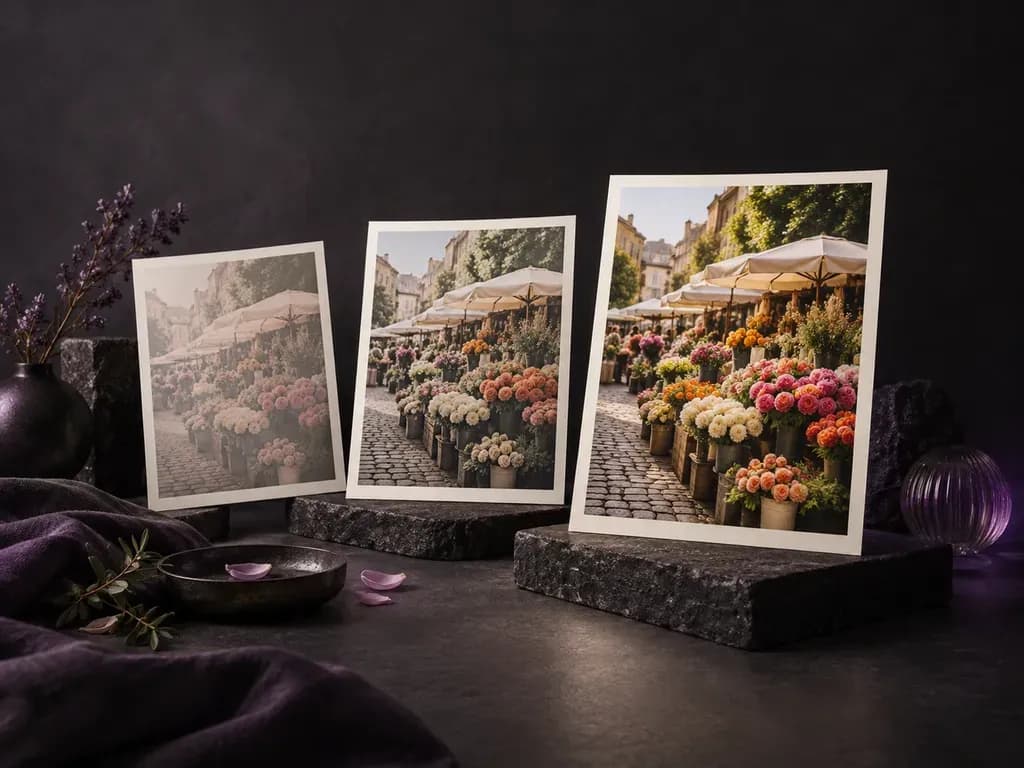
Raises or lowers the color strength of an existing photo.
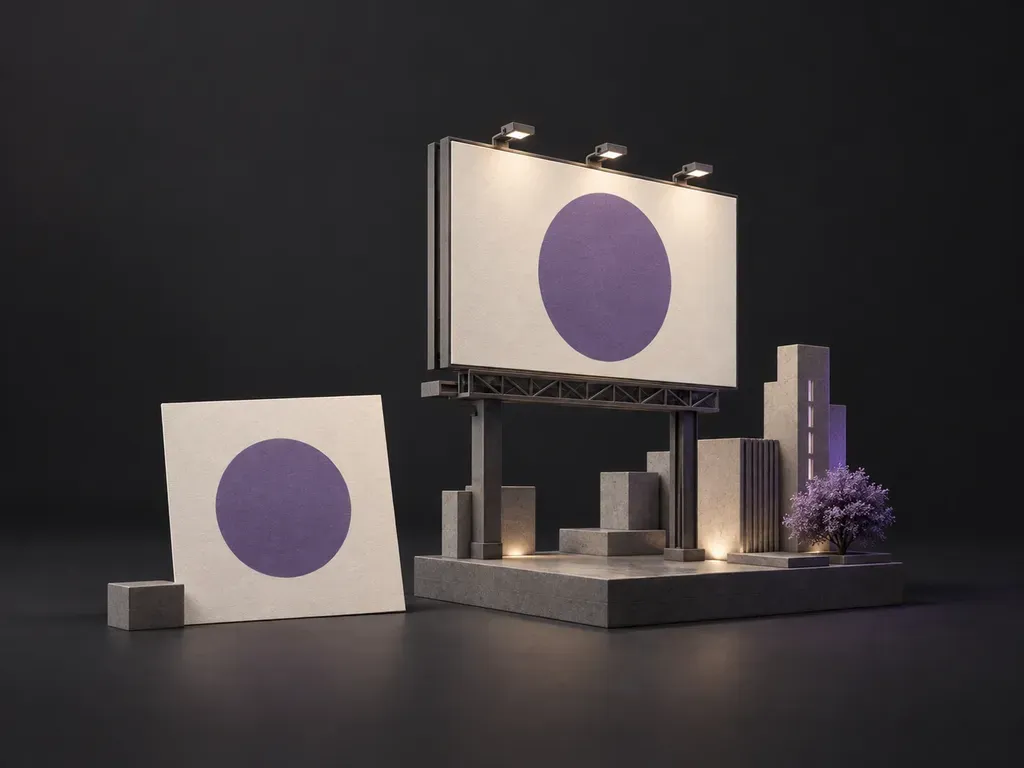
See finished campaign artwork on an outdoor billboard.
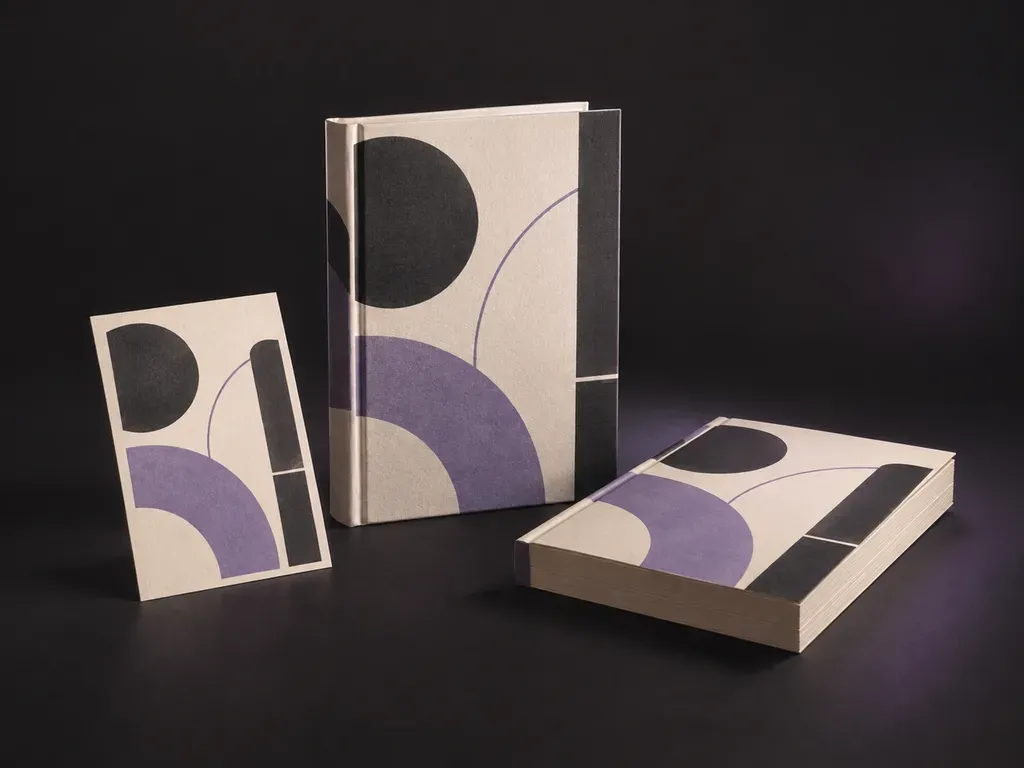
Turn a finished book cover into a hardcover or paperback preview.
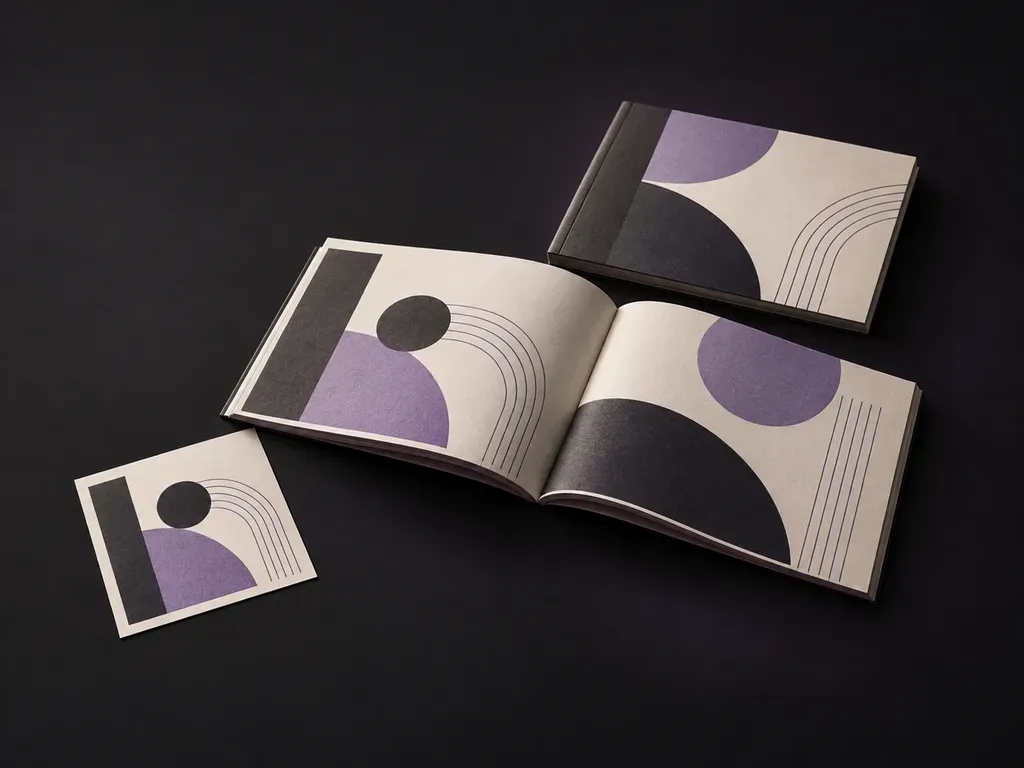
Present booklet covers and open spreads in a paper setting.
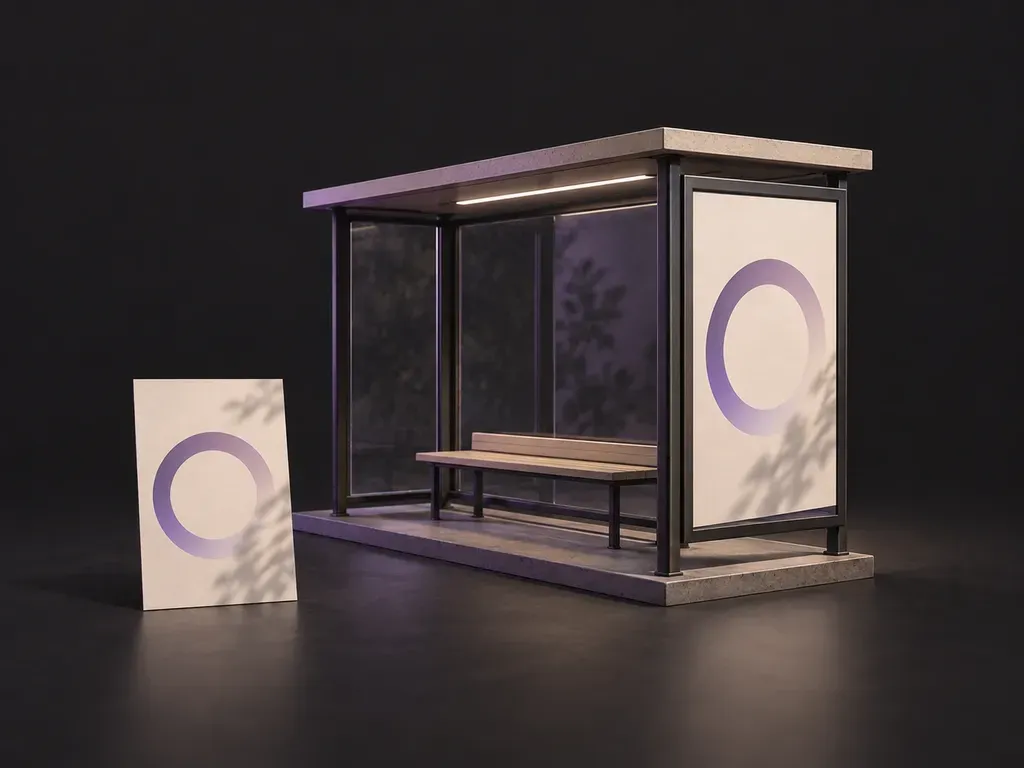
See a portrait ad inside a bus shelter display.
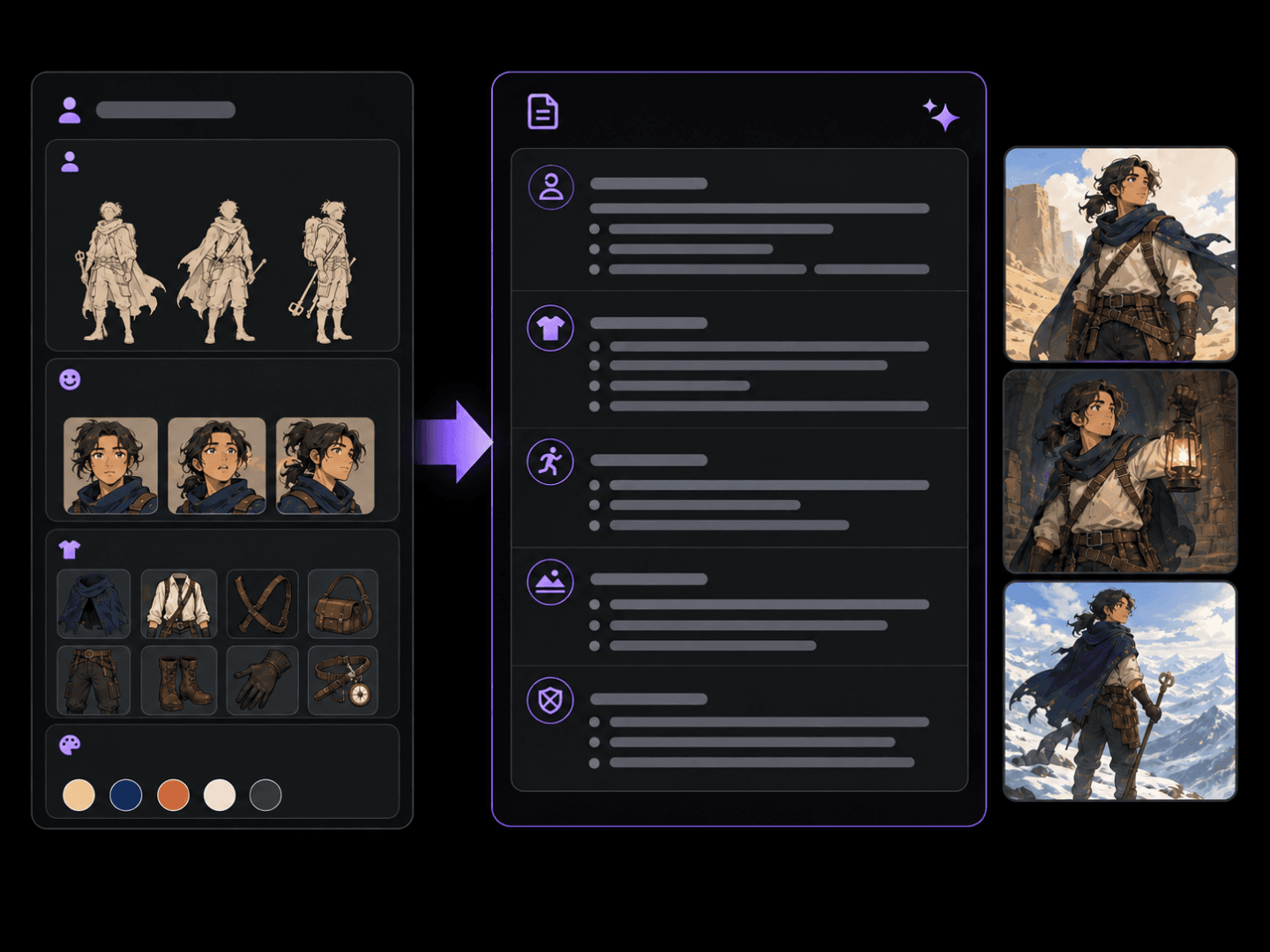
Turns a character idea into a structured, ready-to-paste prompt.
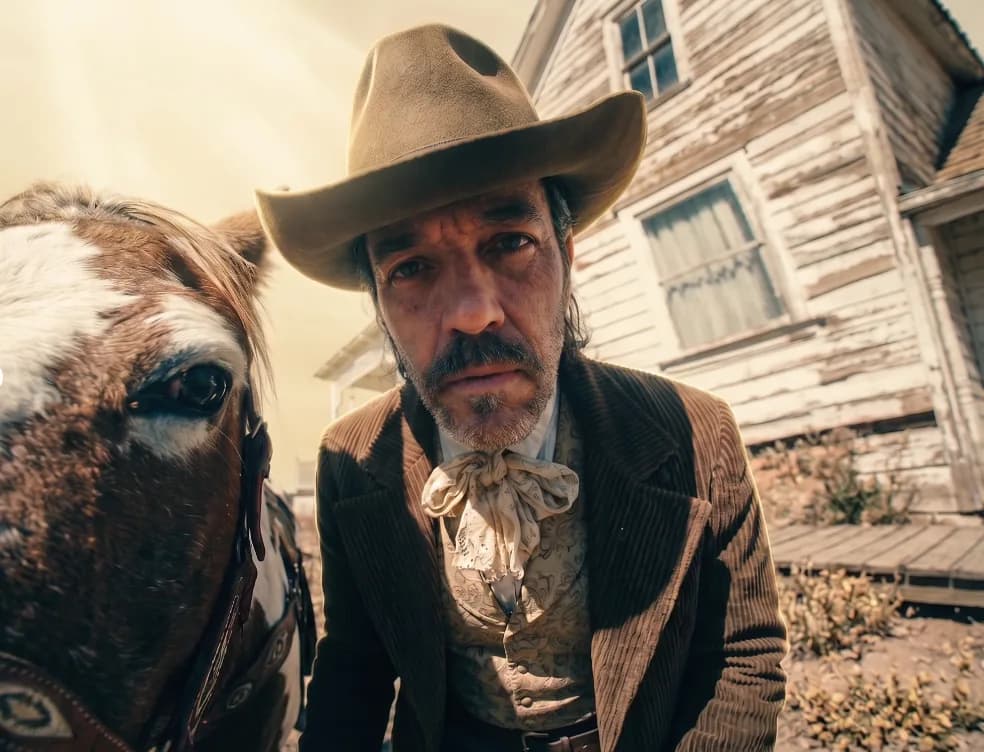
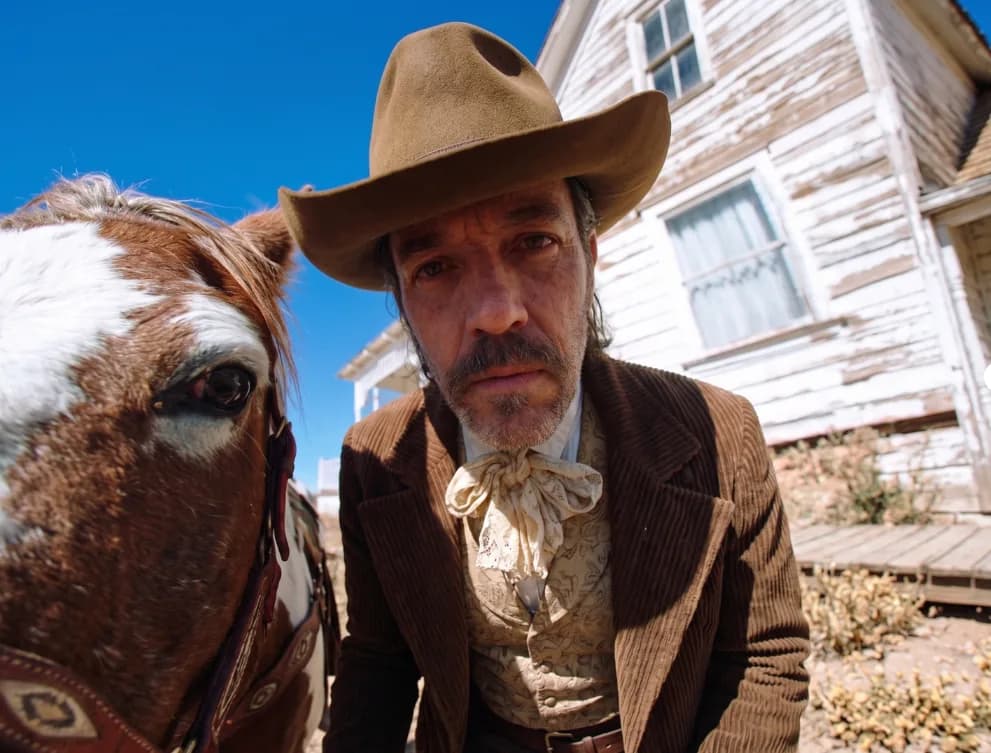
Copies the grade of any reference onto your image, pixels stay put.
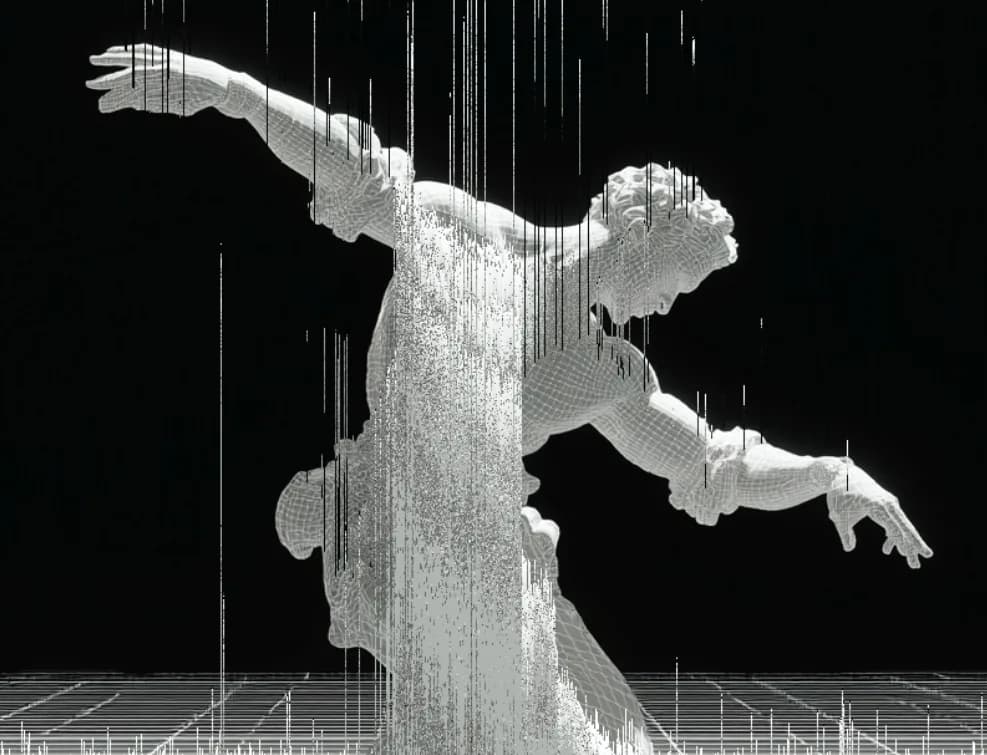
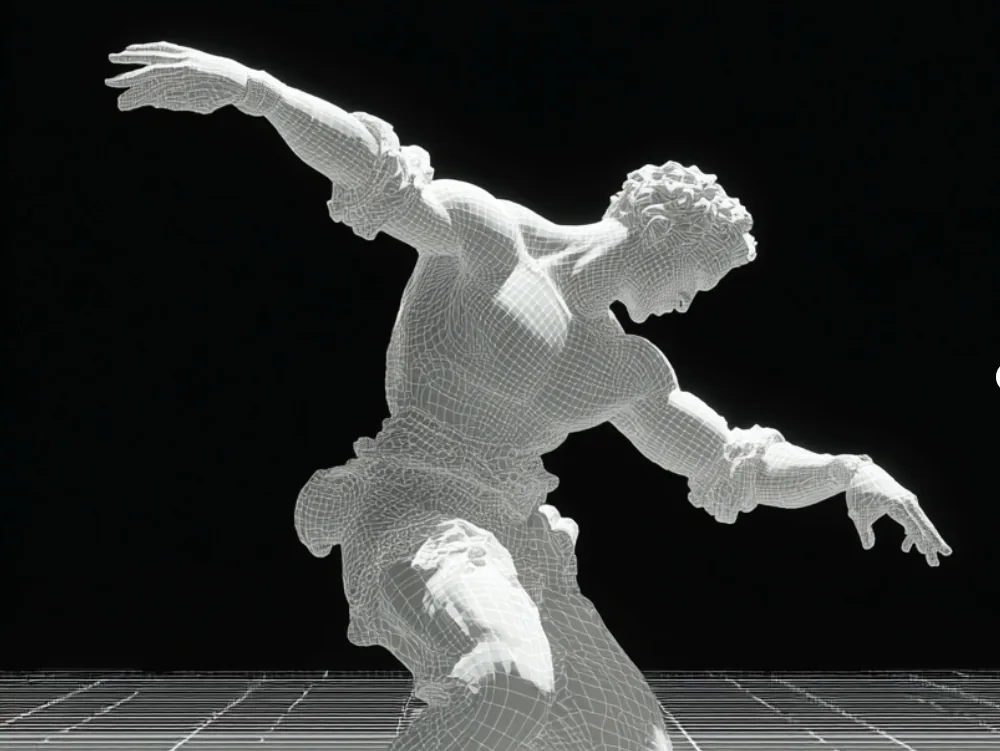
Cyber glitch art, RGB splits, scanlines, signal tears, at three intensities.
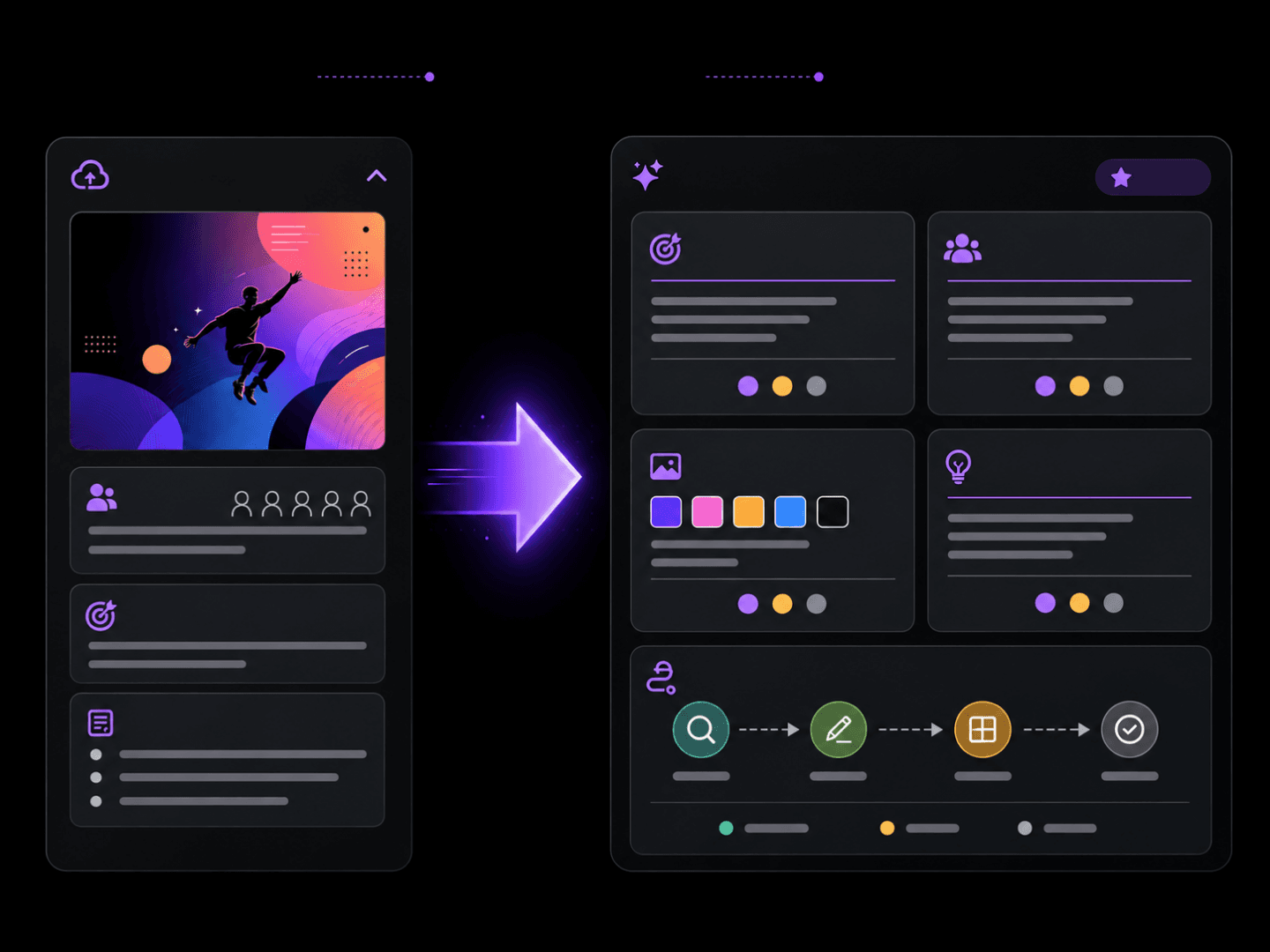
Writes a structured brief, or reviews a design and tells you what to fix.
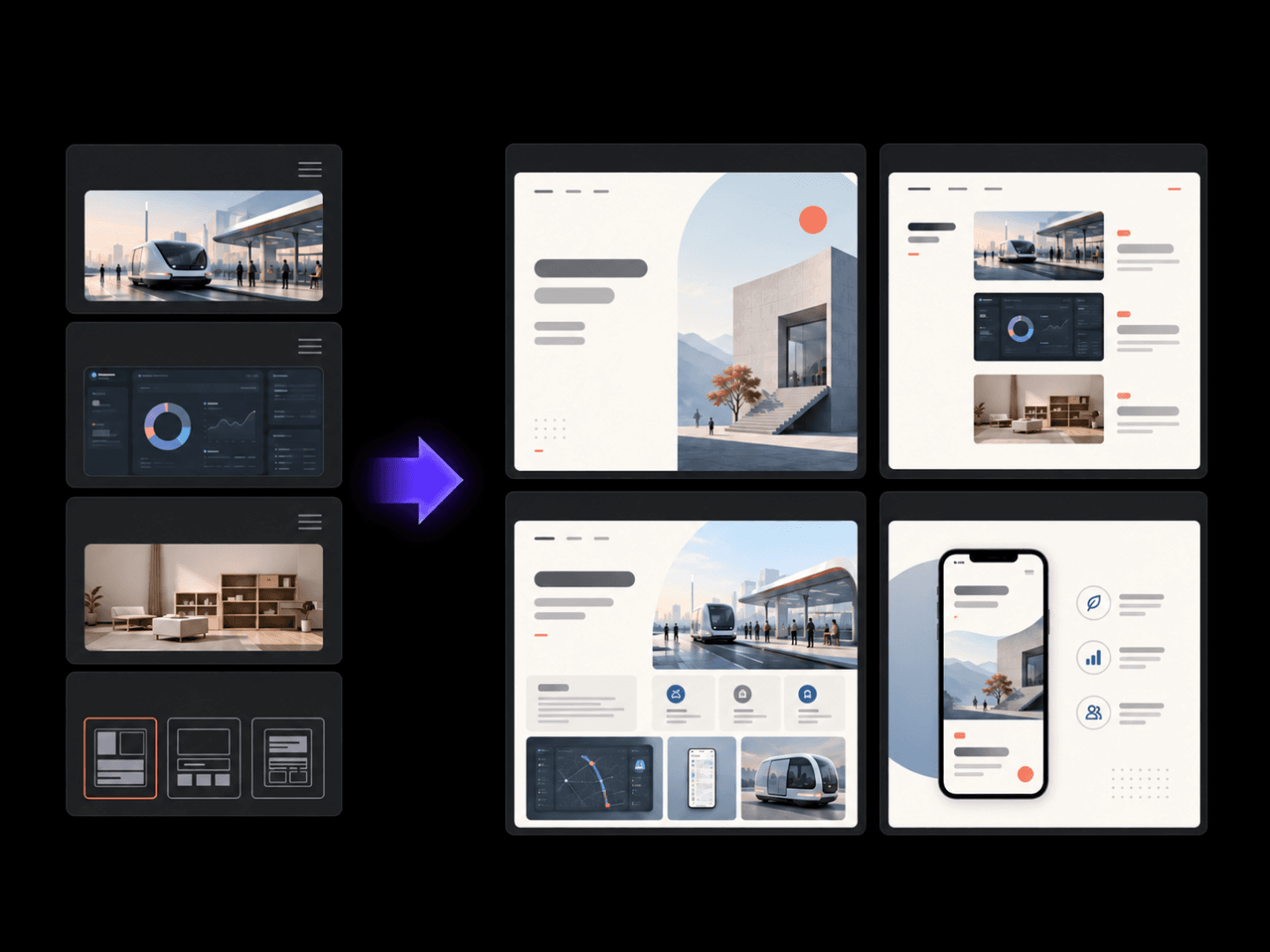
Turns project images and notes into a consistent portfolio layout.
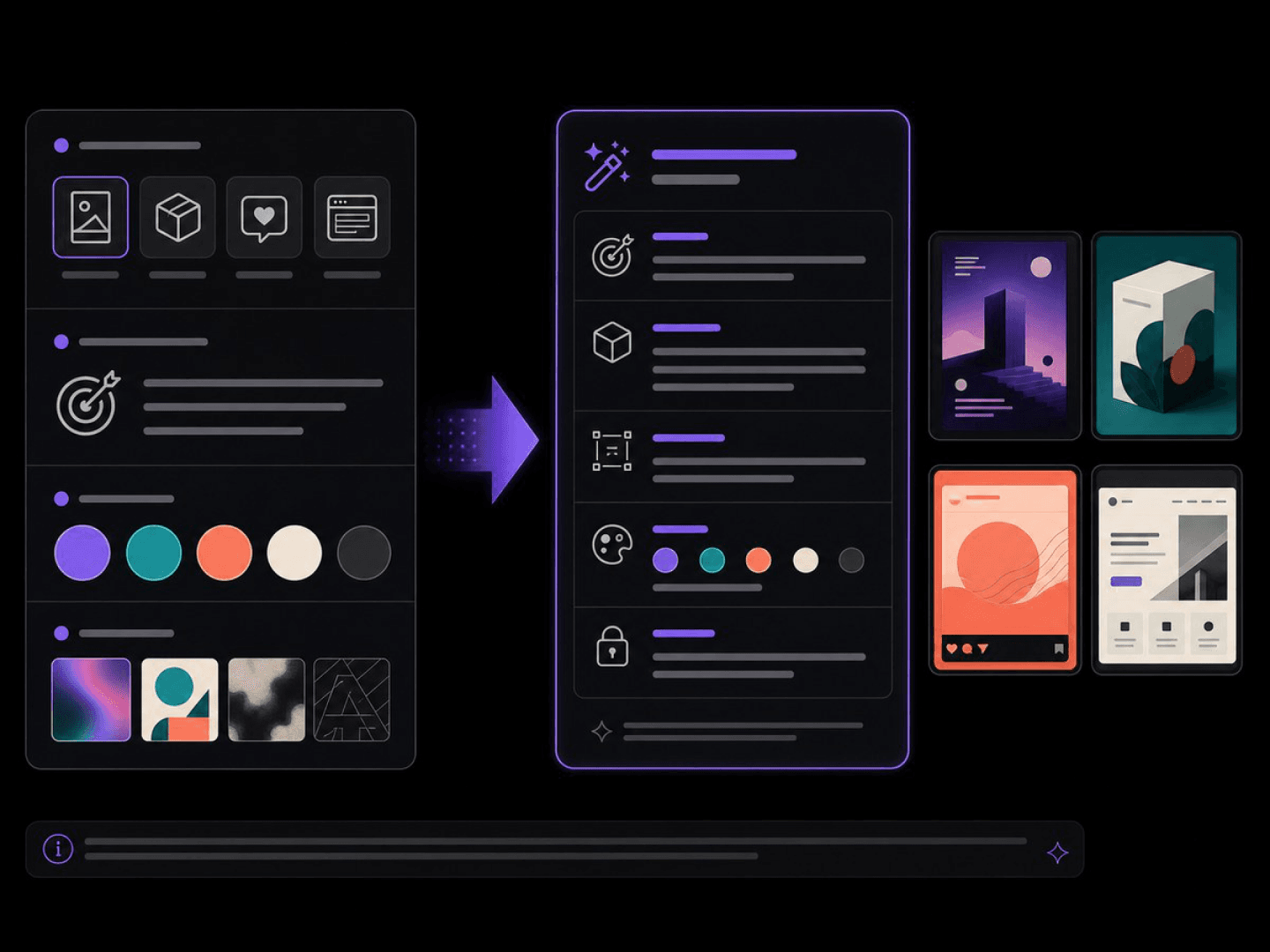
Turns a design brief into a structured, ready-to-paste prompt.
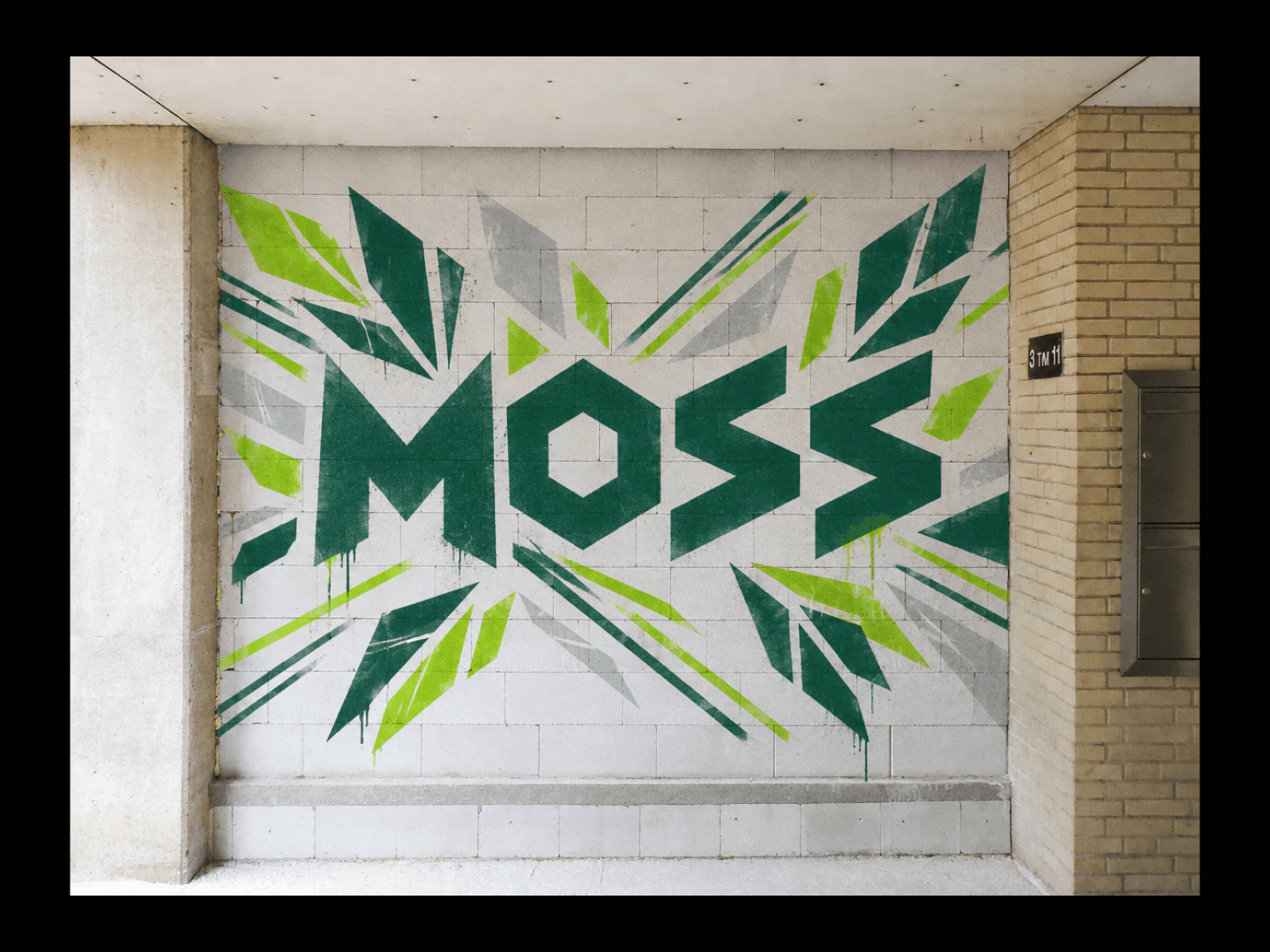
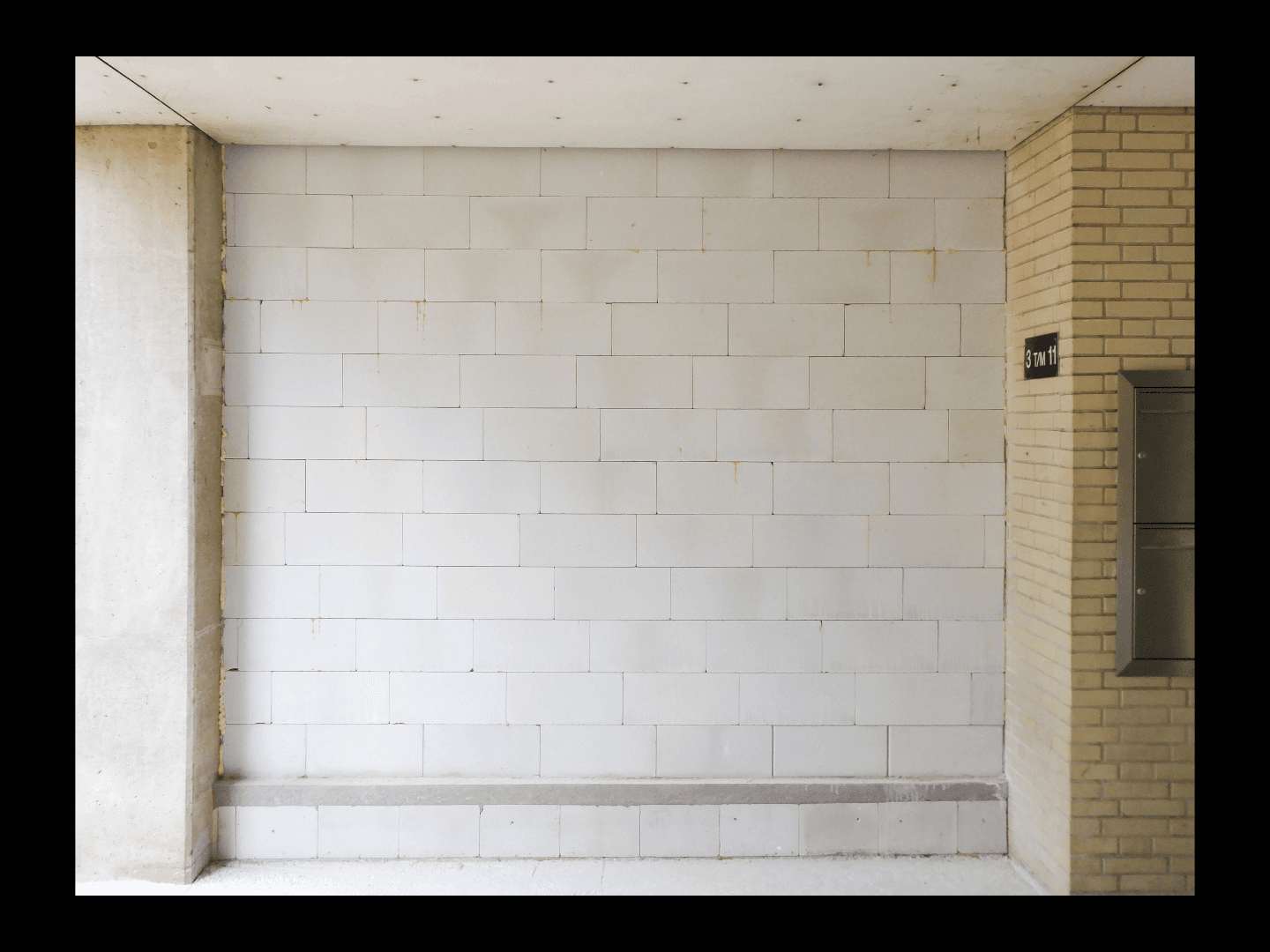
Turns a theme into an original graffiti concept with a wall mockup.
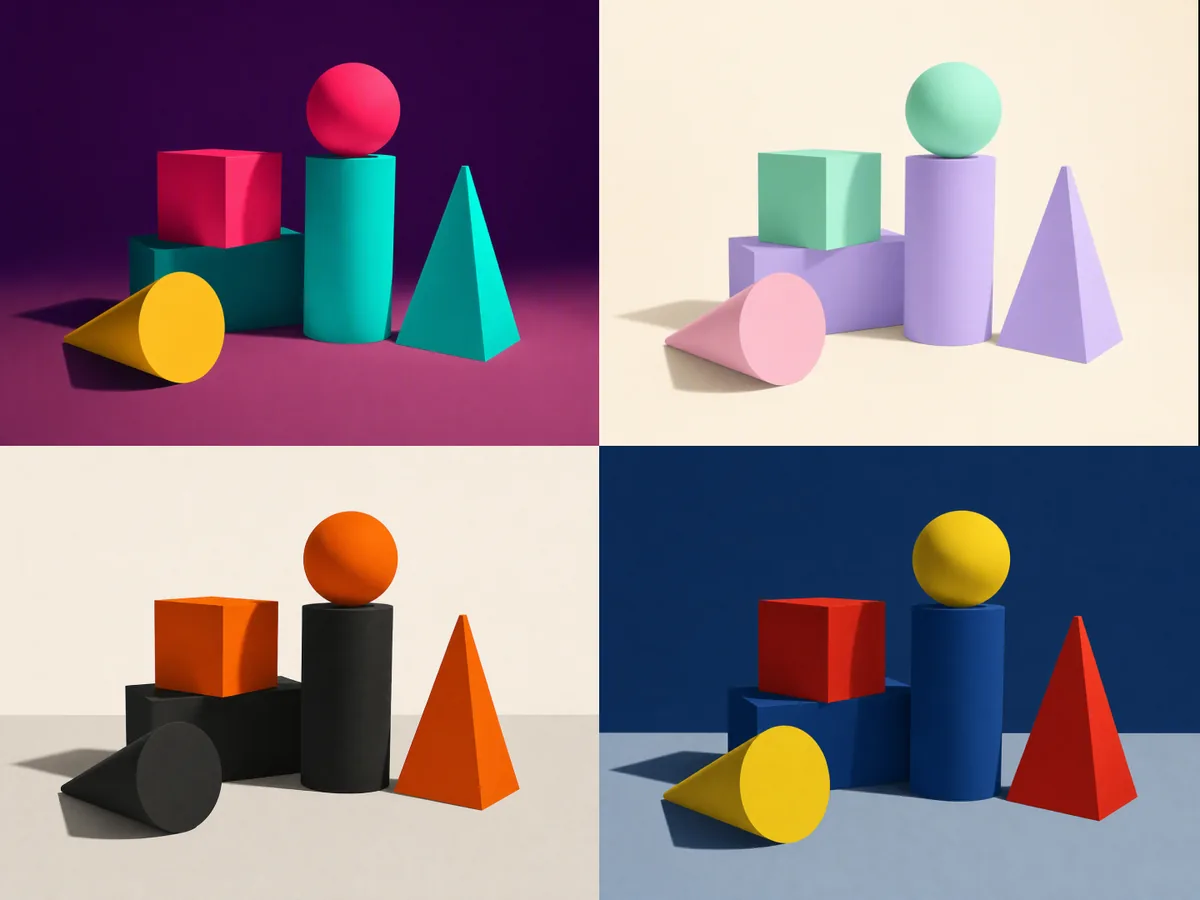
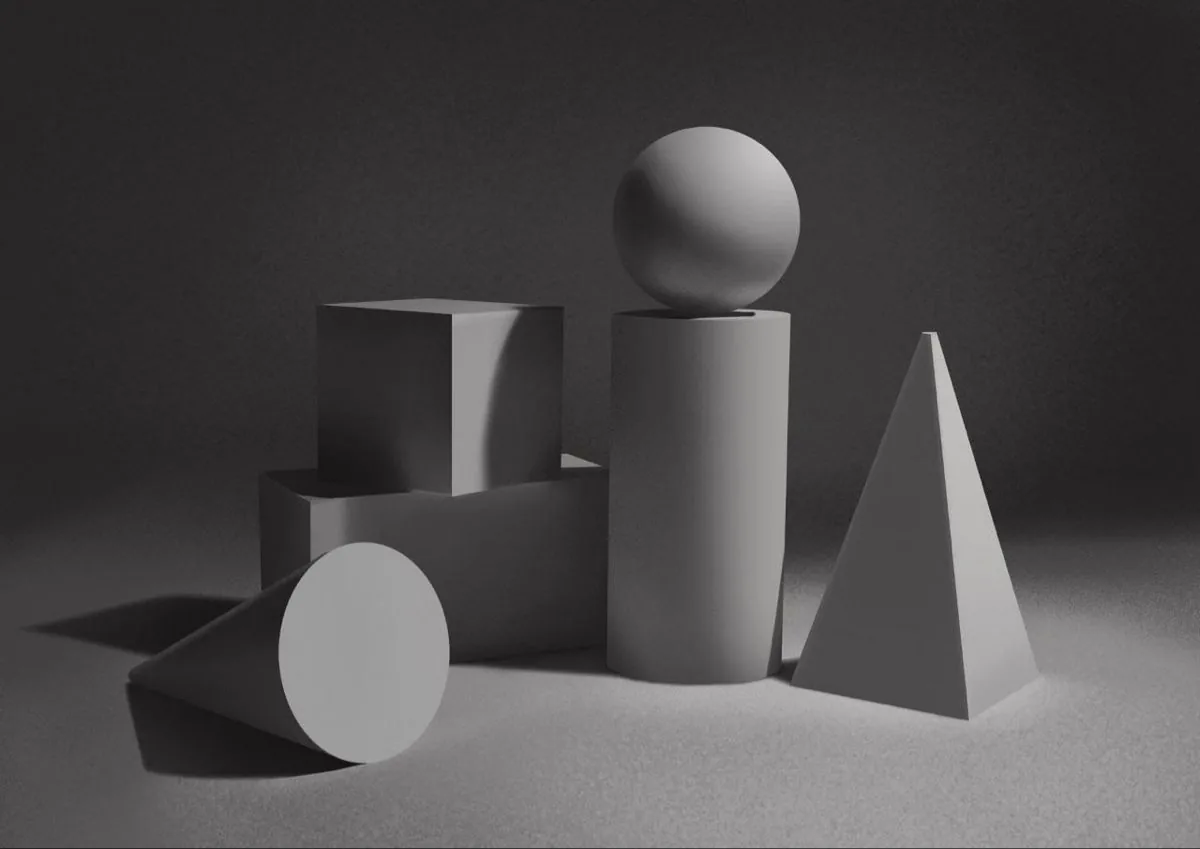
One illustration into a batch of clearly distinct color-tone variants.
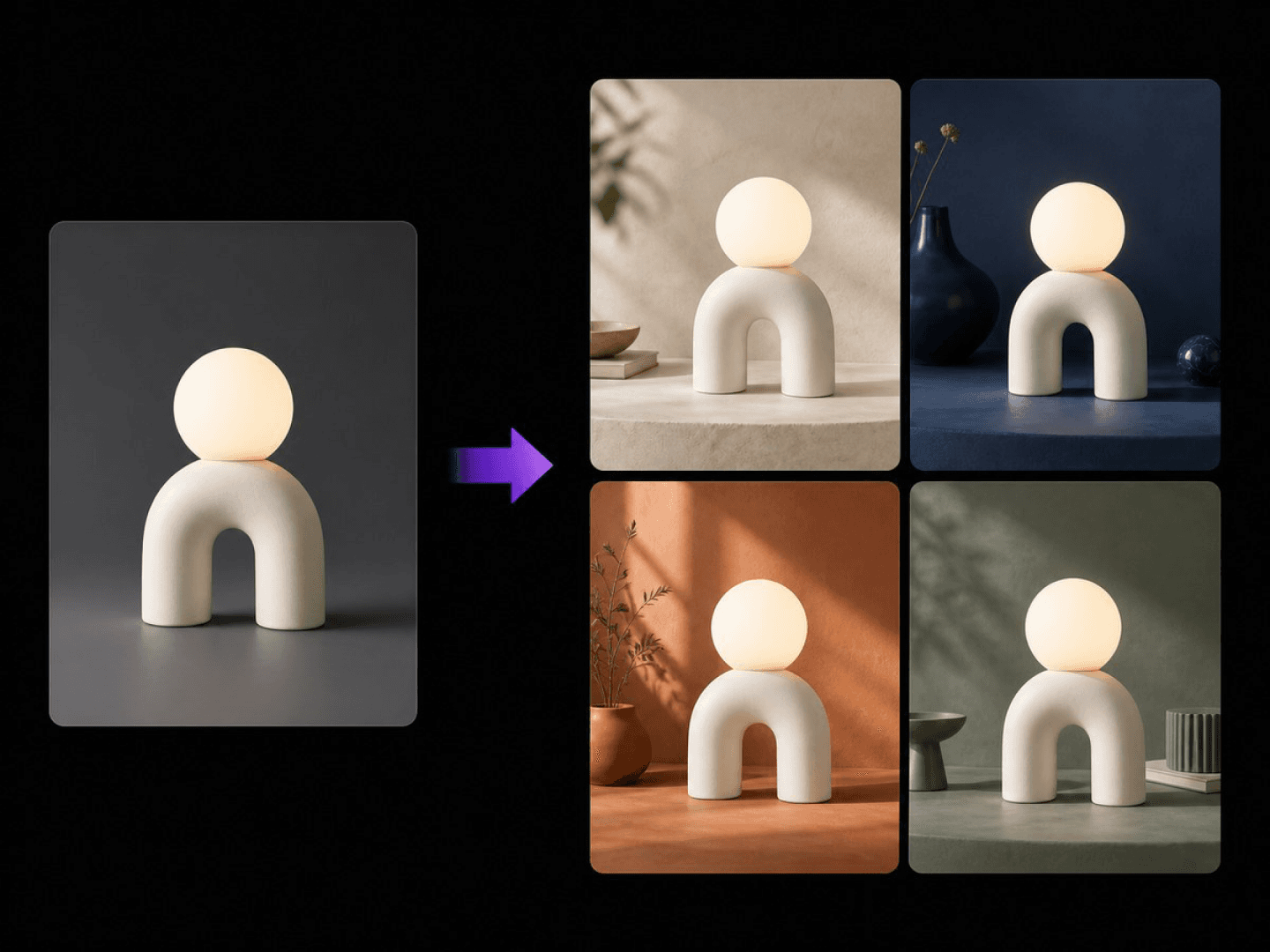
Keeps the subject and varies scene, colour or angle.
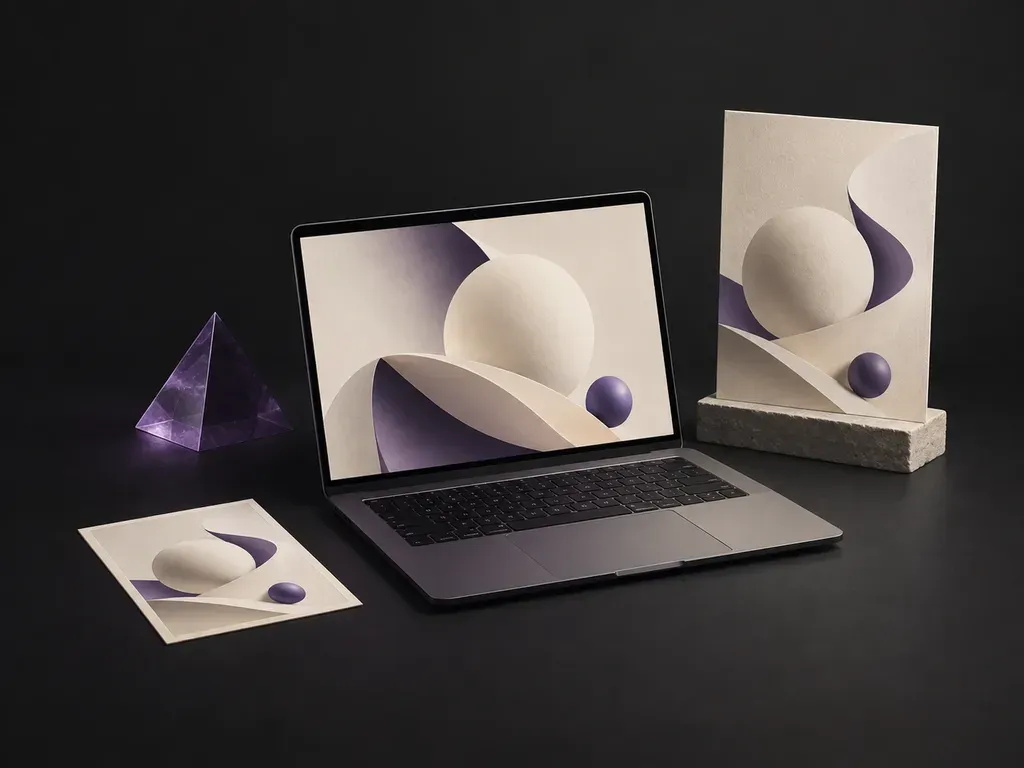
Put an existing website or app screenshot on a laptop screen.
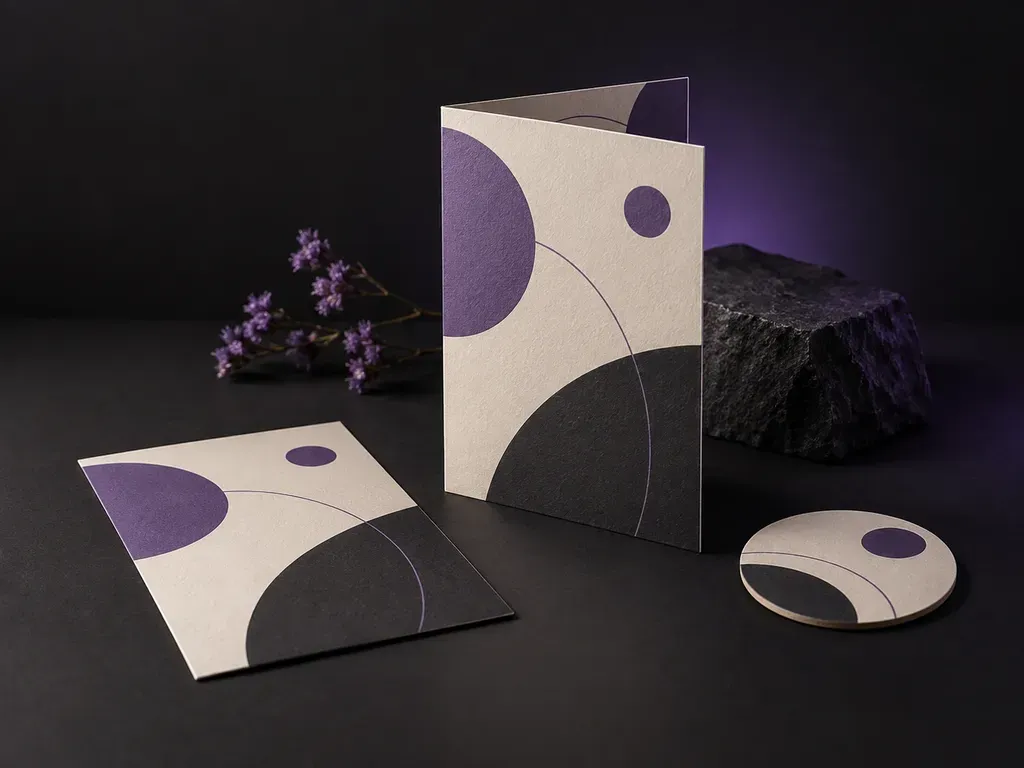
See a finished menu in a restaurant table or display setting.
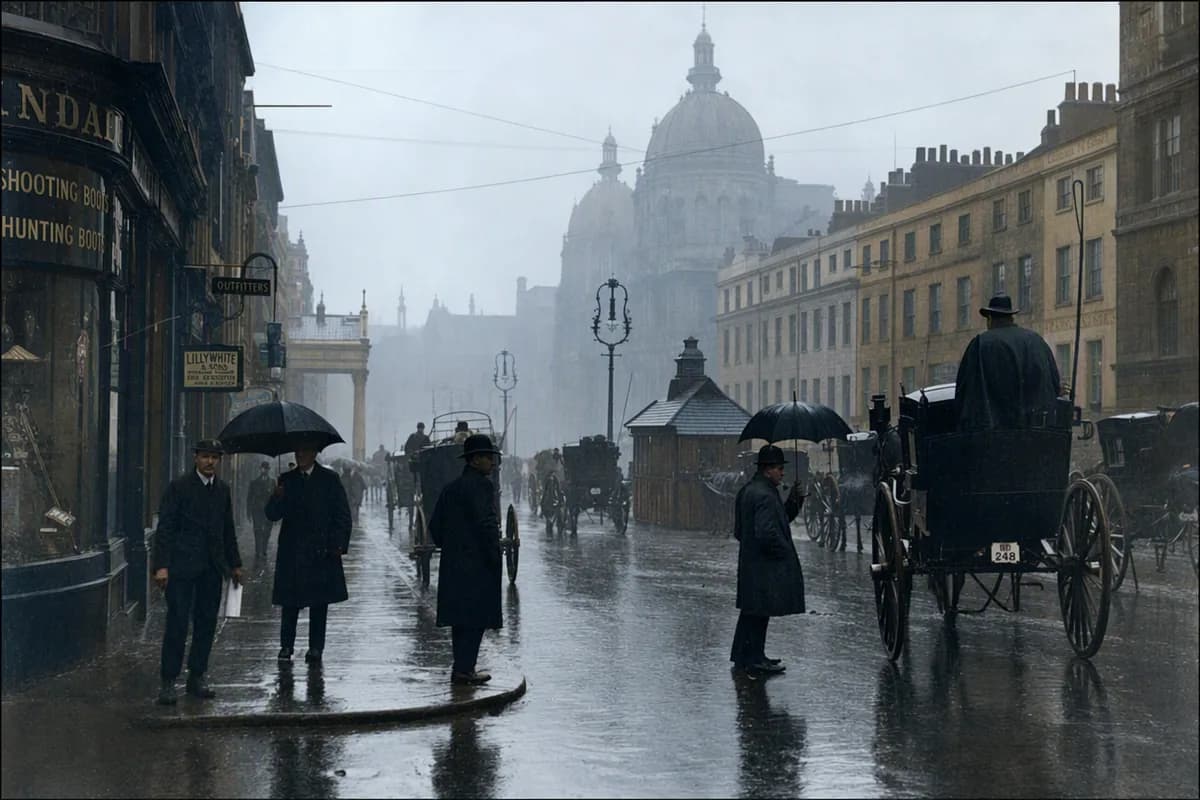
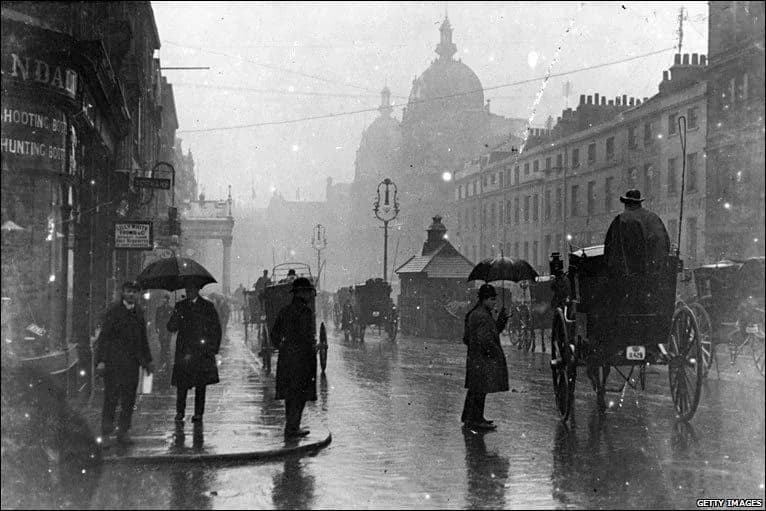
Repair scratches, creases and fading, optionally colorize, identity intact.
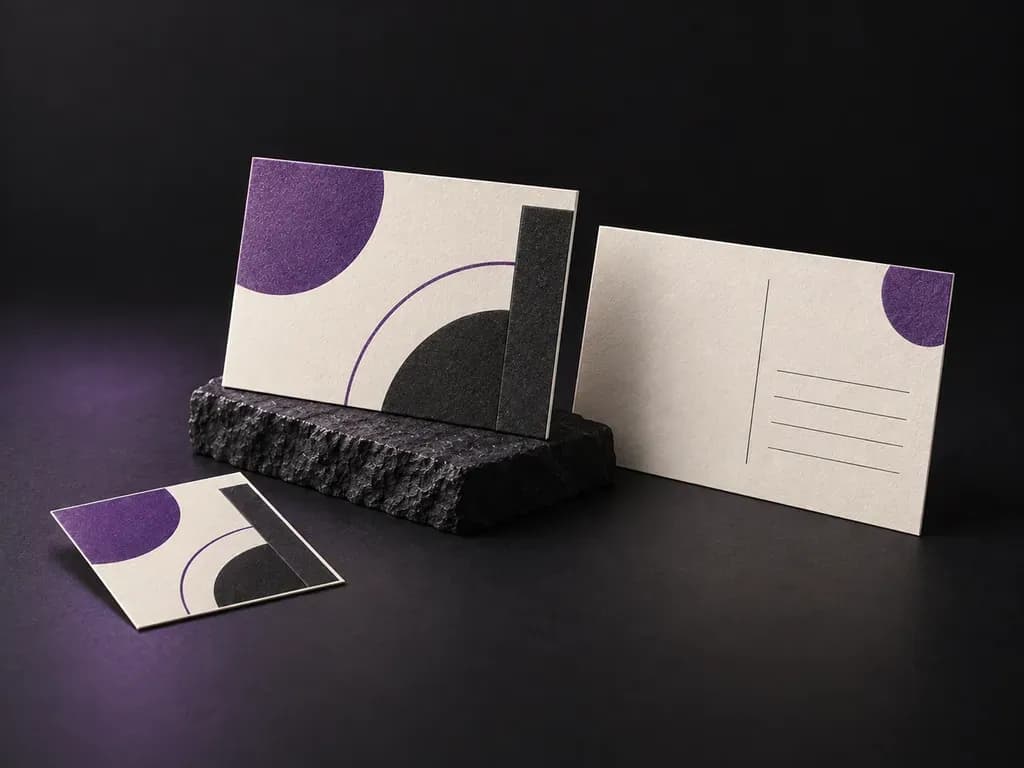
Show both sides of a postcard in a paper or hand-held setting.
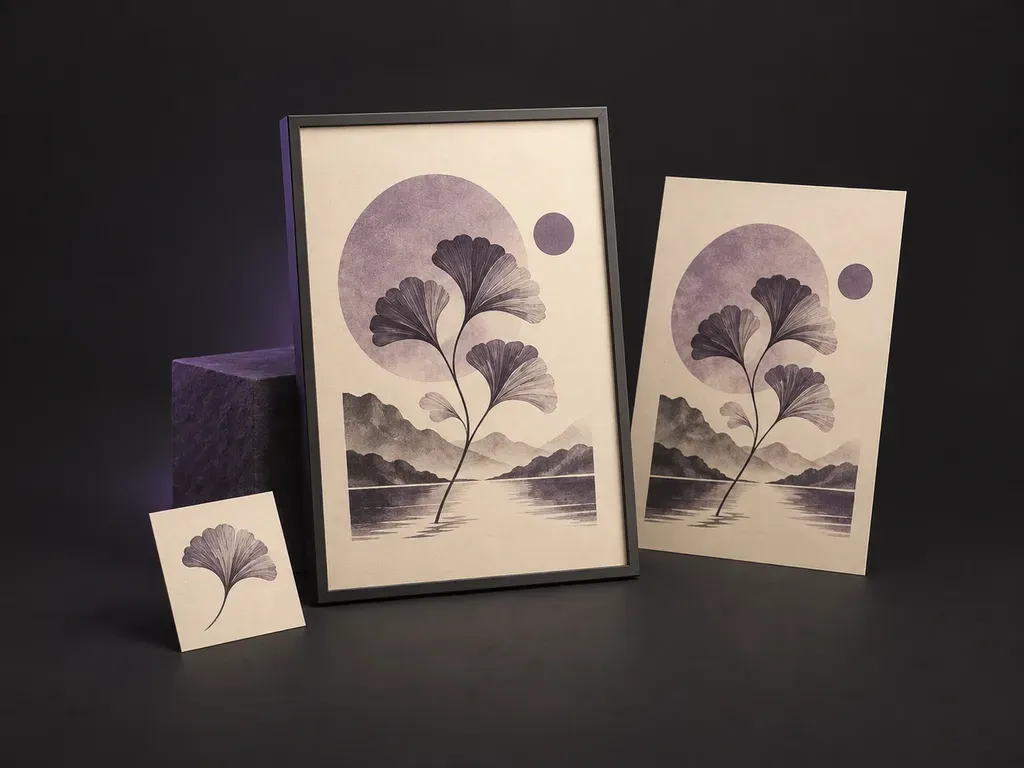
Show a finished poster on a wall or inside a frame.
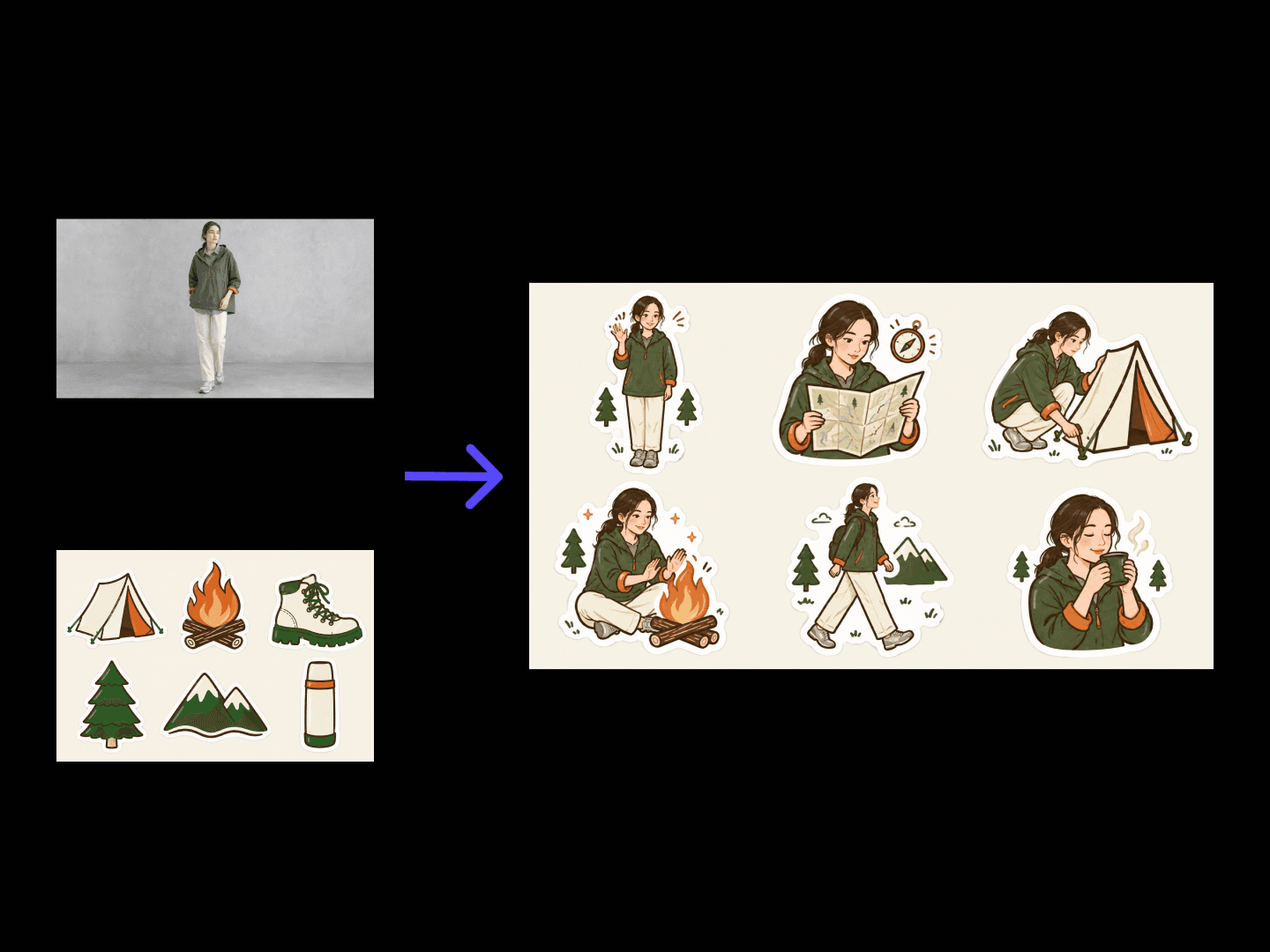
Turns a theme into a single sticker or a matching set with die-cut outlines.
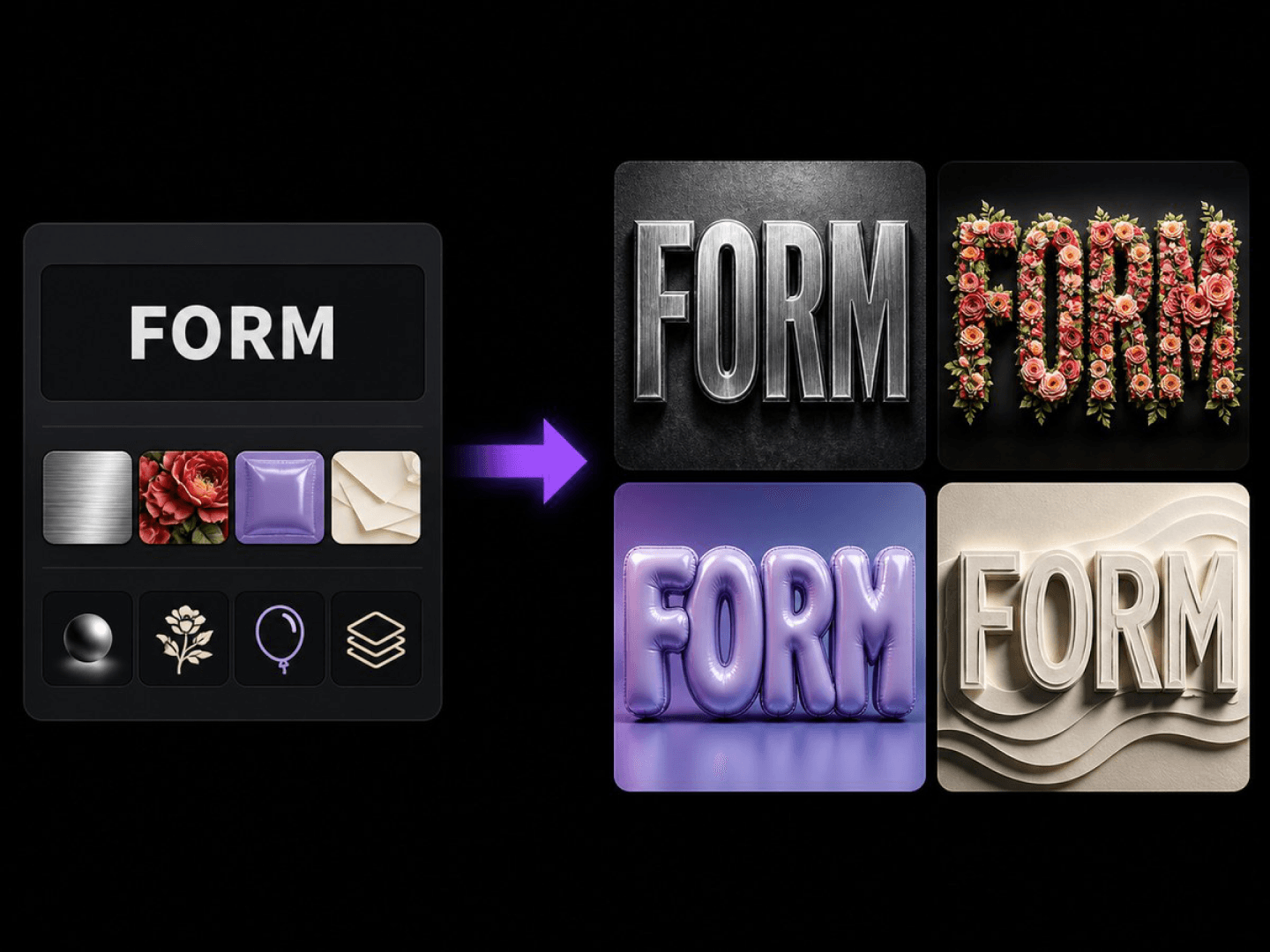
Applies a material and style to your words, keeping the wording fixed.
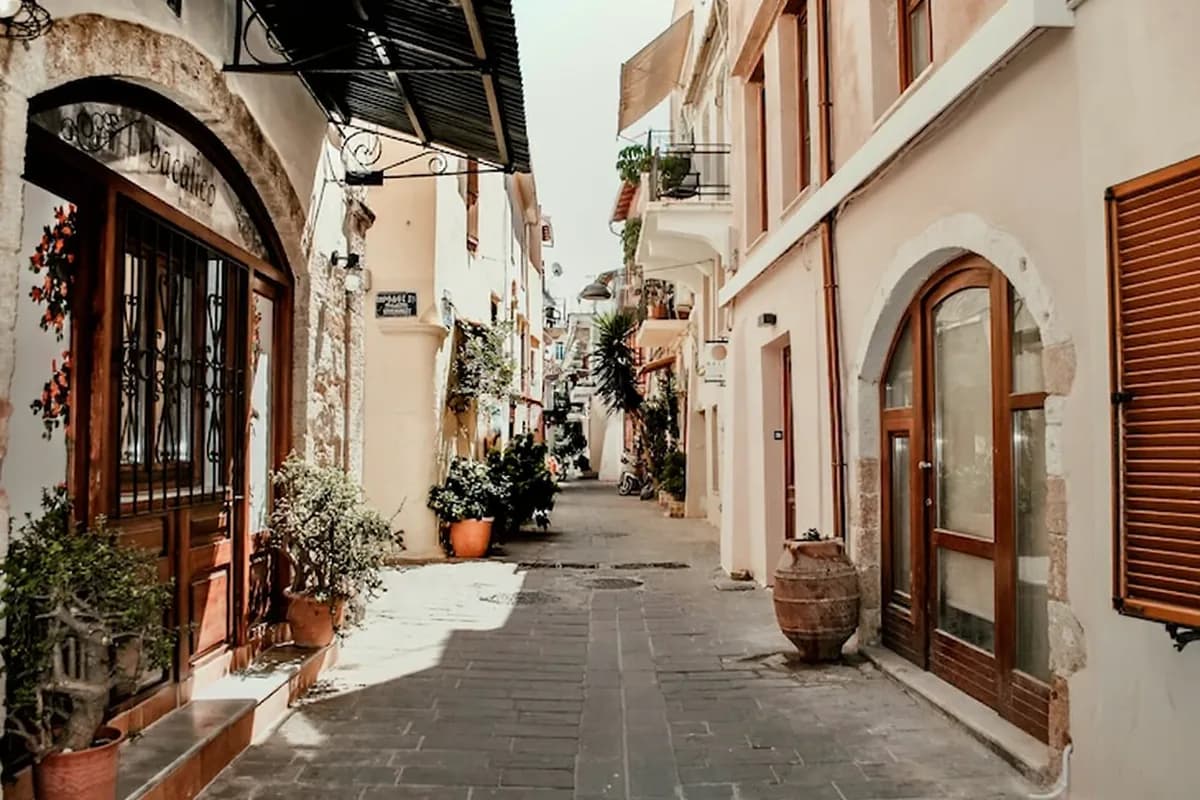
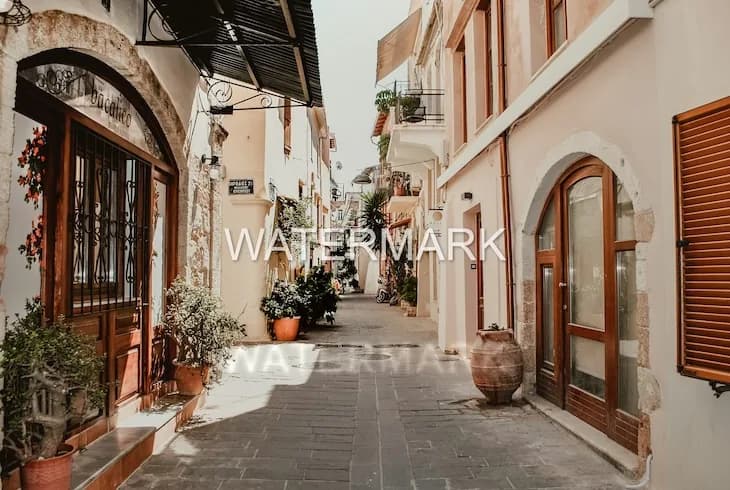
Inventories overlaid text and foreground patches on an image, cleans them item by item, and repairs the occluded background into a clean plate while keeping everything else unchanged.
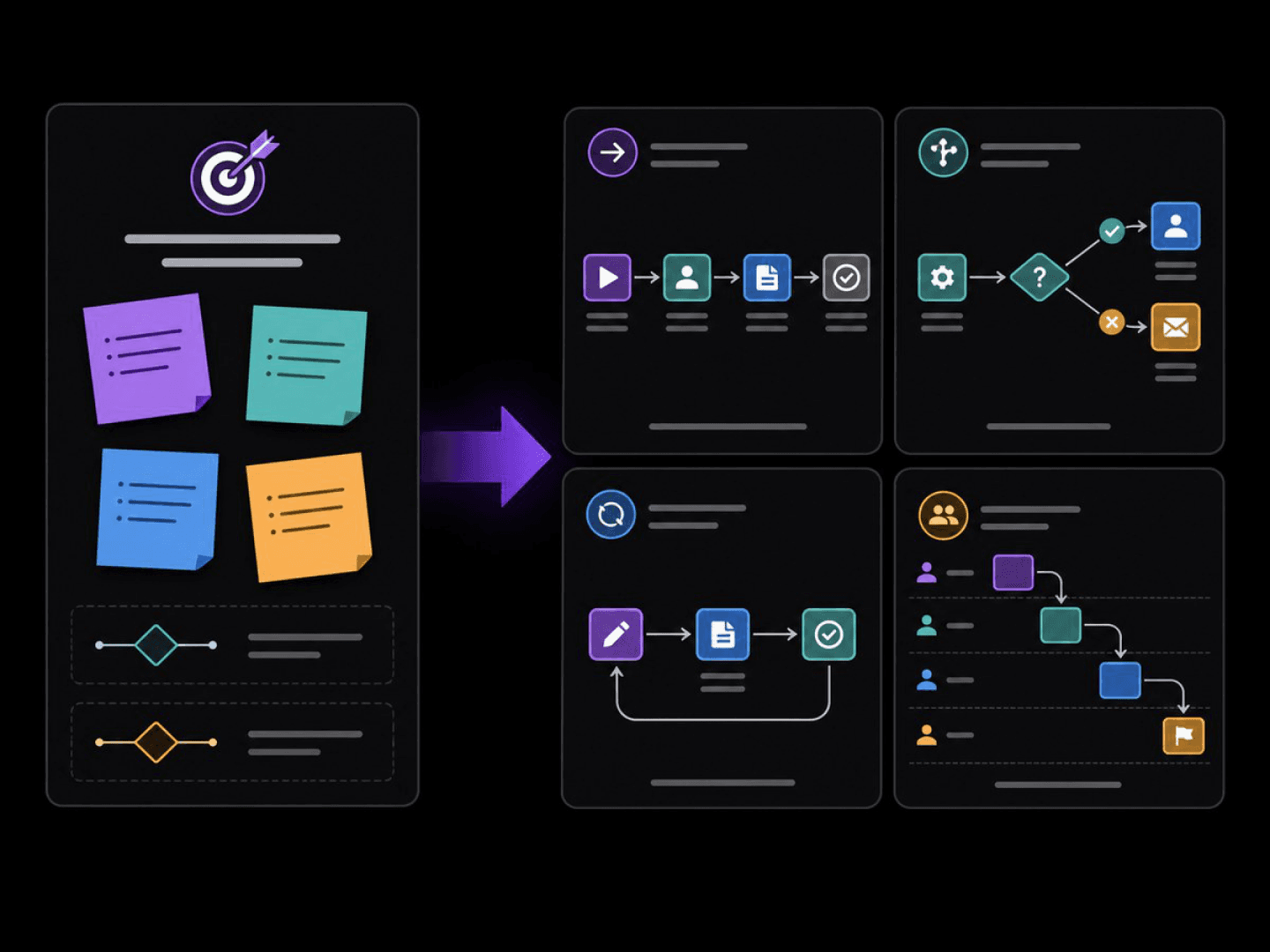
Turns a process description into a node-and-branch diagram visual.
E-commerce design6 tools
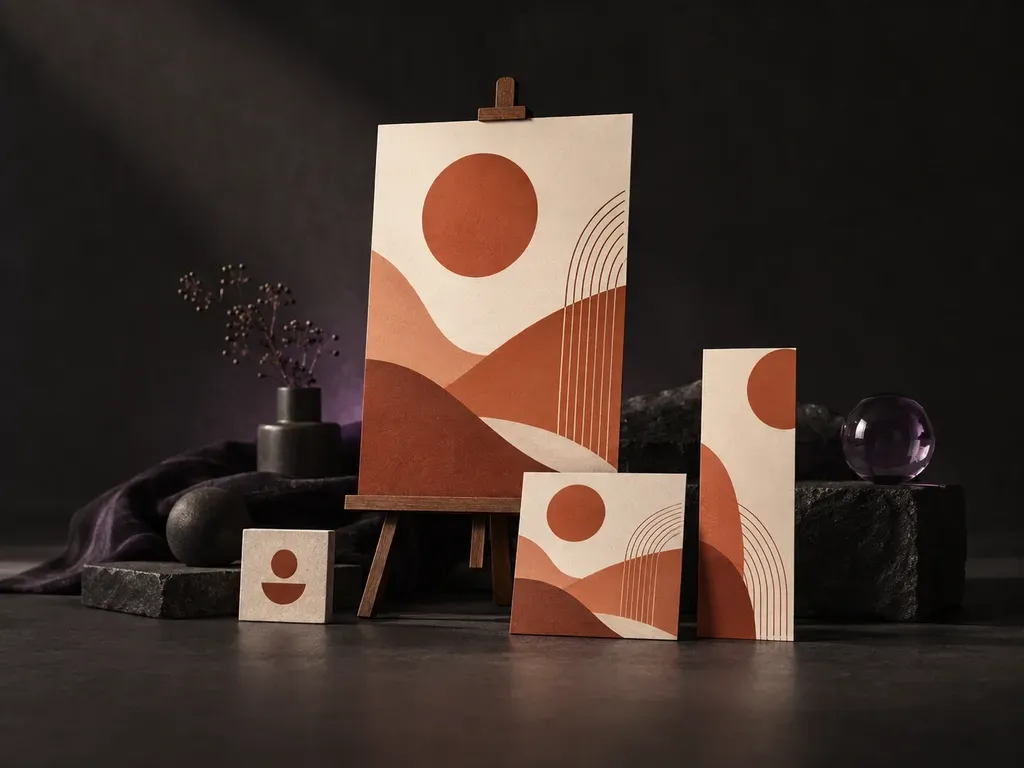
Turns your brand assets into a finished marketing design.

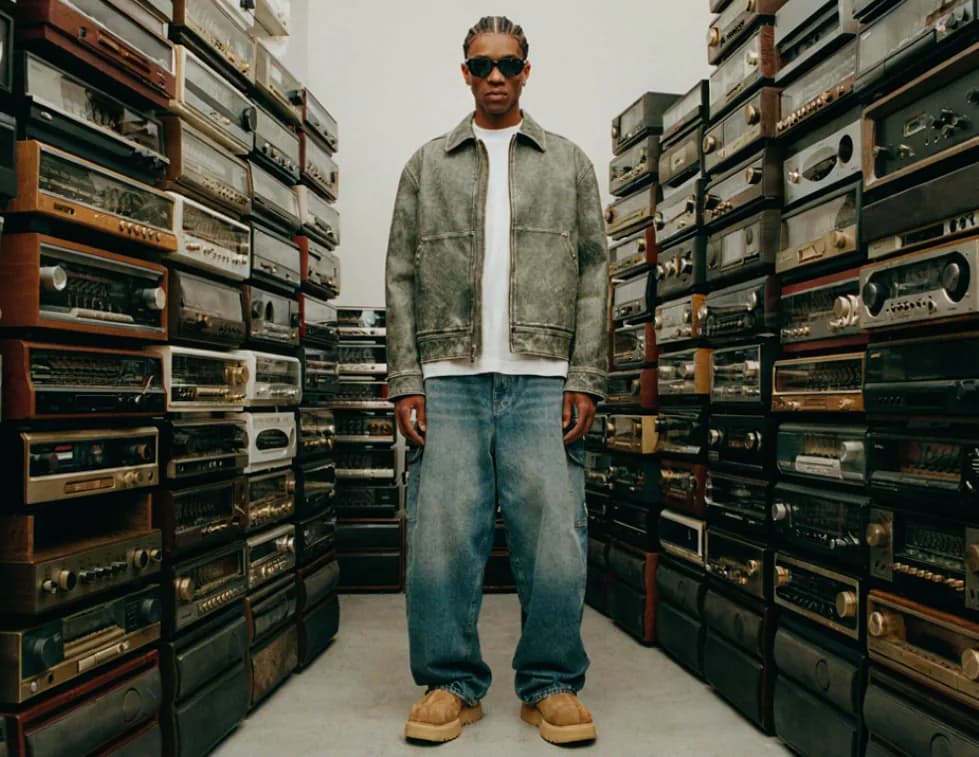
Deblur, denoise and upscale a low-quality image to 1K, 2K or 4K.
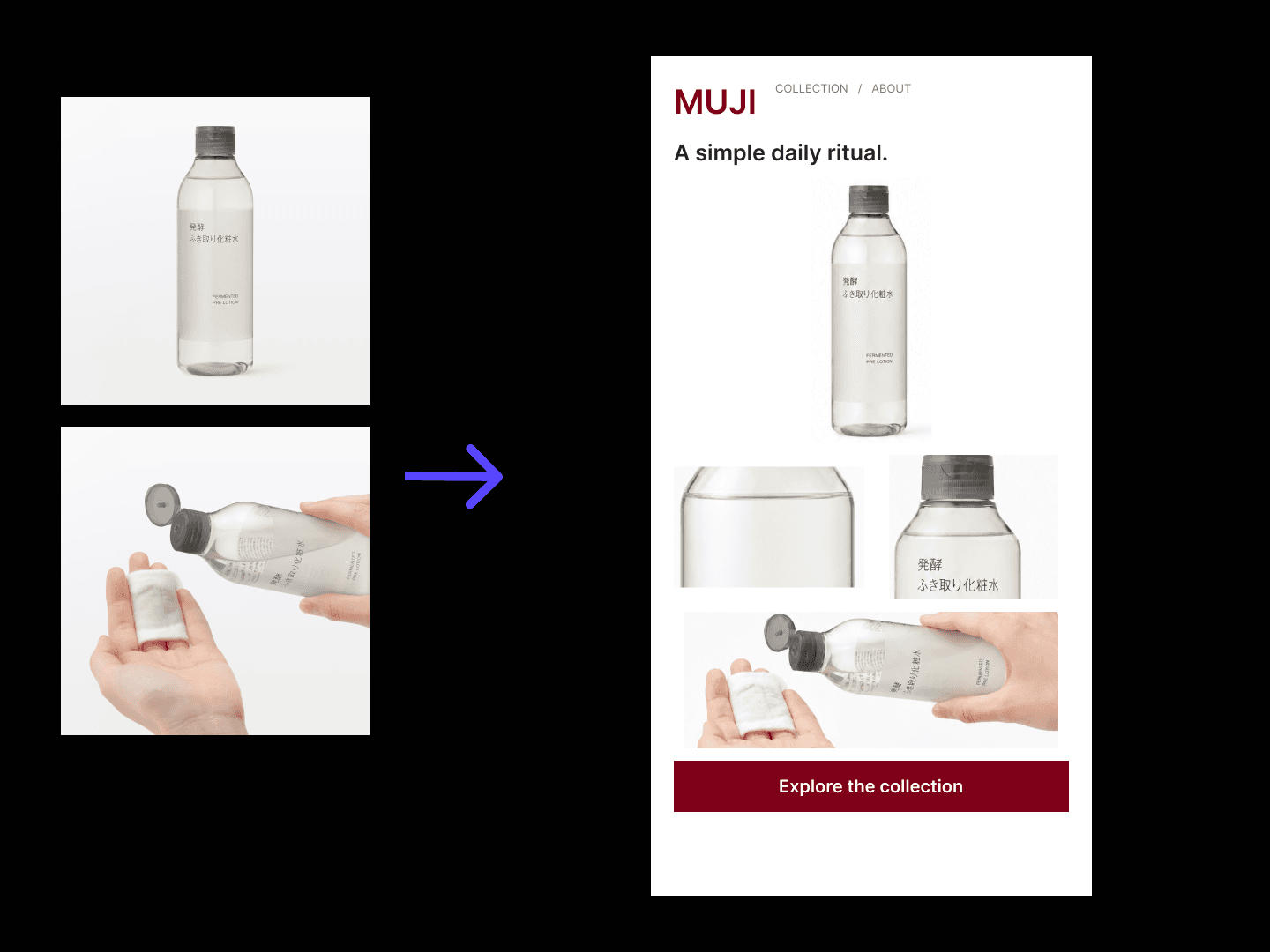
Turns product shots and selling points into landing page visuals you compare before you build.
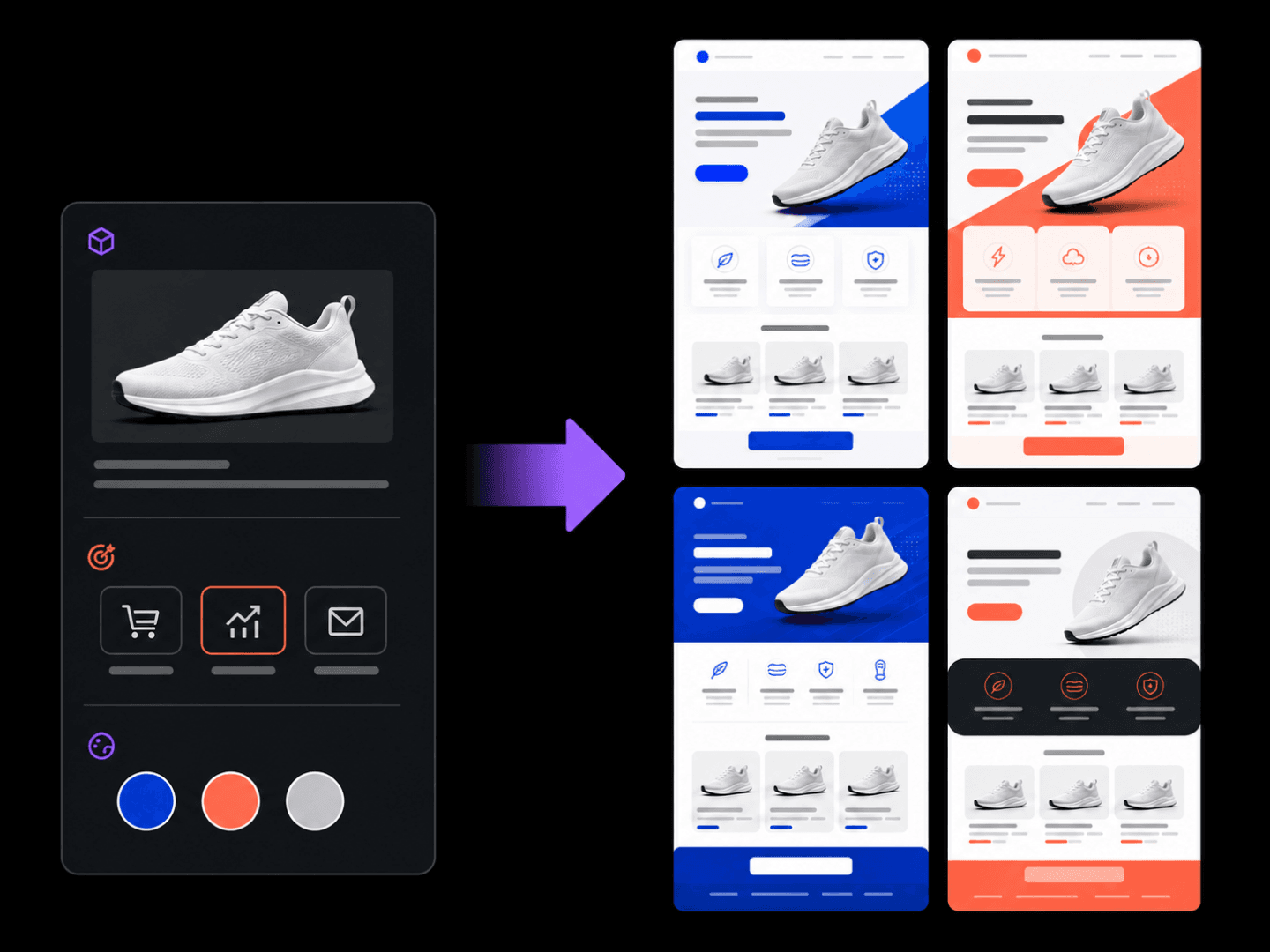
Turns a campaign brief into full EDM layout visuals you compare before sending.
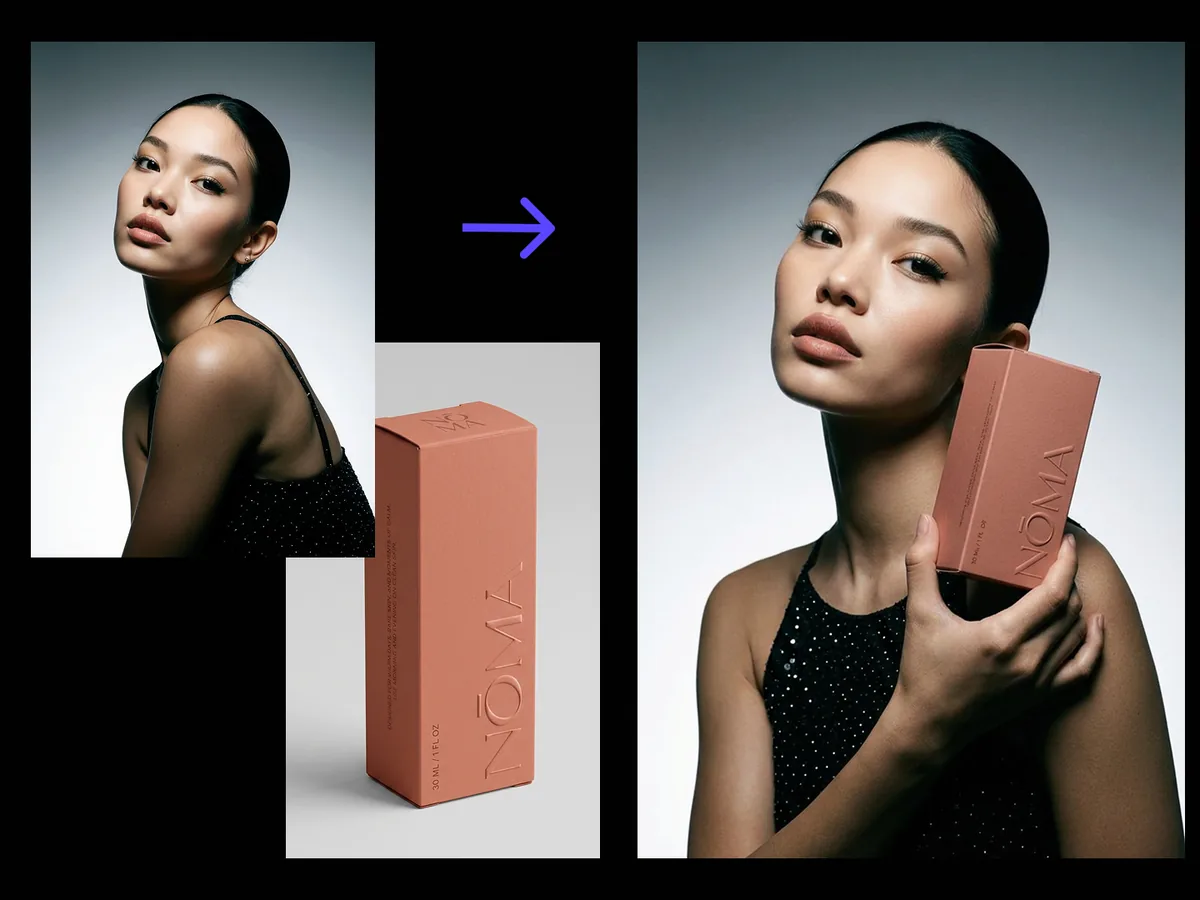
Puts your product naturally in a model's hands, grip, scale and light resolved.
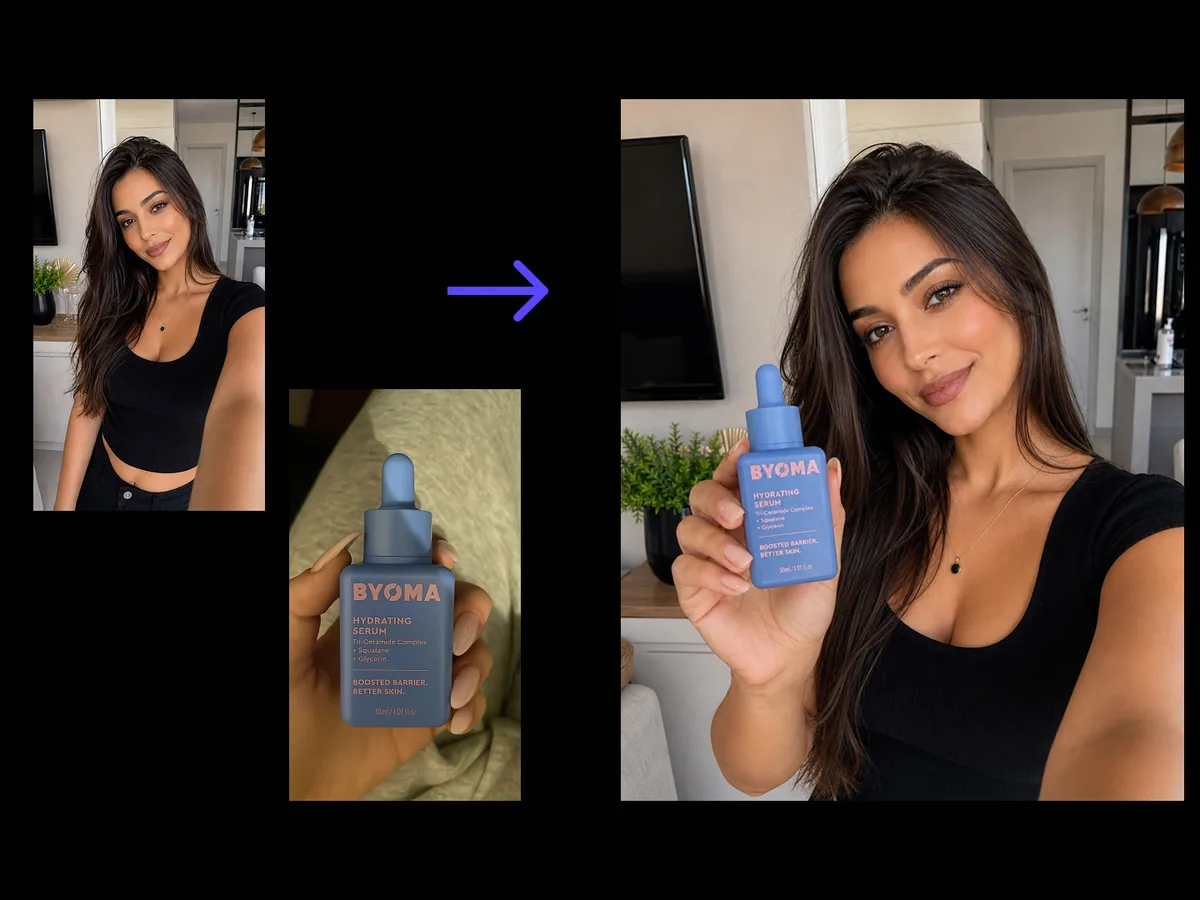
A candid, phone-shot photo of someone holding your product, per platform.
Packaging design21 tools
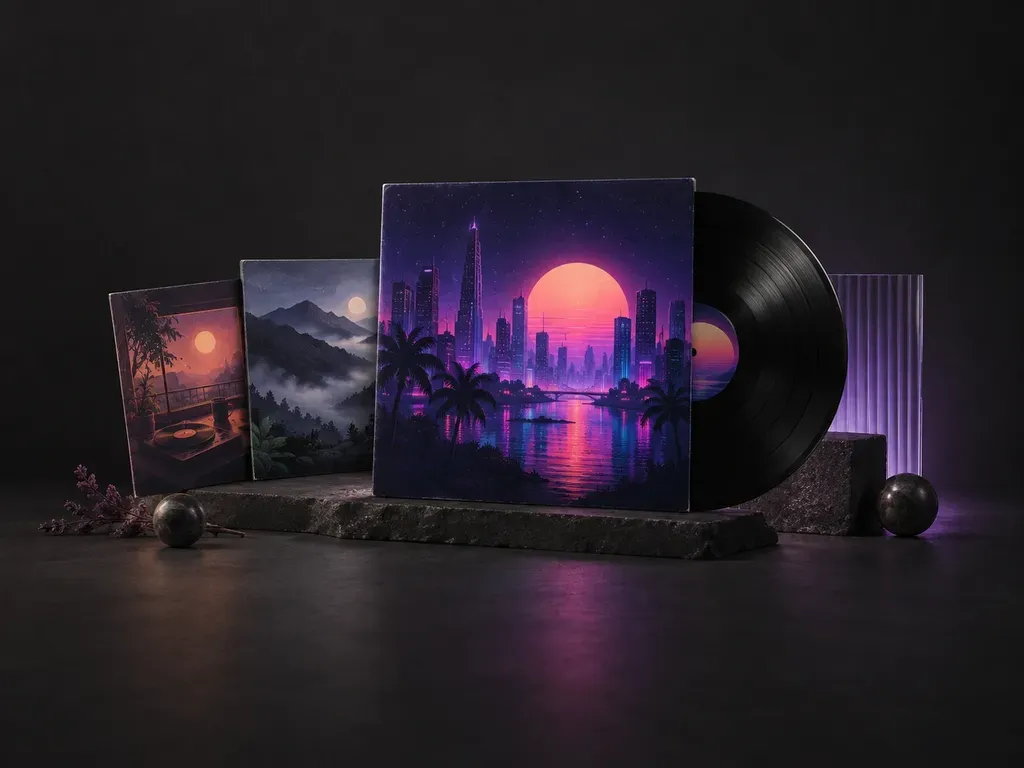
Draws cover art from a release title, genre and mood.
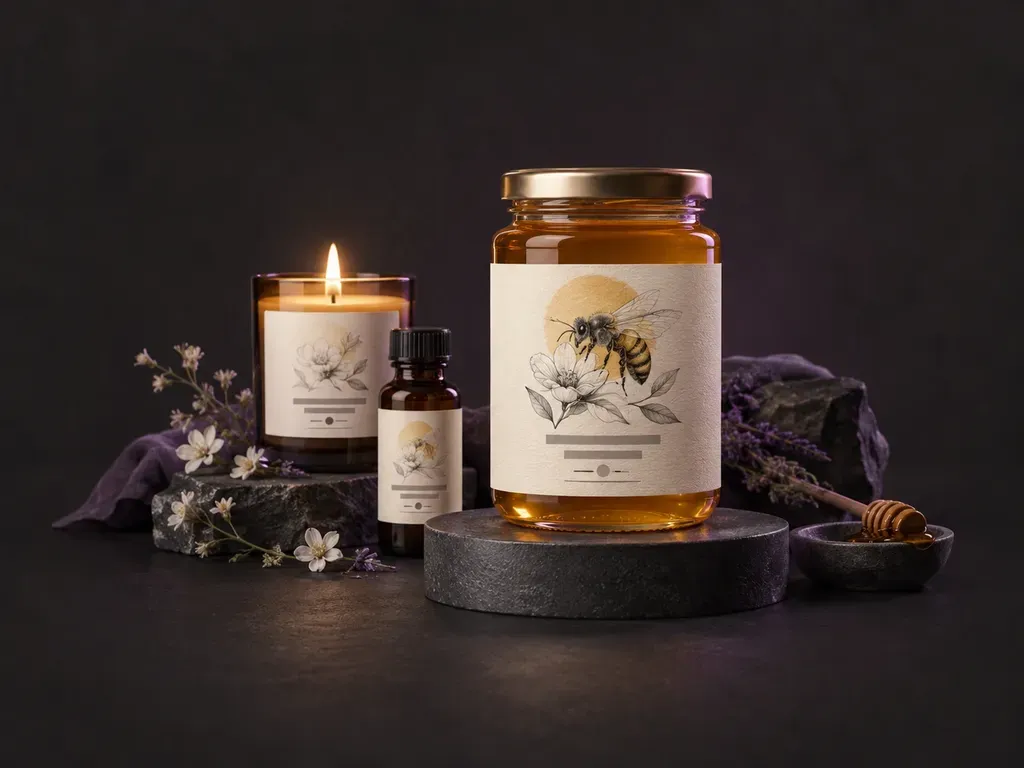
Draws product label designs from your brand details and a style.
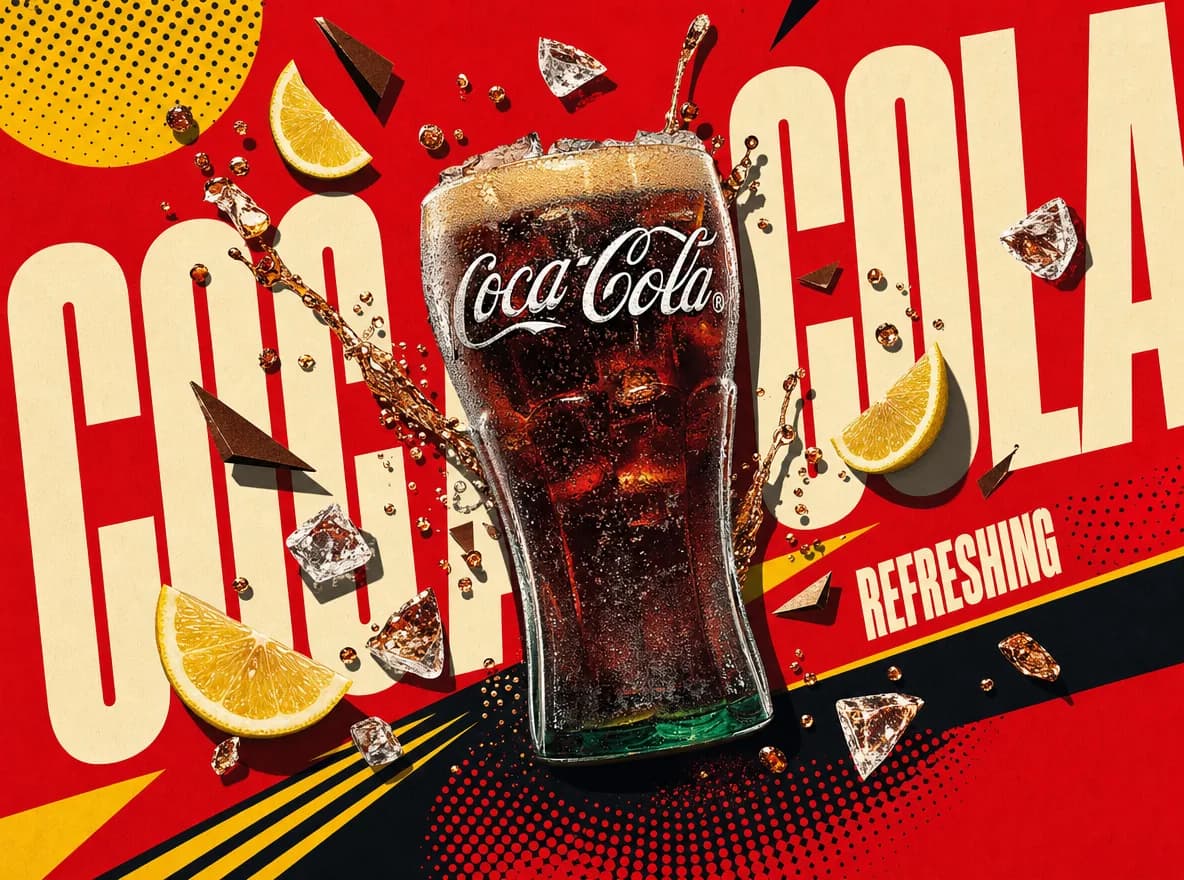

Reads a product and designs a themed poster around it, background and layout included.
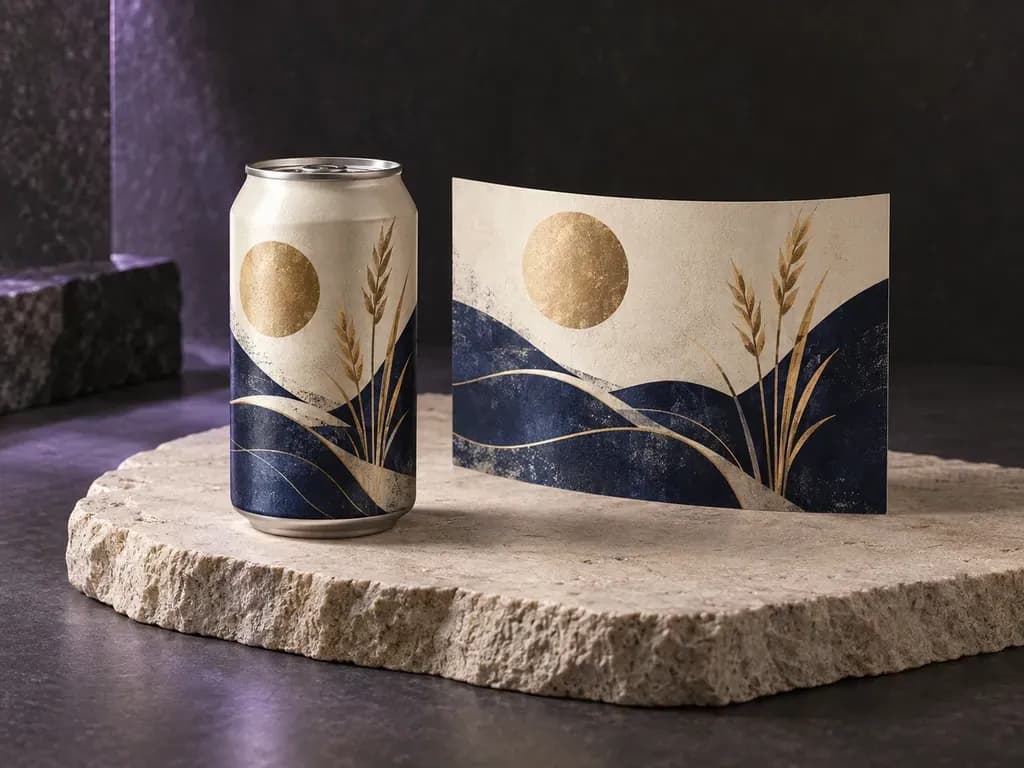
See how your beer artwork reads around the can.
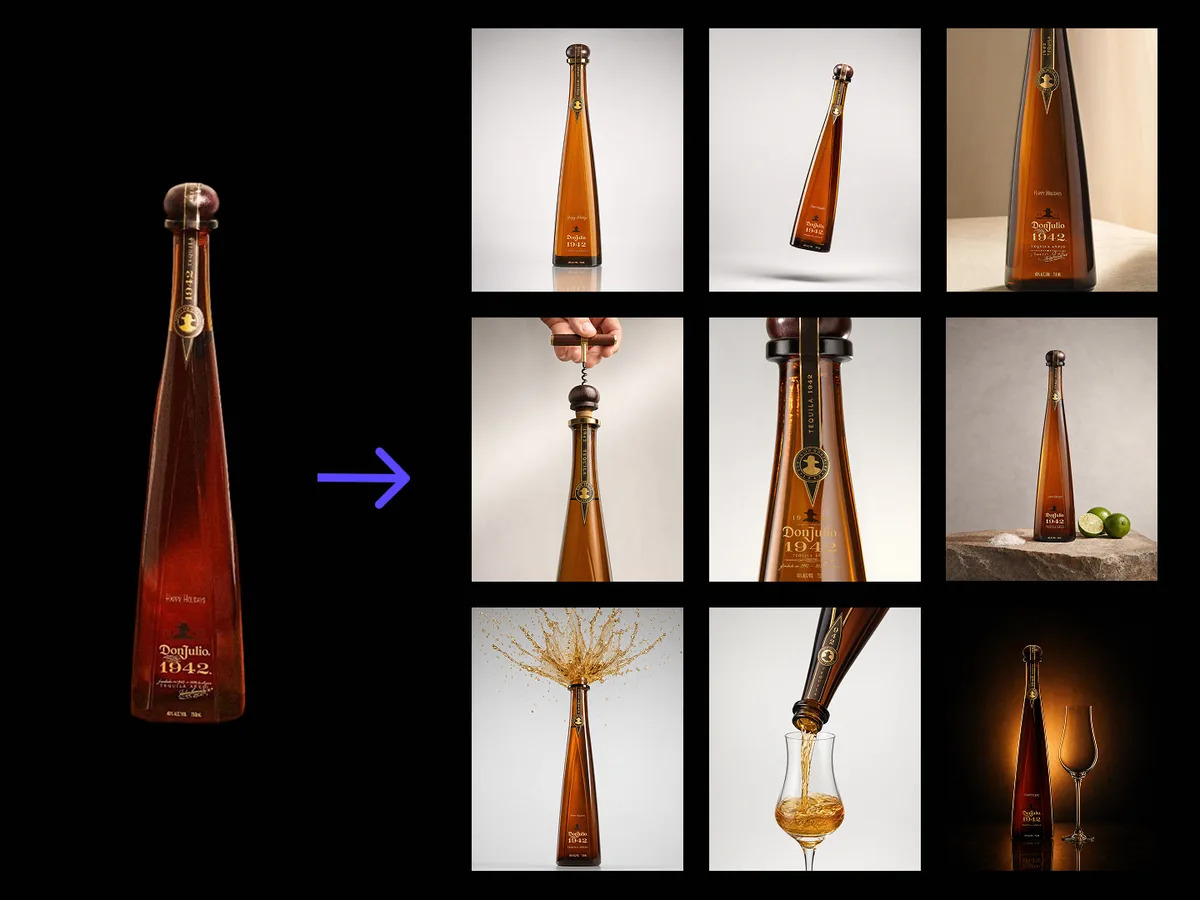
One bottle photo into nine advertising scenes, label and shape kept intact.
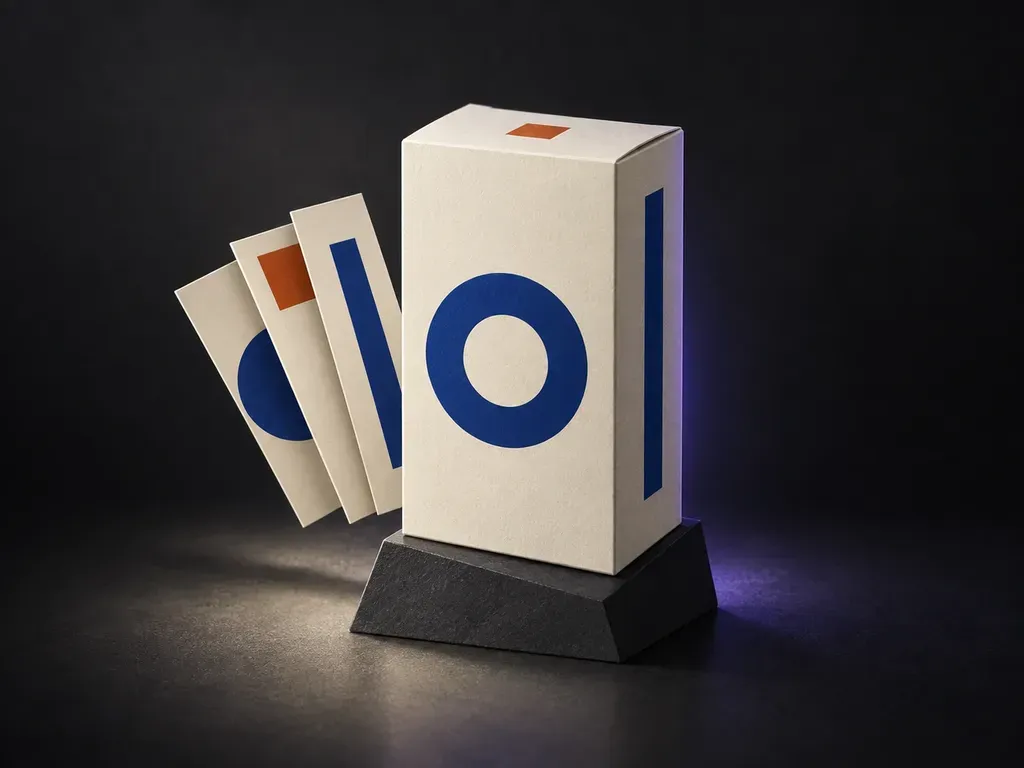
Preview your panel artwork across the visible faces of a box.
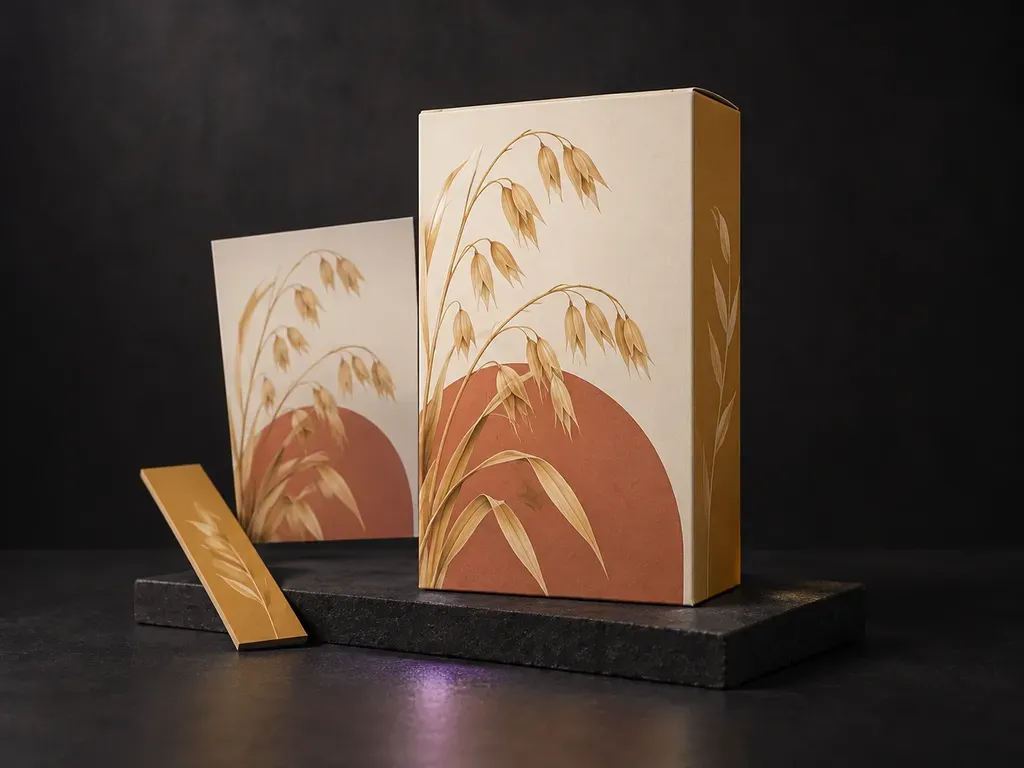
See your cereal packaging on a box in a breakfast or retail scene.
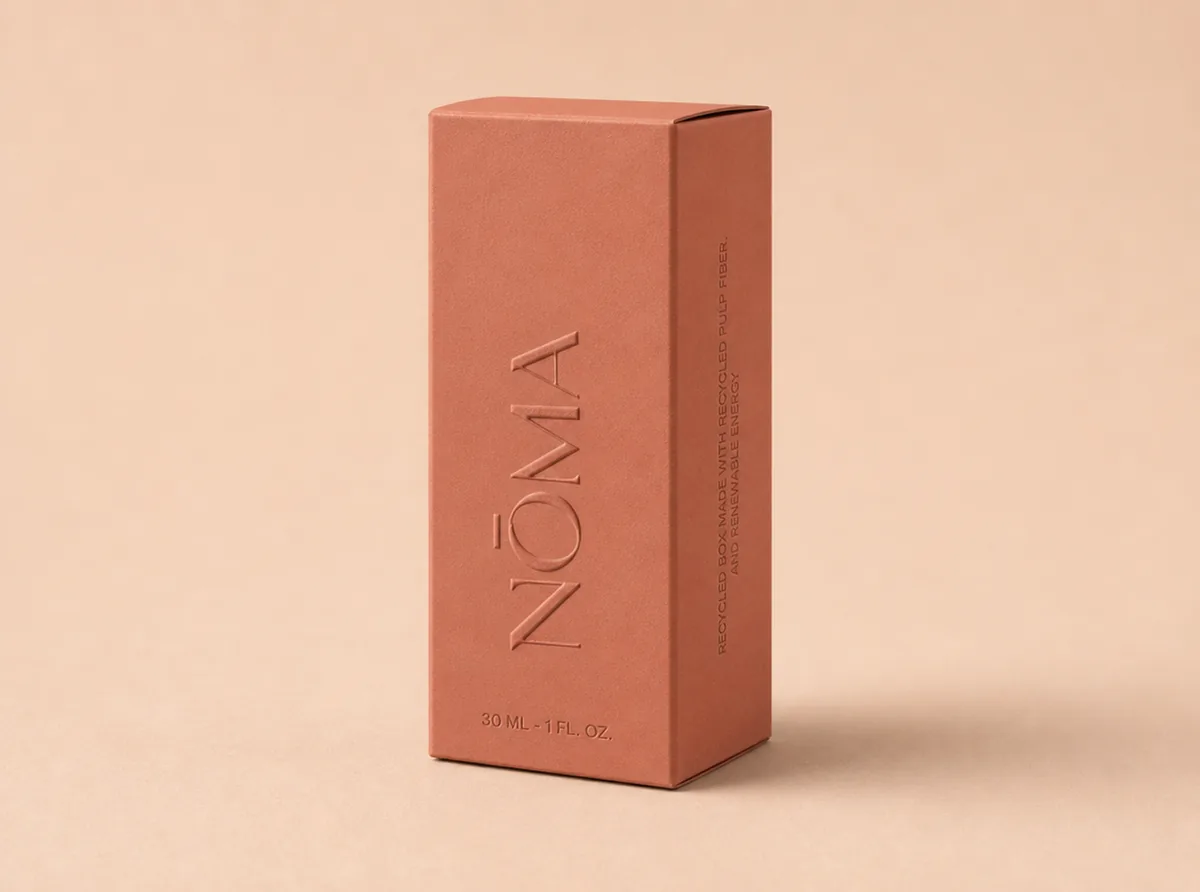
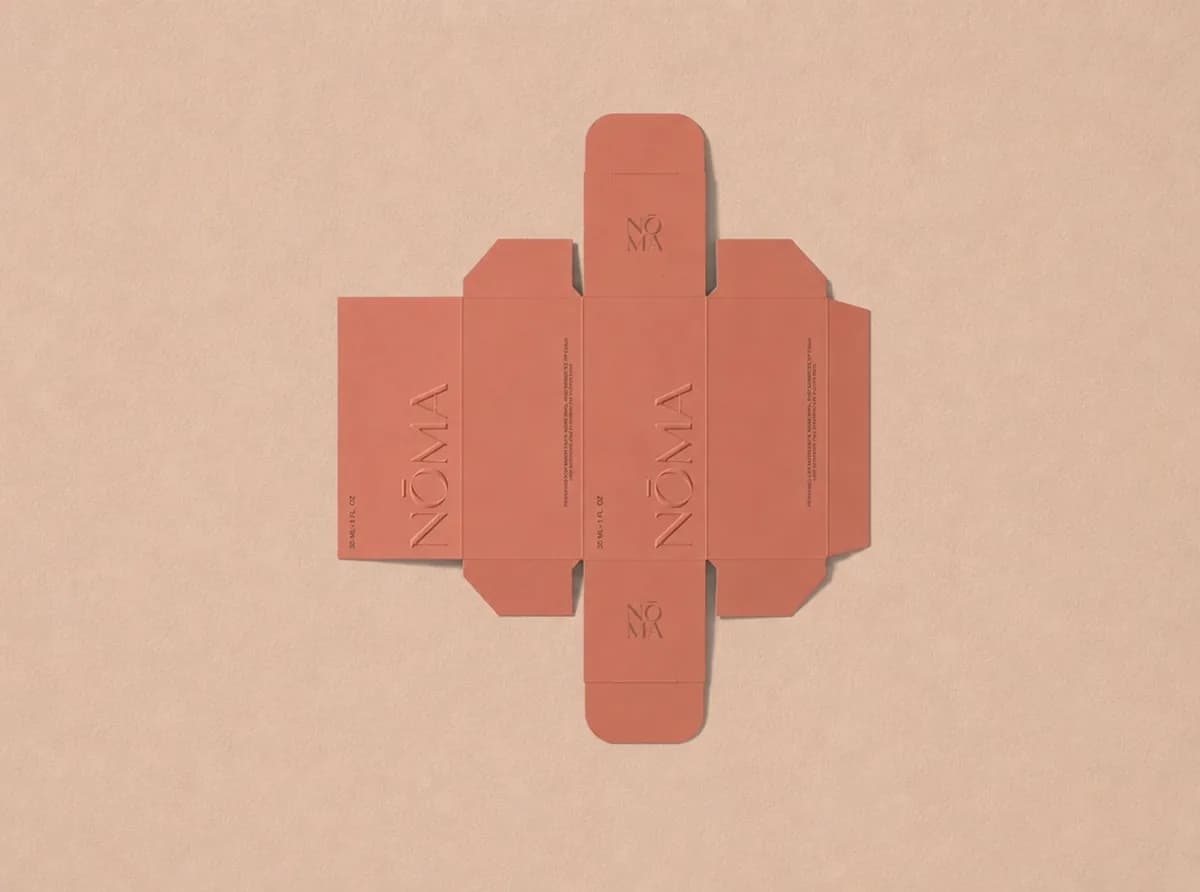
Fold a flat dieline into a 3D package with every panel mapped correctly.
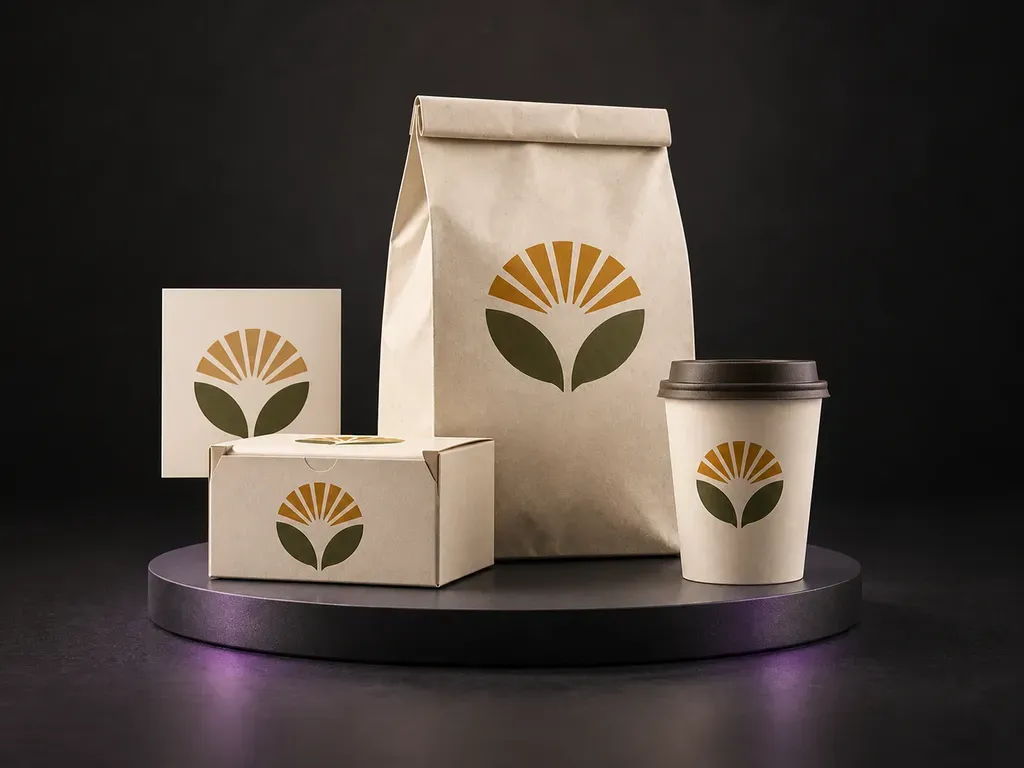
Show one food brand across its boxes, bags and cups.
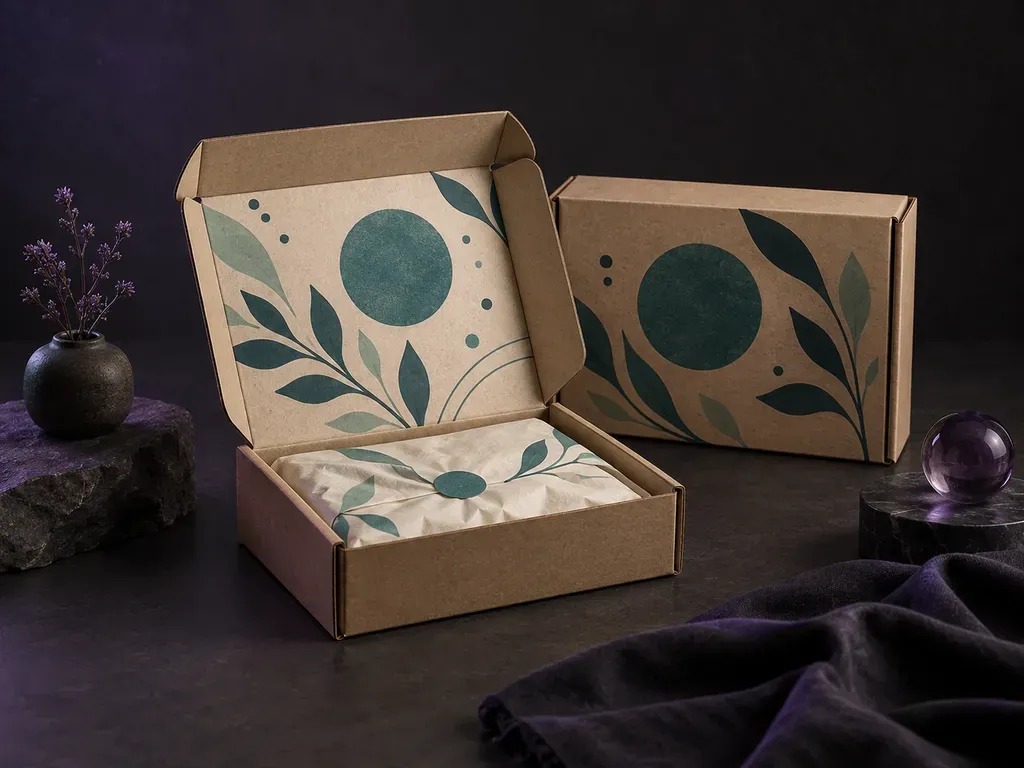
Preview the outside lid and the branding revealed inside.
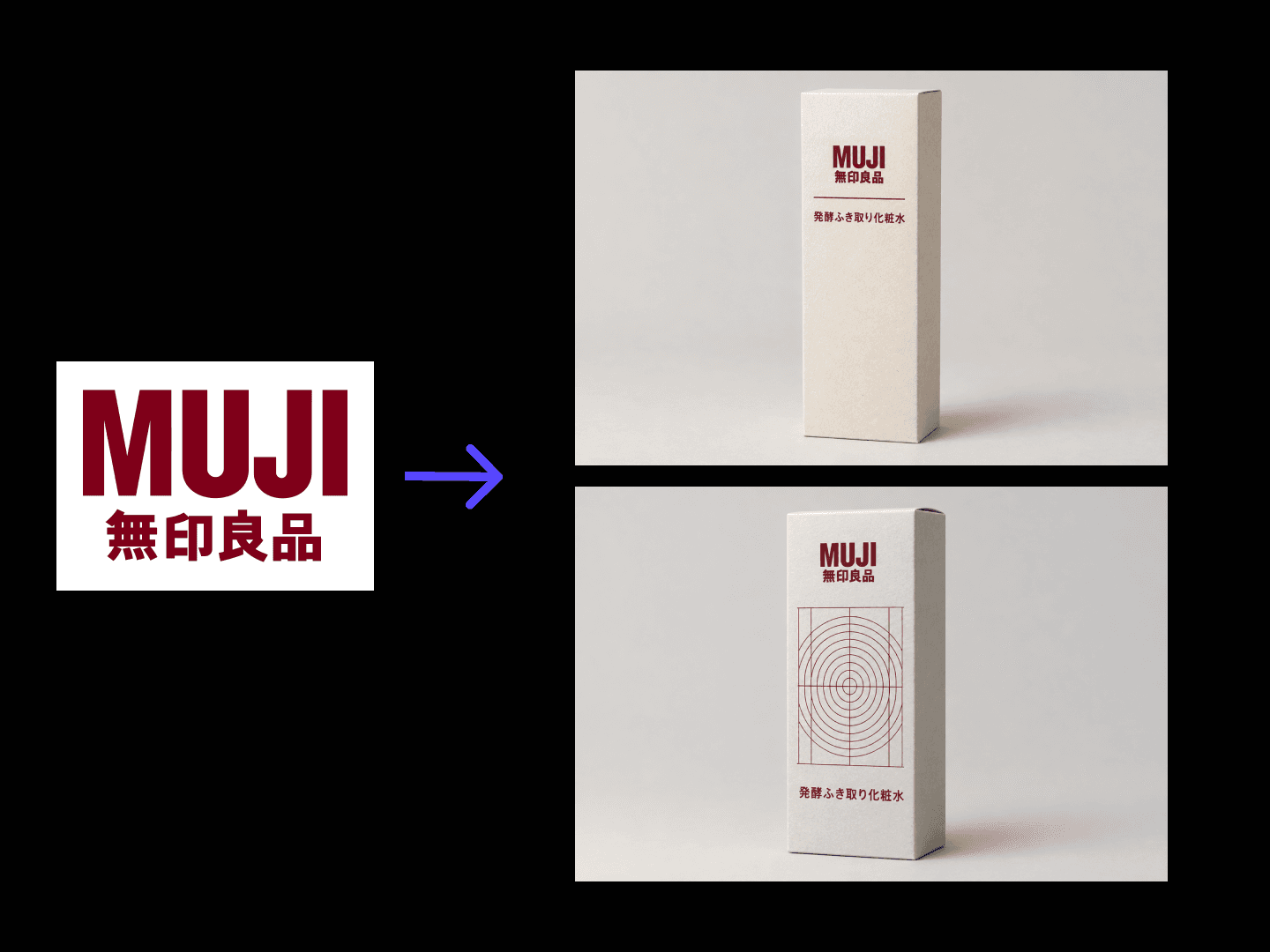
Turns product info and brand assets into packaging concepts with 3D previews.
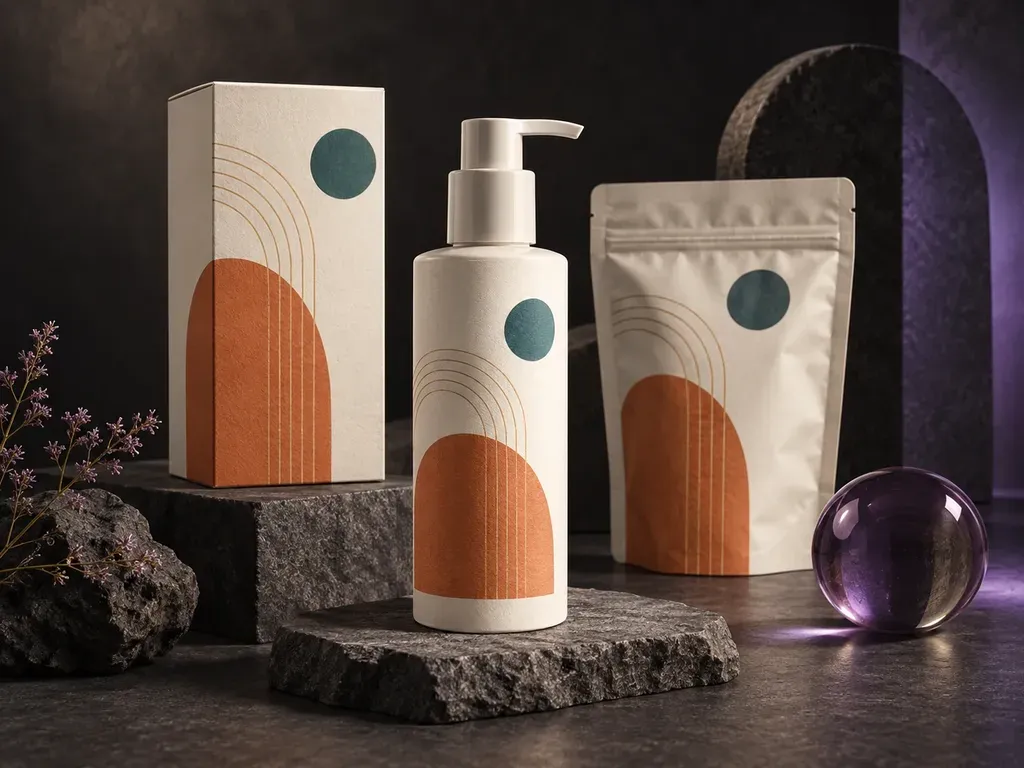
See your existing artwork on boxes, pouches, and bottles.
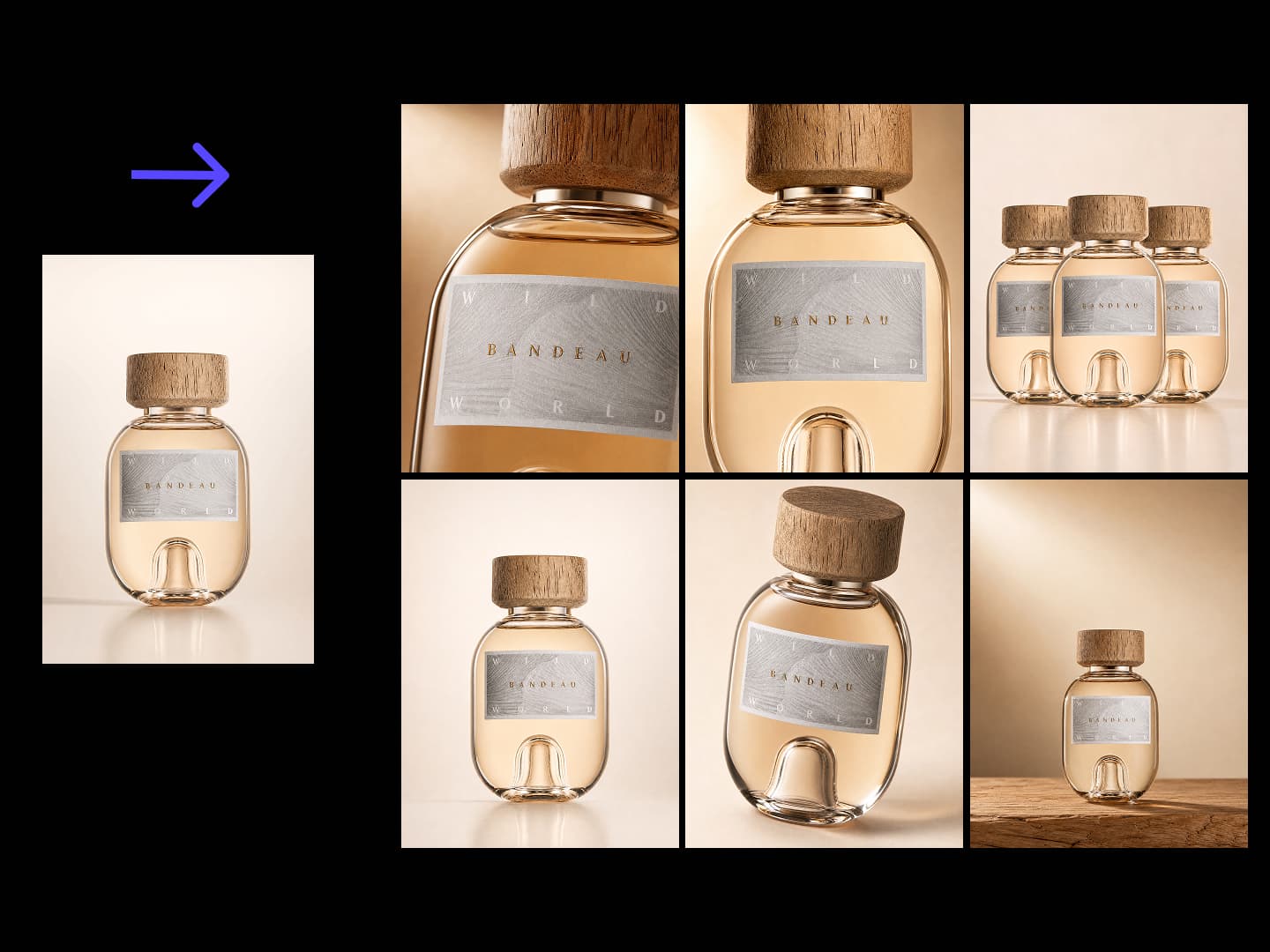
Extends one confirmed packaging render into a portfolio-grade shot series. Every shot carries a distinct information task while structure, pattern, A-tier text and finishes stay locked to the master. Defaults to a lean 6-shot set.
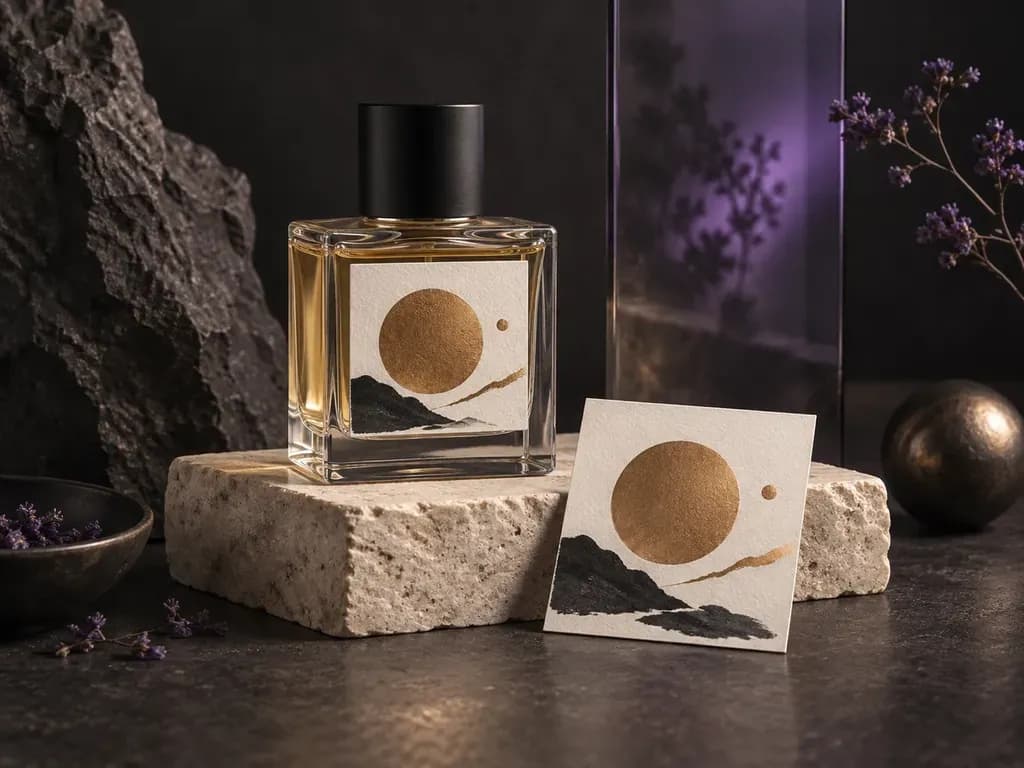
Preview your fragrance label, glass finish, and bottle setting.
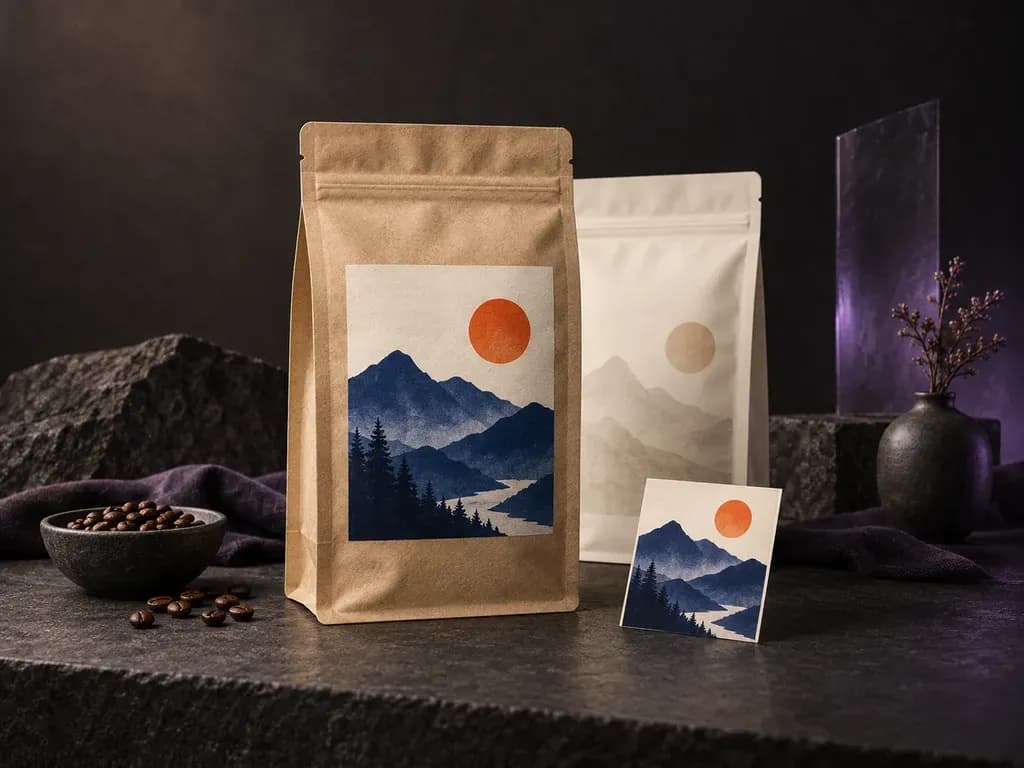
Preview your label on a coffee bag or flexible pouch.
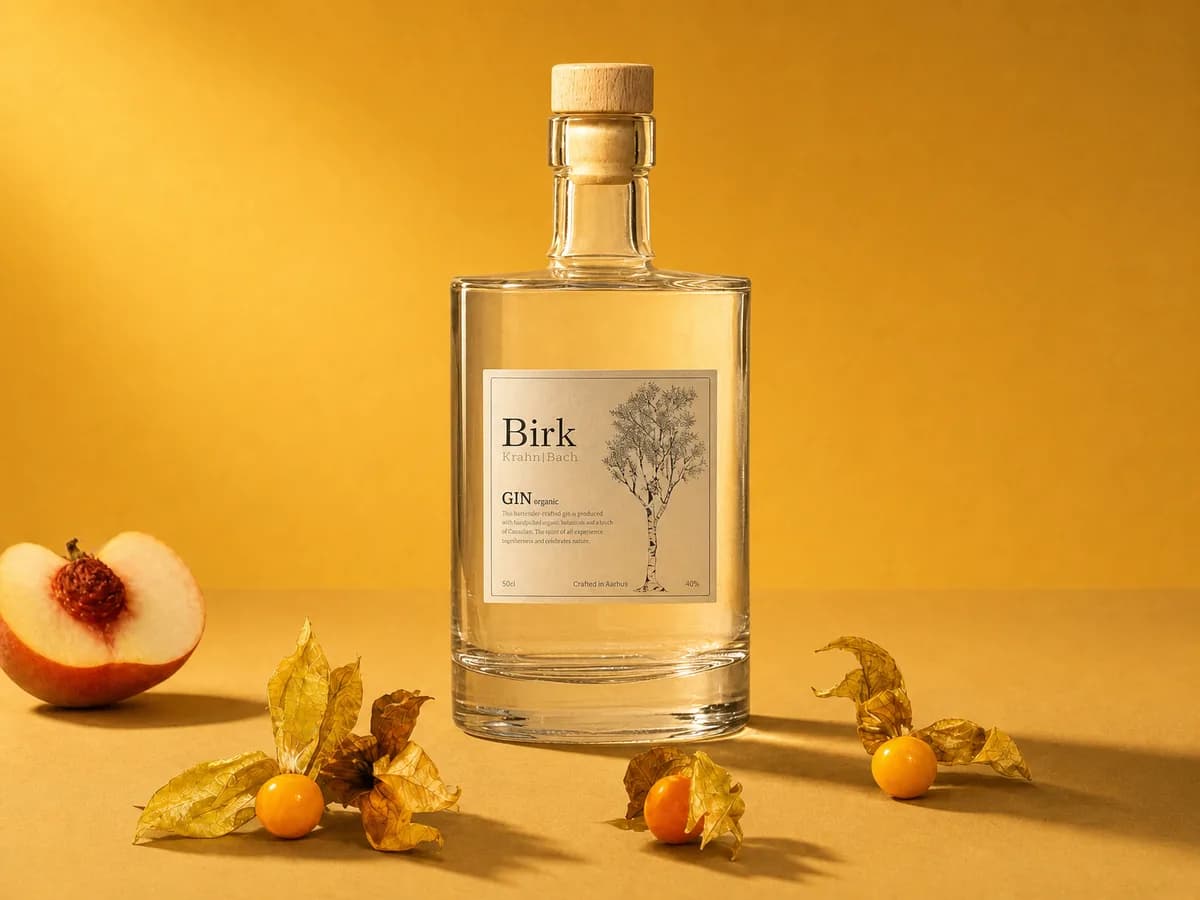
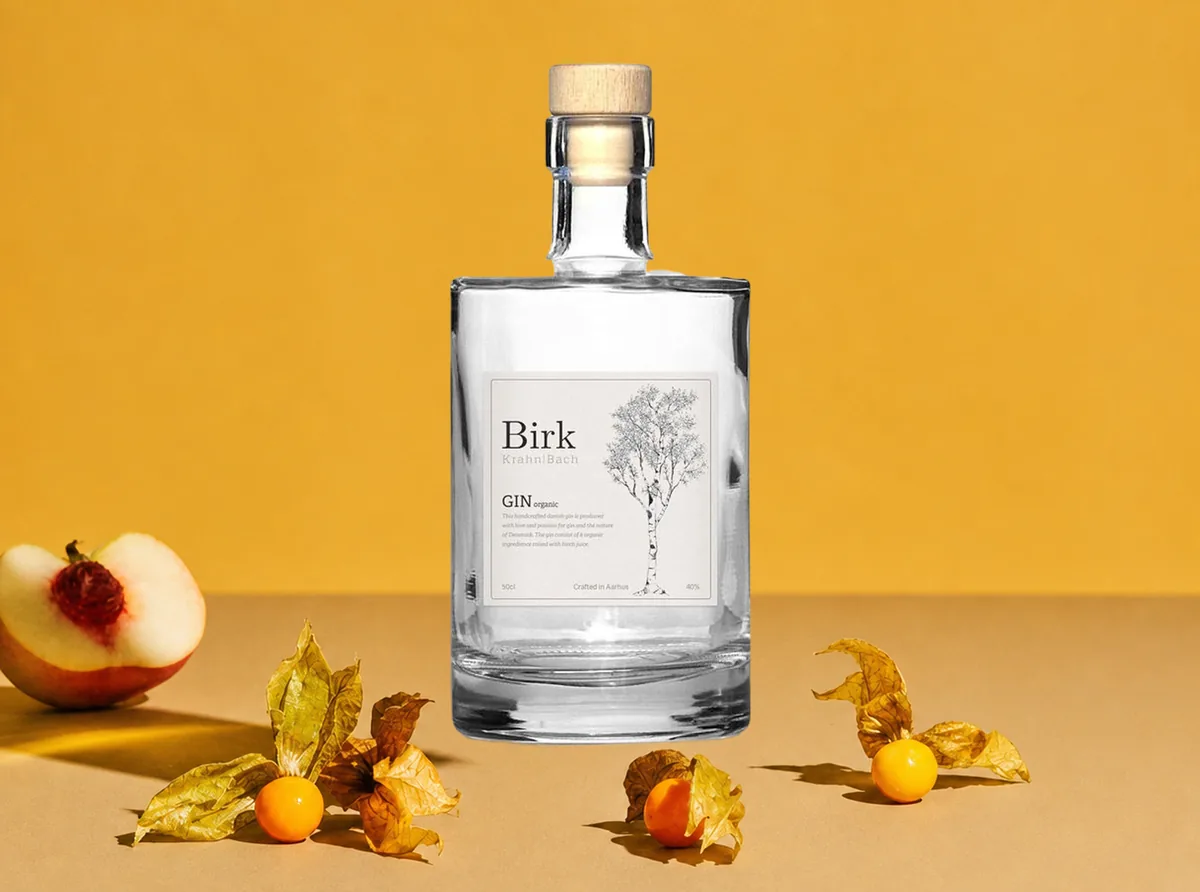
Unify conflicting light direction, color temperature and shadows in a composite.
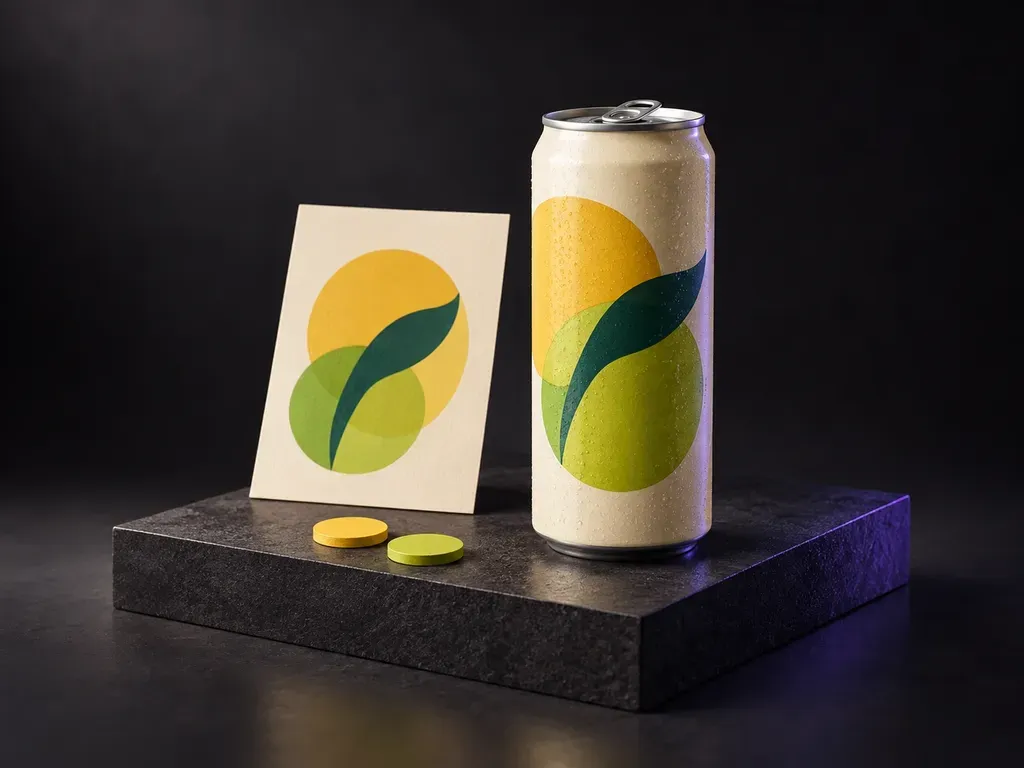
Preview your soda artwork and flavor colors on a can.
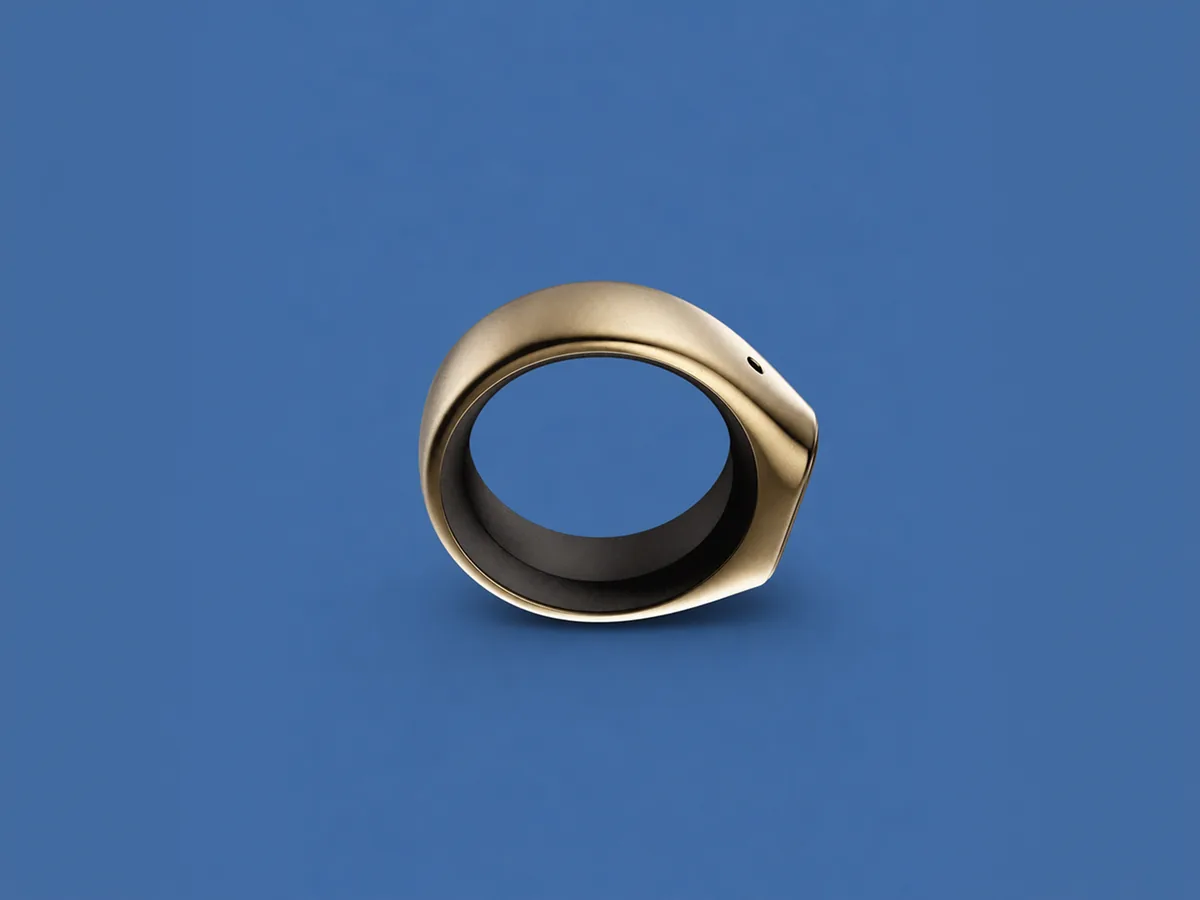

Replaces a product photo's background with a specified uniform solid color — by color name, hex, or a color reference image — keeping the product untouched with natural contact shadows and clean edges. Not for compliant pure-white listing shots or scene/lifestyle background replacement.
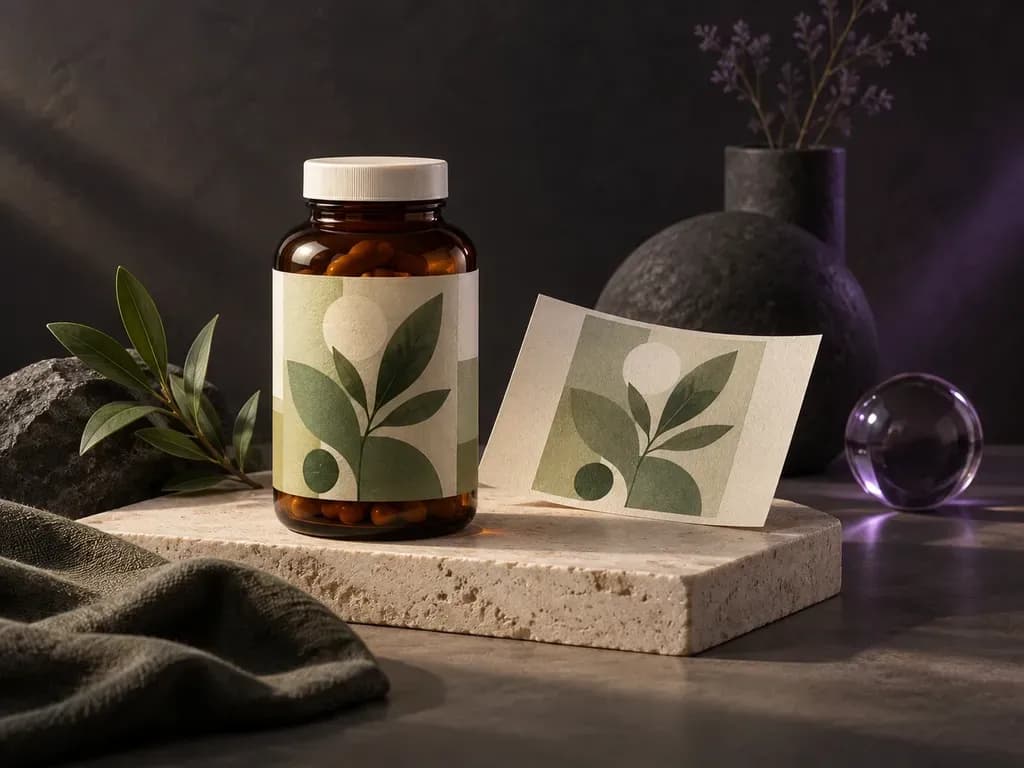
Put your finished supplement label on a bottle preview.
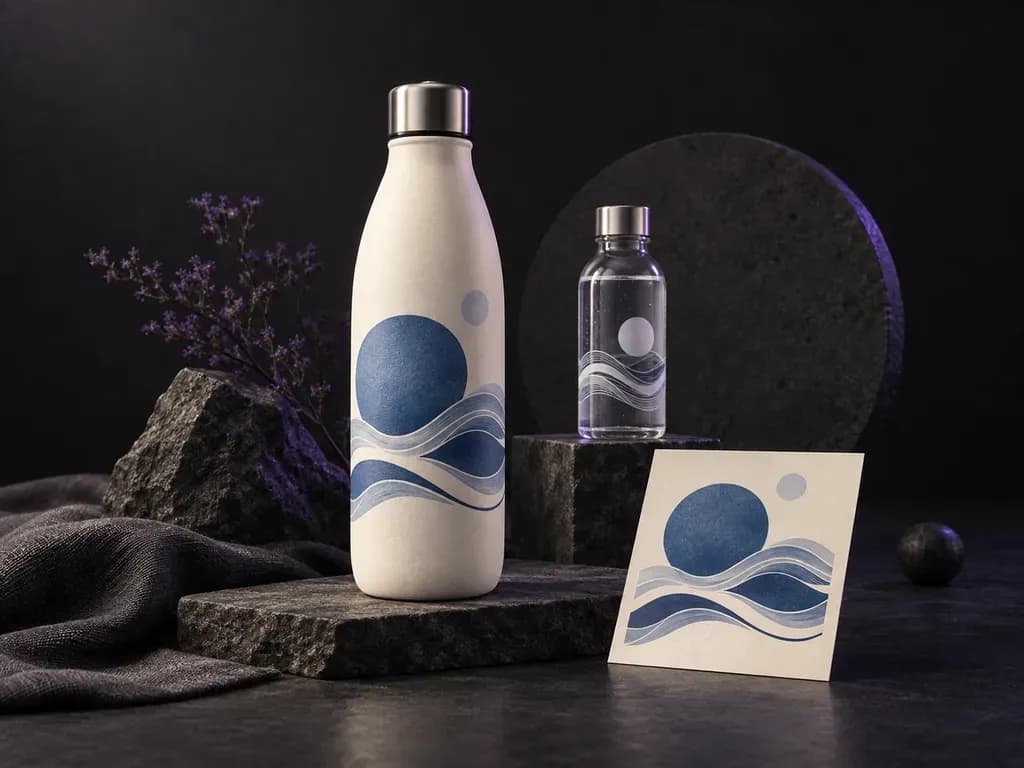
See your brand on a reusable bottle or bottled water label.
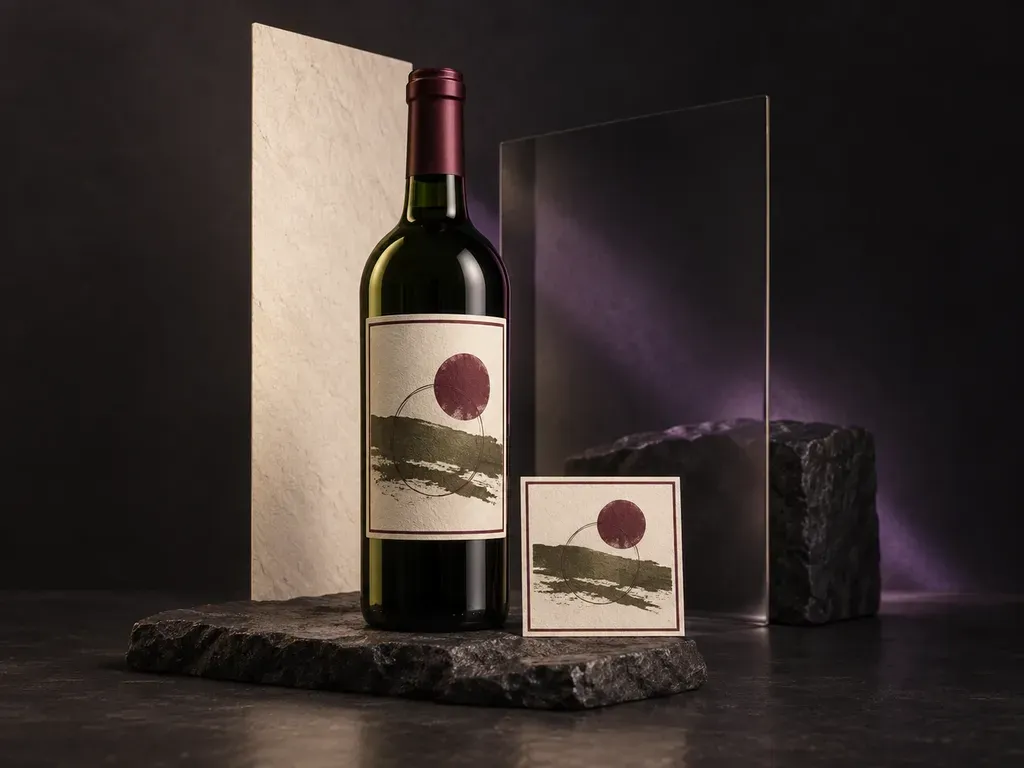
See your wine label with the bottle, capsule, and setting.
Brand design19 tools
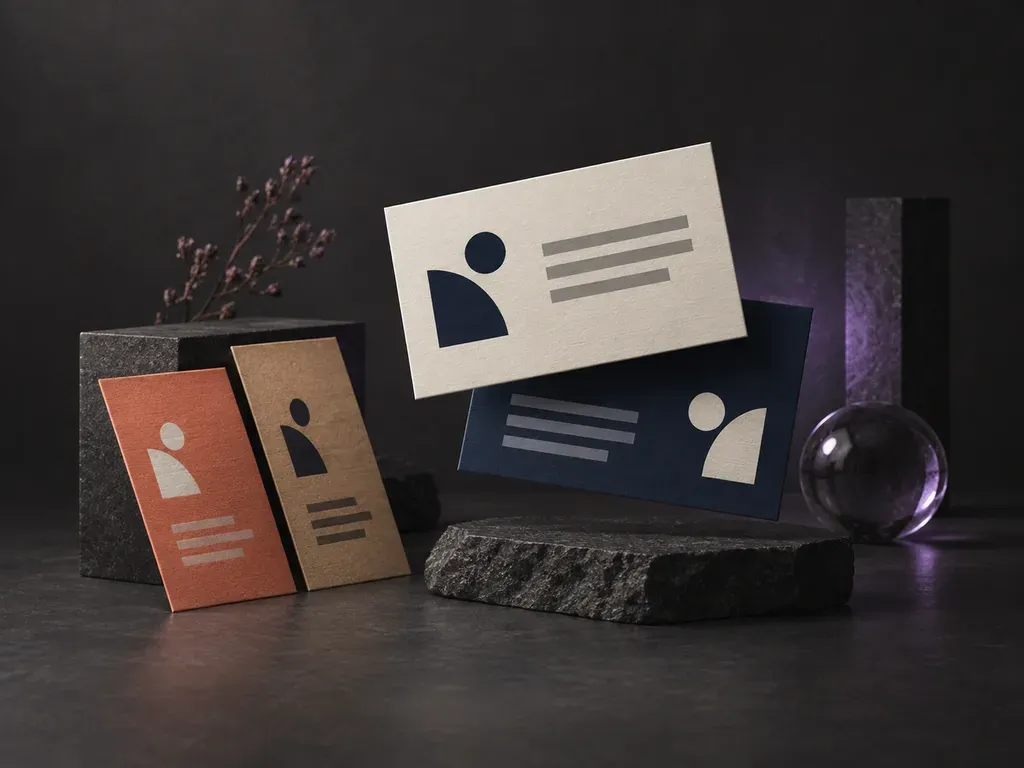
Lays out your contact details as business card design previews.
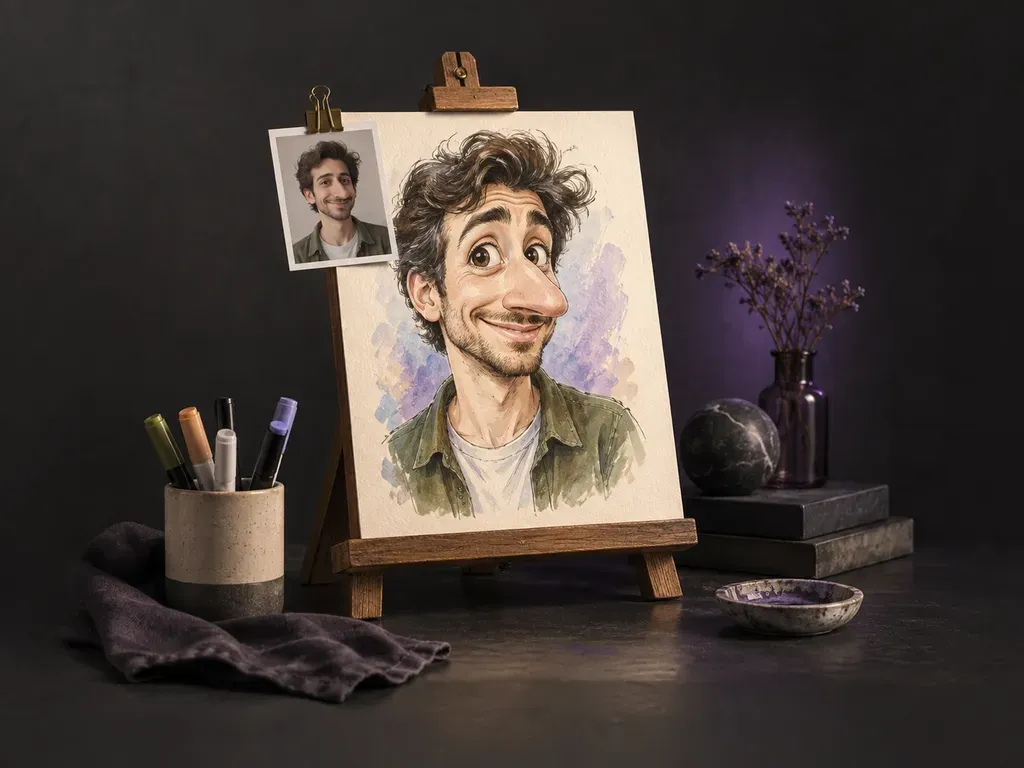
Turns a photo of one person into a funny, exaggerated portrait.
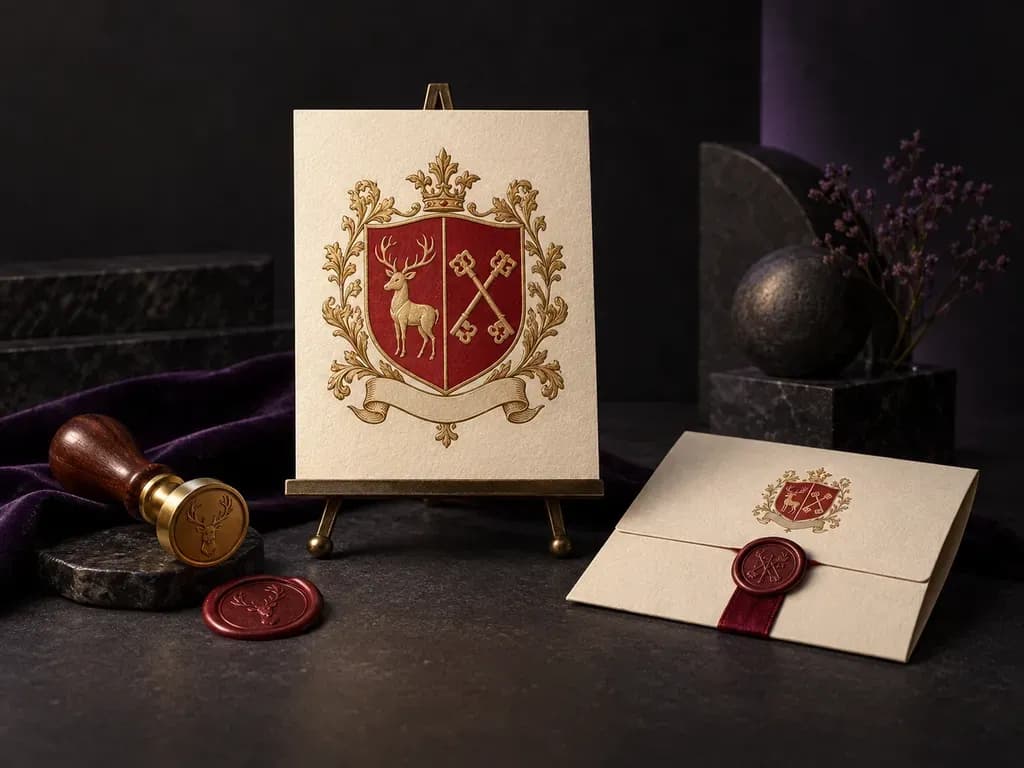
Draws an original family crest on a pure white background from your name and chosen symbols.
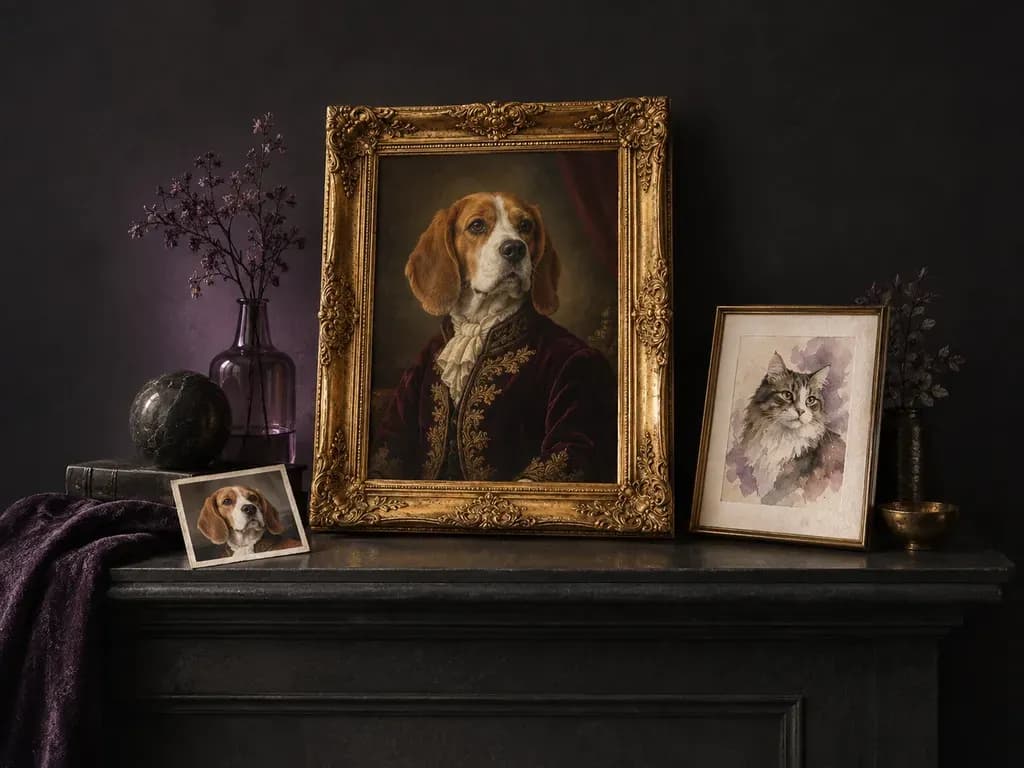
Turns a photo of your pet into a styled portrait.
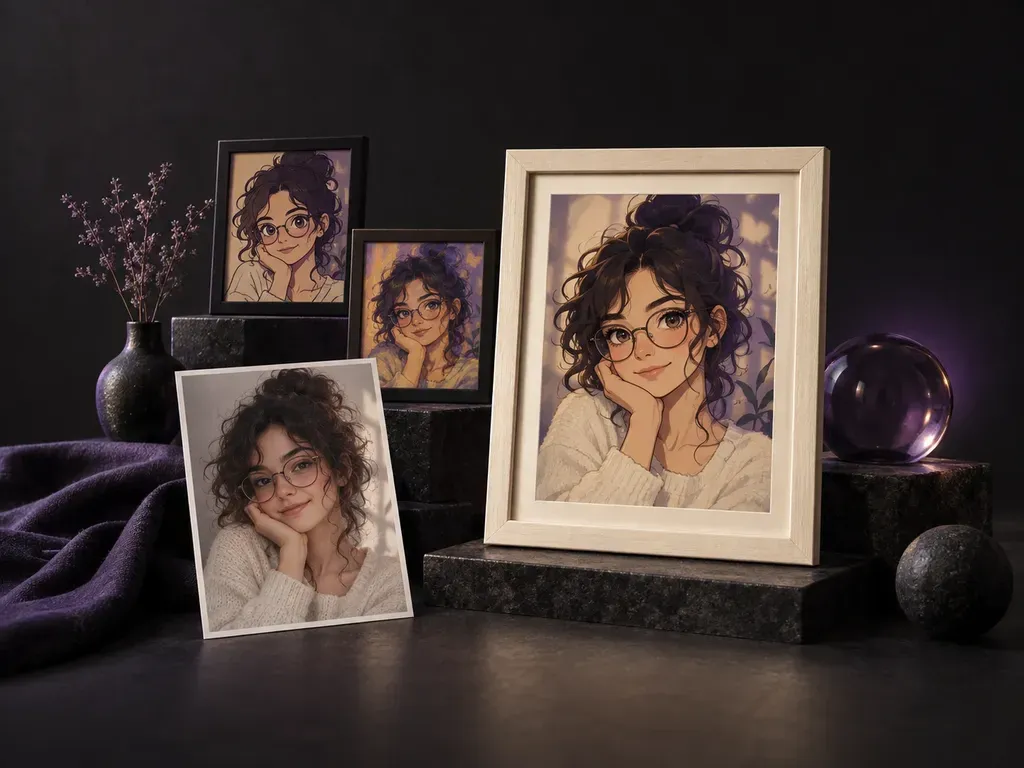
Restyles a selfie as anime, cartoon or painted art.
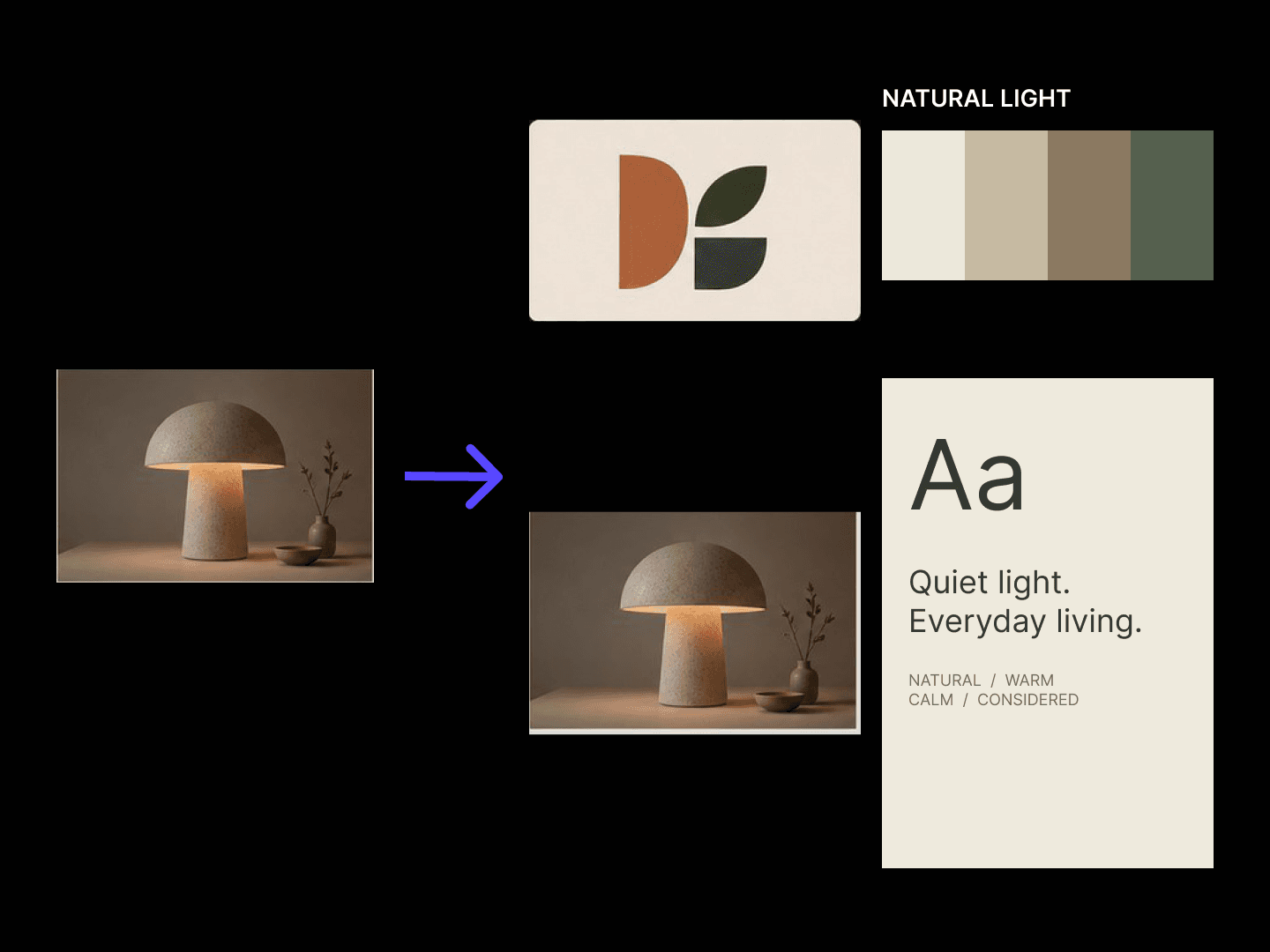
Turns a website or a brief into a logo, colour and type concept board.
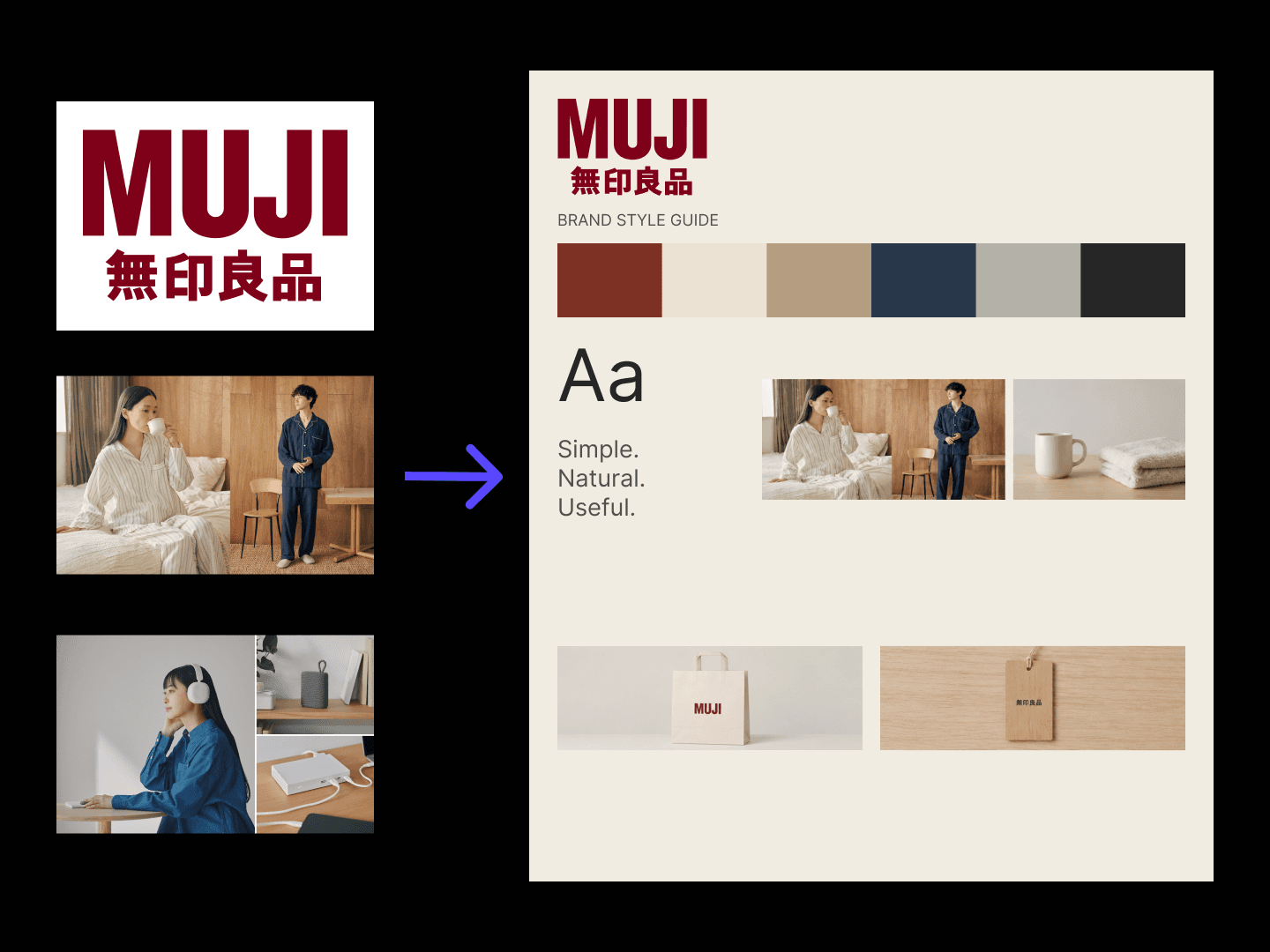
Turns a logo and assets into a colour, type and application style guide draft.
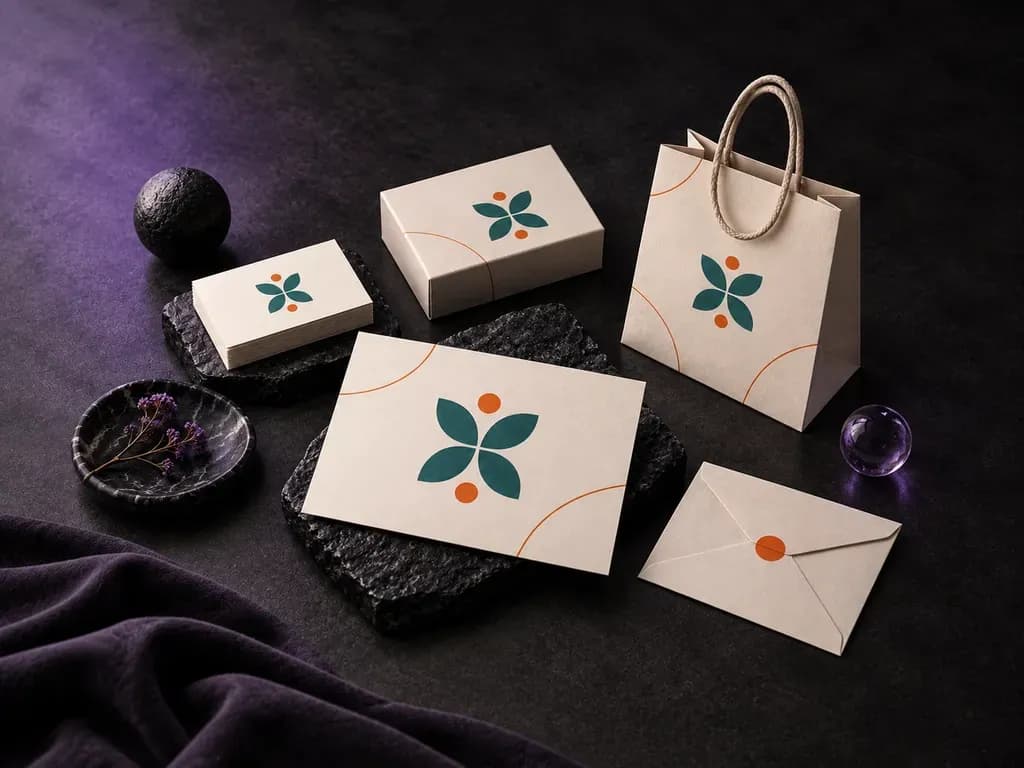
See your existing brand across the materials people use.

Turn a portrait into a cartoon avatar in six fixed styles, still recognisably you.
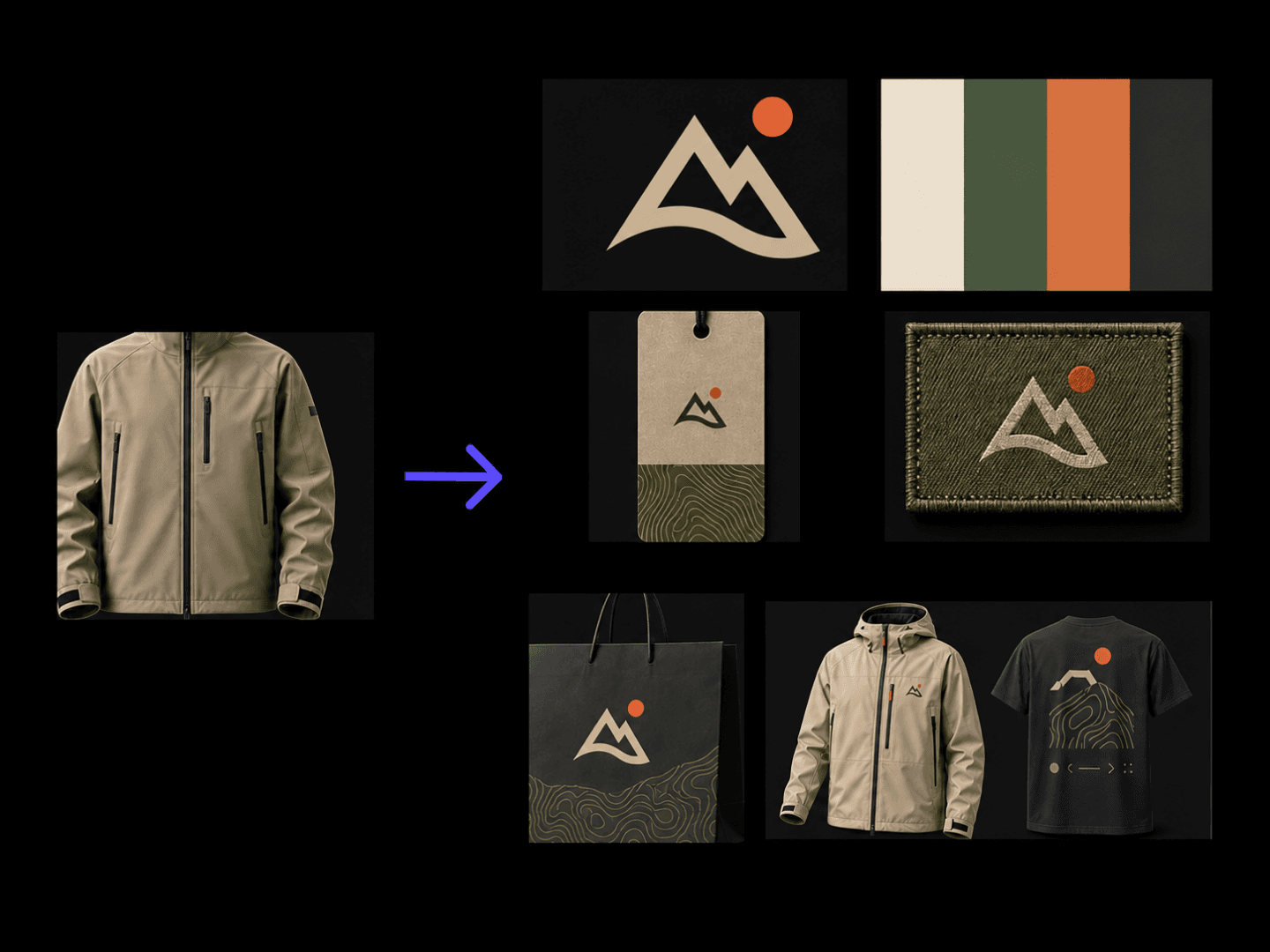
Turns a positioning and a category into a logo, colour and garment style board.
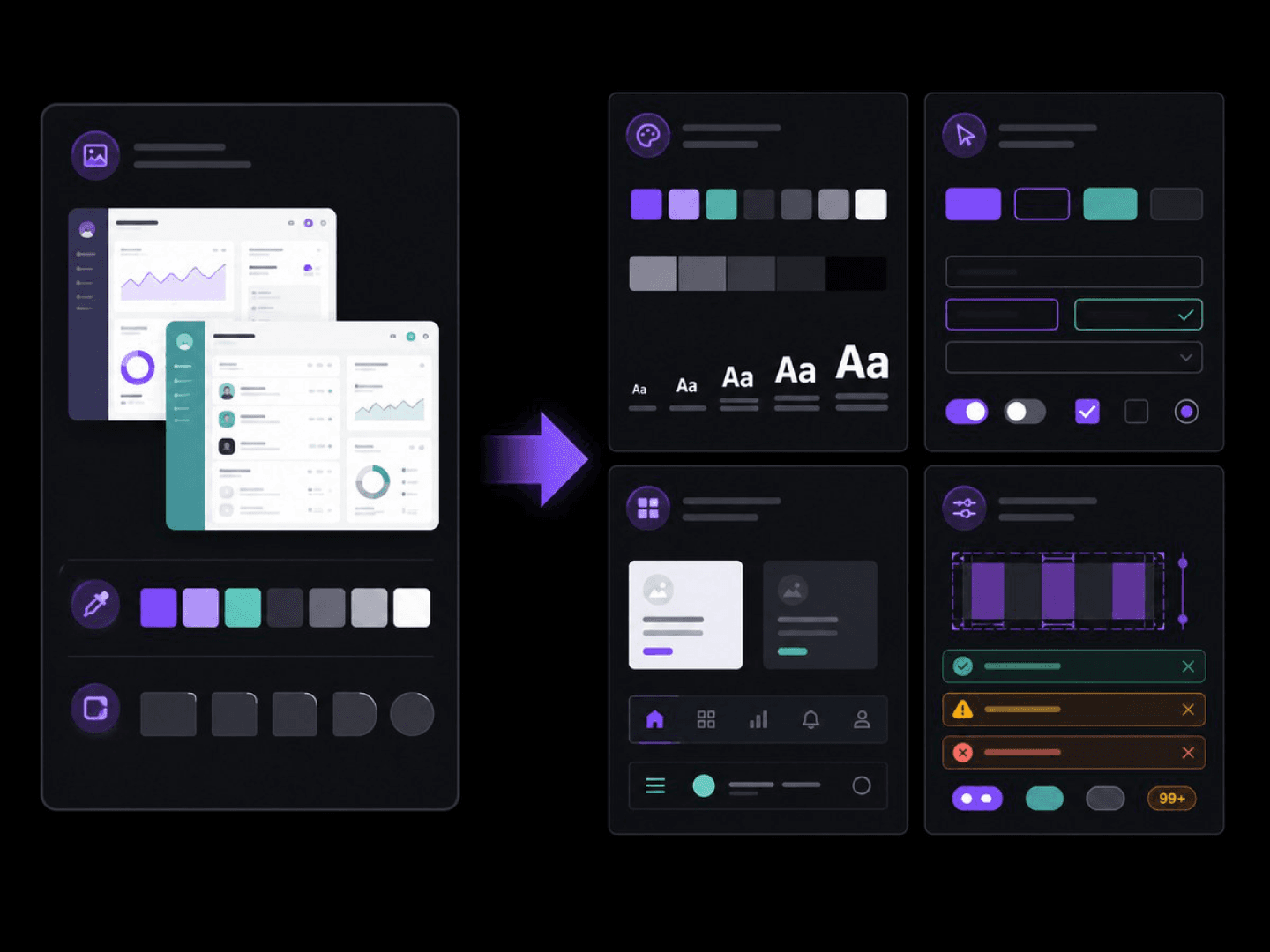
Turns brand rules and screens into a colour, type and component draft.

Generates a visually unified icon set from a list of object descriptions — one icon per object — matching the palette, line weight, texture, and background treatment of a style reference image.
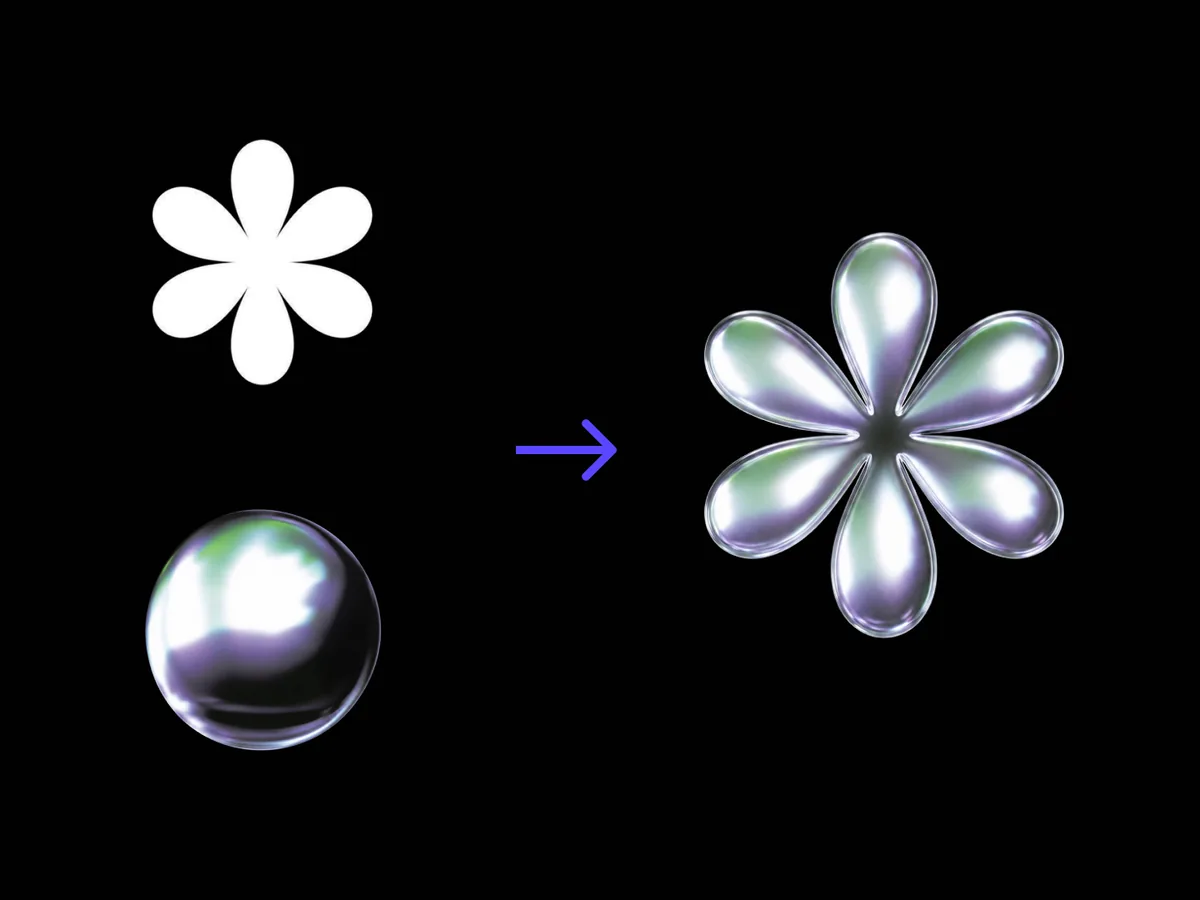
Turns a flat logo into metal, glass or wood, letterforms untouched.
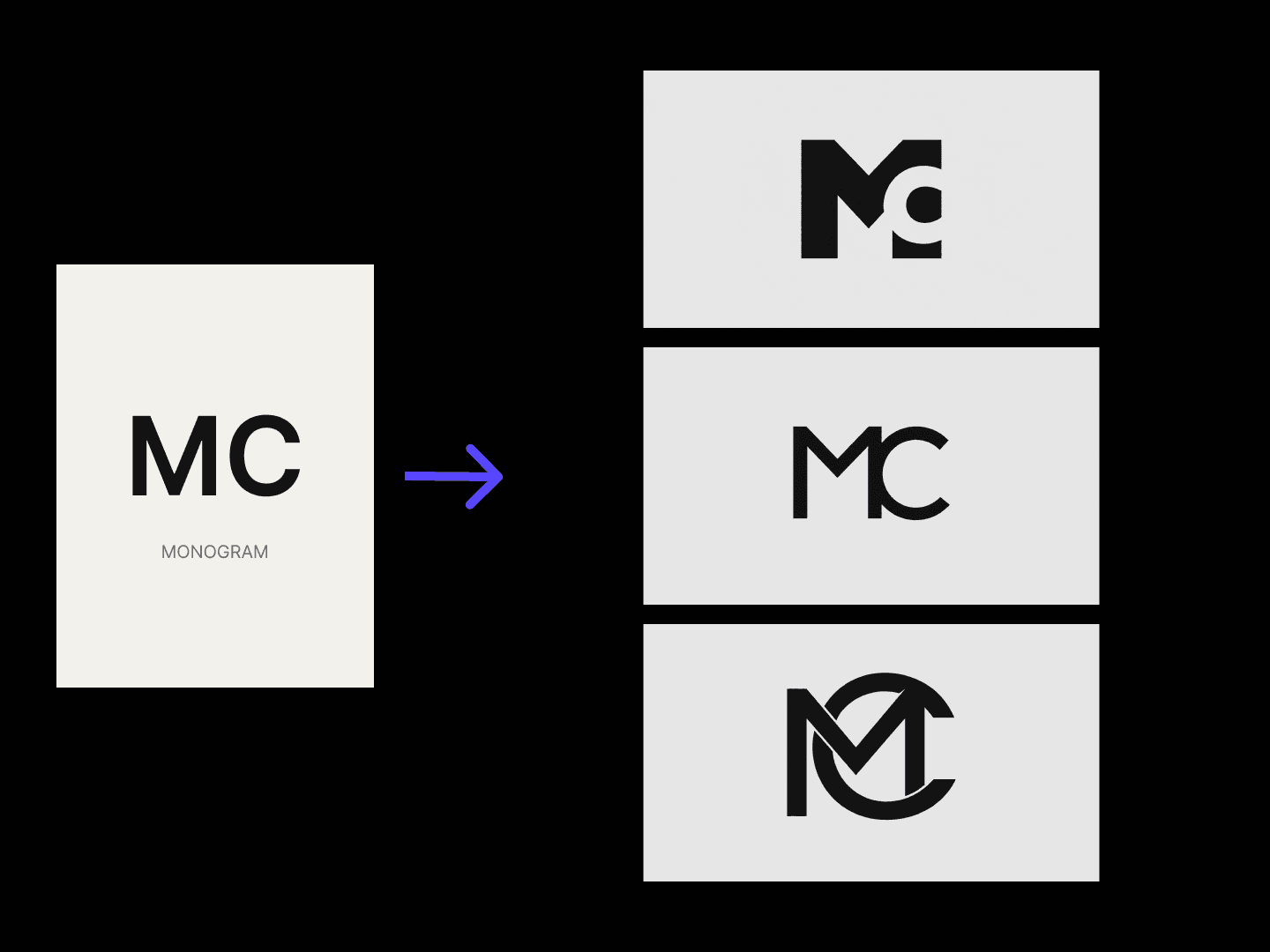
Turns initials into monogram concepts you can compare and refine on one canvas.
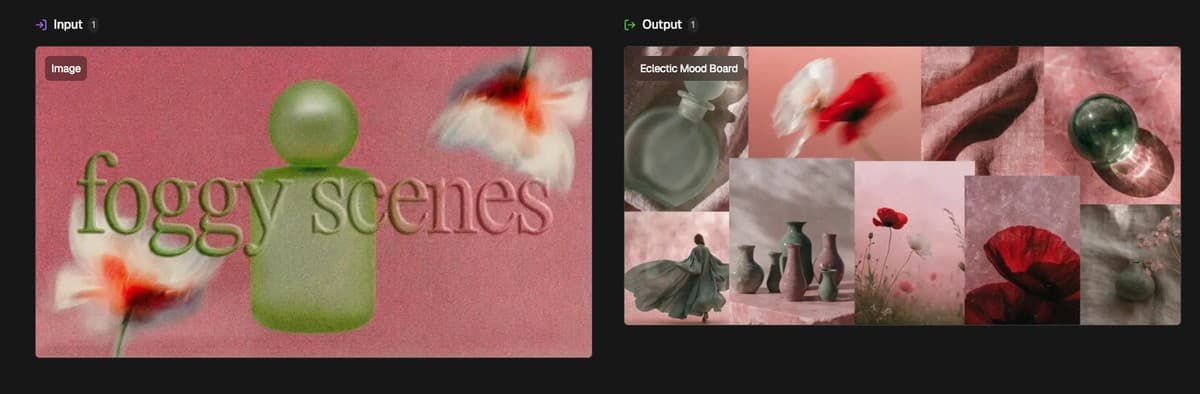
Turns a reference or a theme into one moodboard, refined on a canvas.
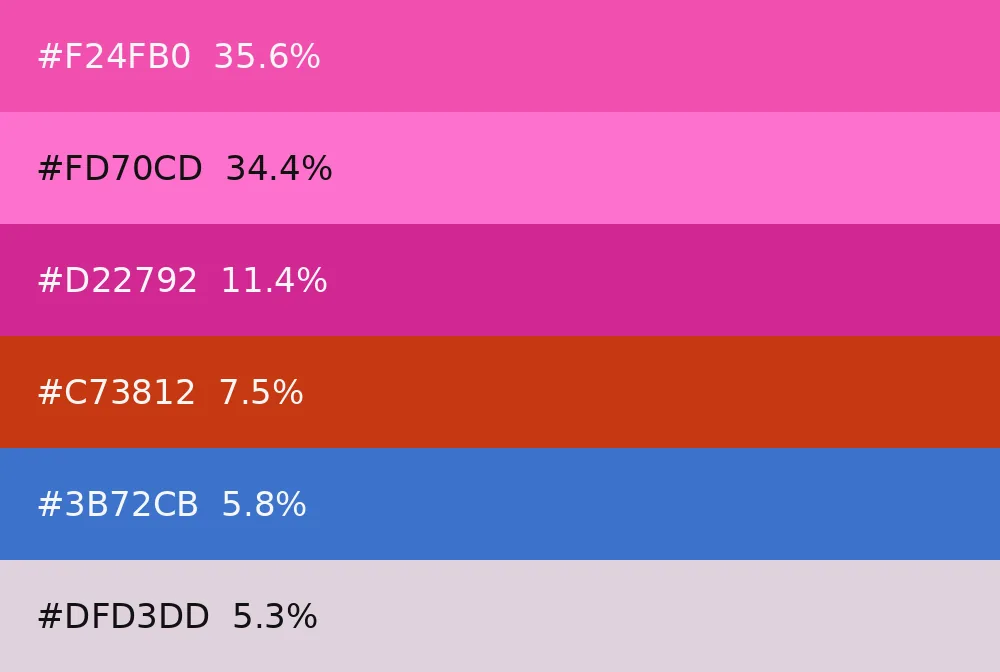
Pull the dominant colors from any image as a labelled, copyable palette.
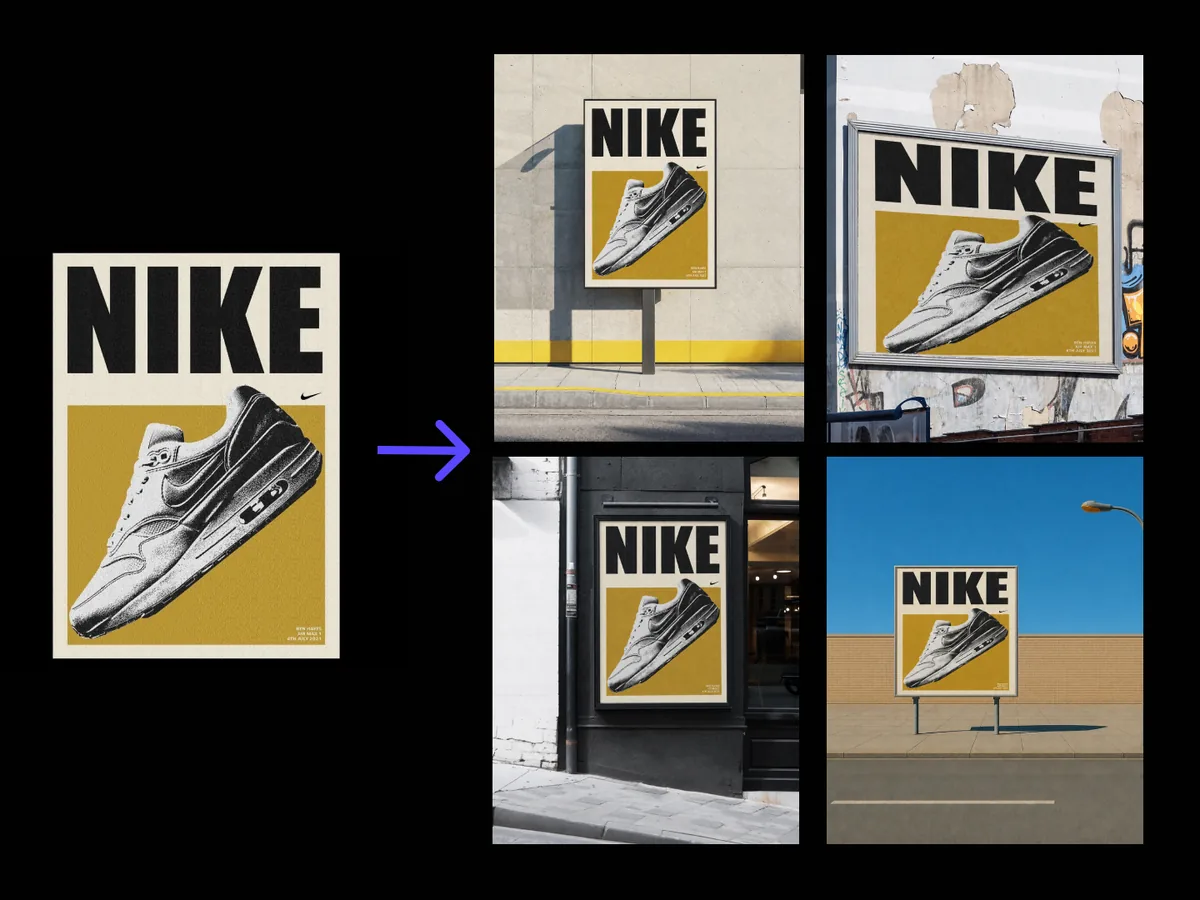
Drops one poster into real scenes, walls, lightboxes, shelters, artwork unchanged.

One photo in, a set of studio-grade headshots out, your face unchanged.

Expands type specimen images into a full set of character-table specimen sheets — alphabet, numerals, punctuation, extended Latin — carrying the typeface's design features through every character. Outputs are type-design specimen images, not an installable font file.
Fashion design22 tools
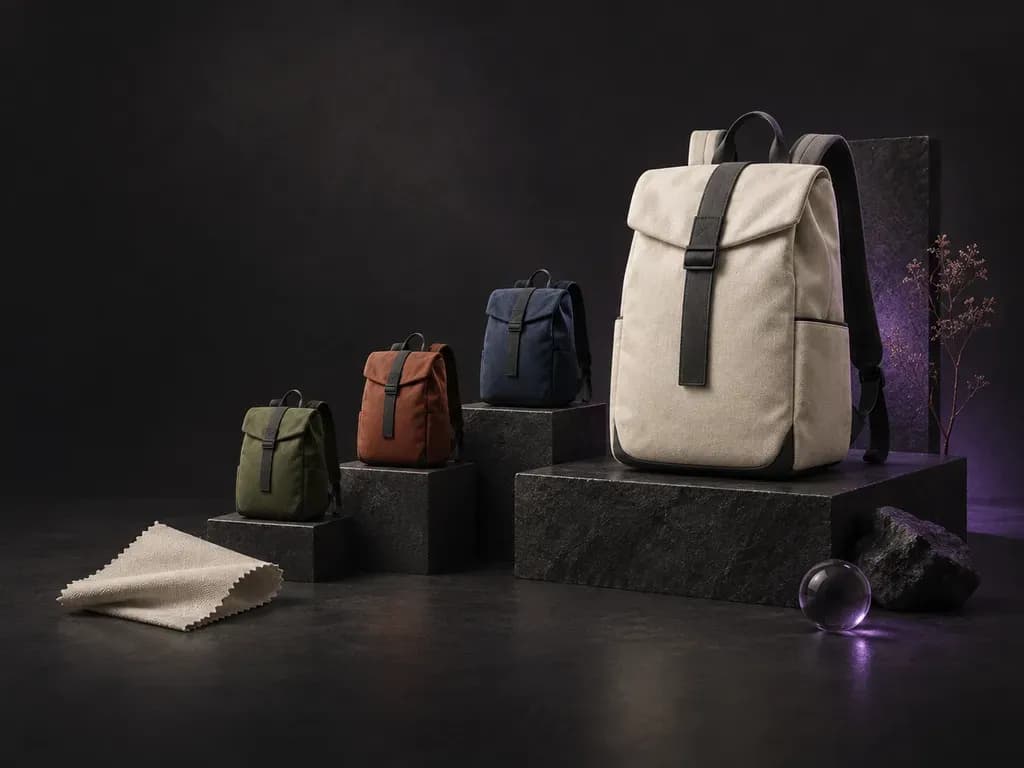
Turns a backpack description into an exterior design render.
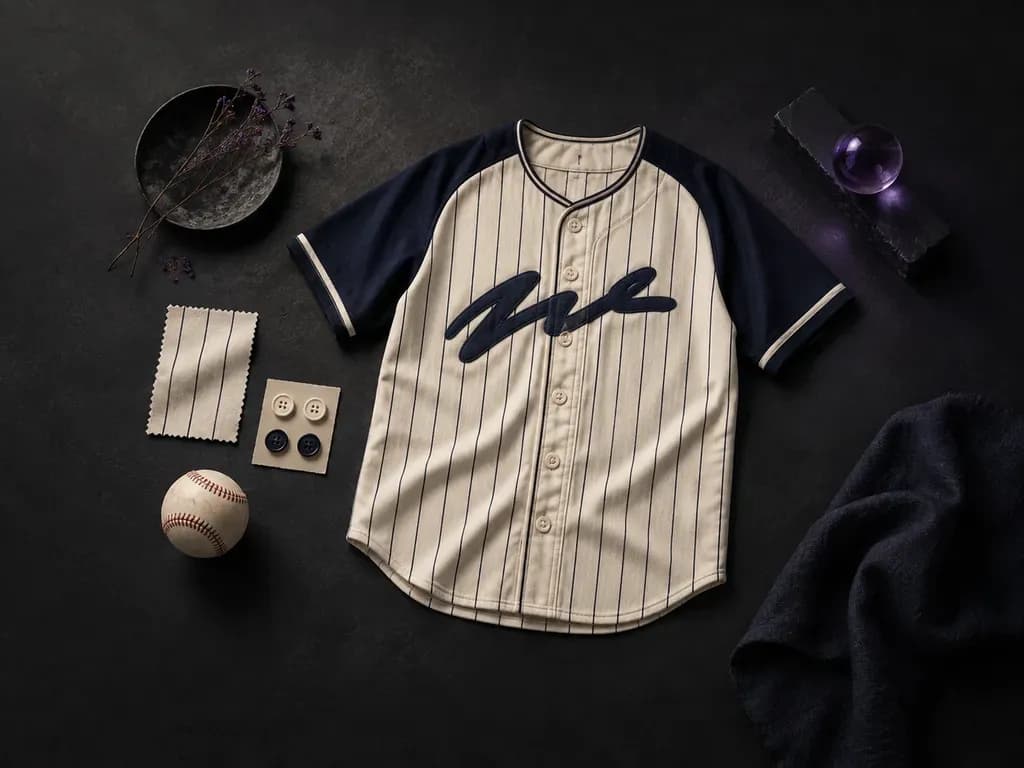
Design baseball jerseys with the button front, stripes and sleeves you describe.
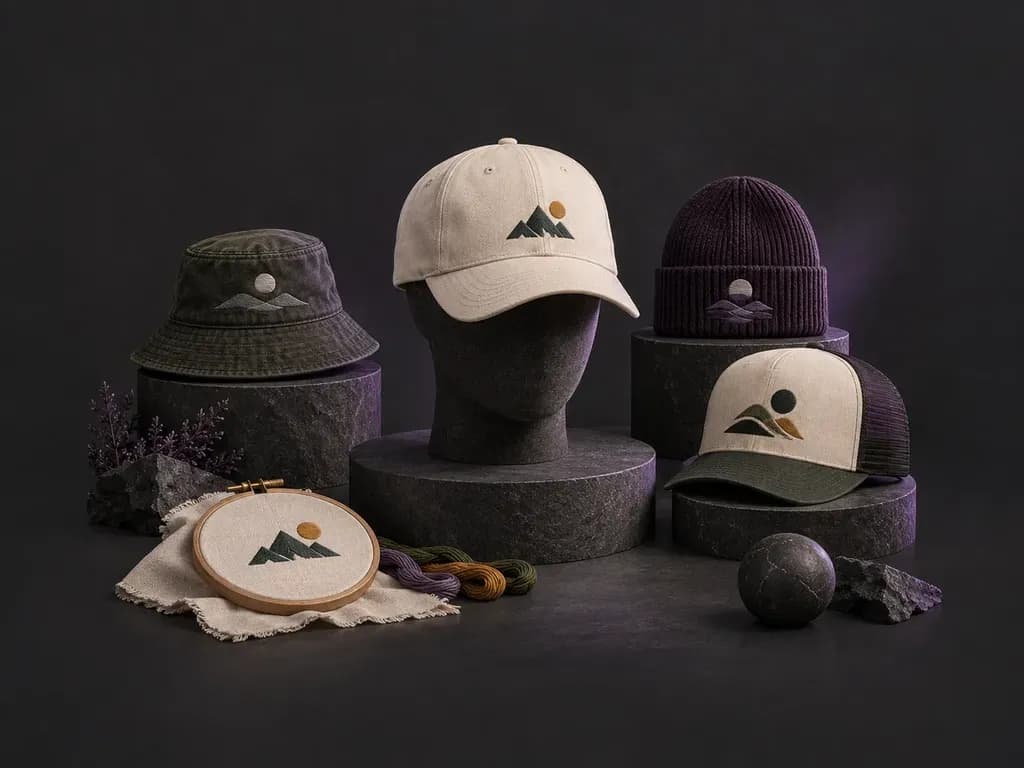
Turns a hat description into front and side design renders.
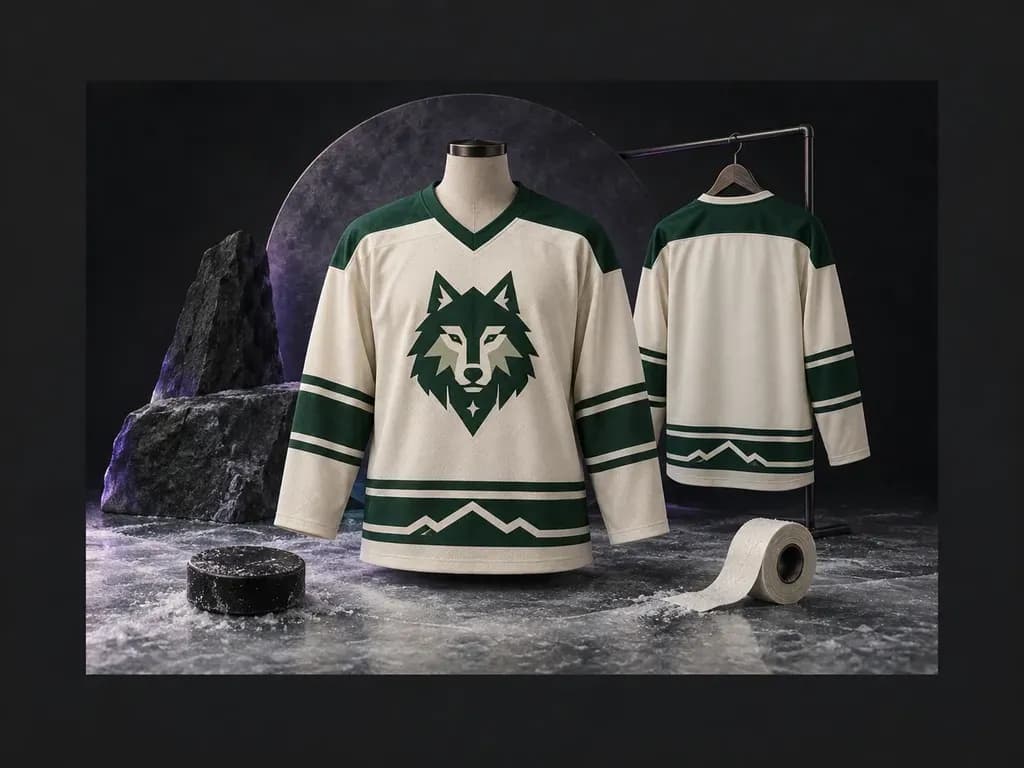
Put your team name, colors and crest on a new hockey sweater design.
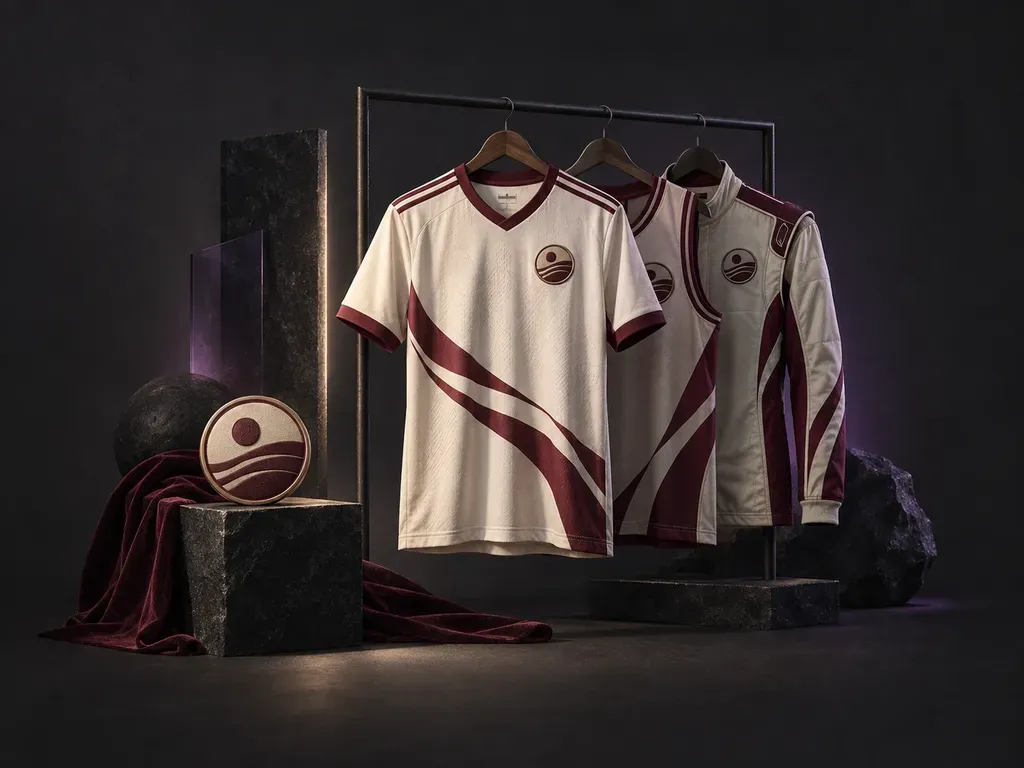
Turns team details into jersey designs for the sport you choose.
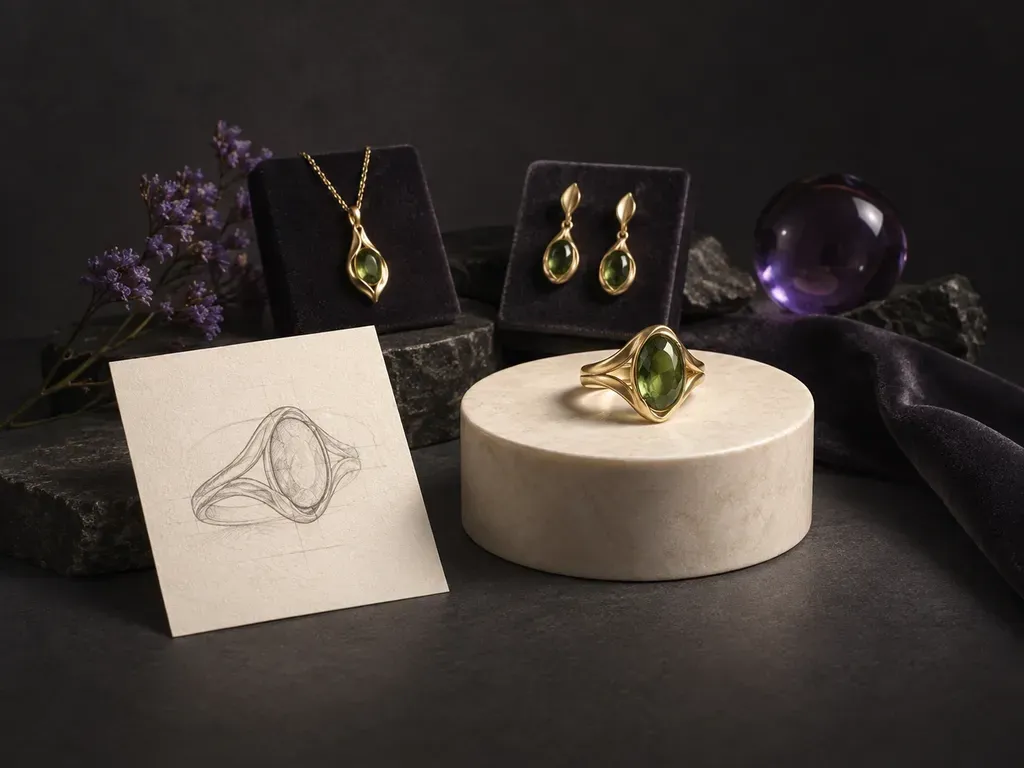
Turns a jewelry description or sketch into a concept render.
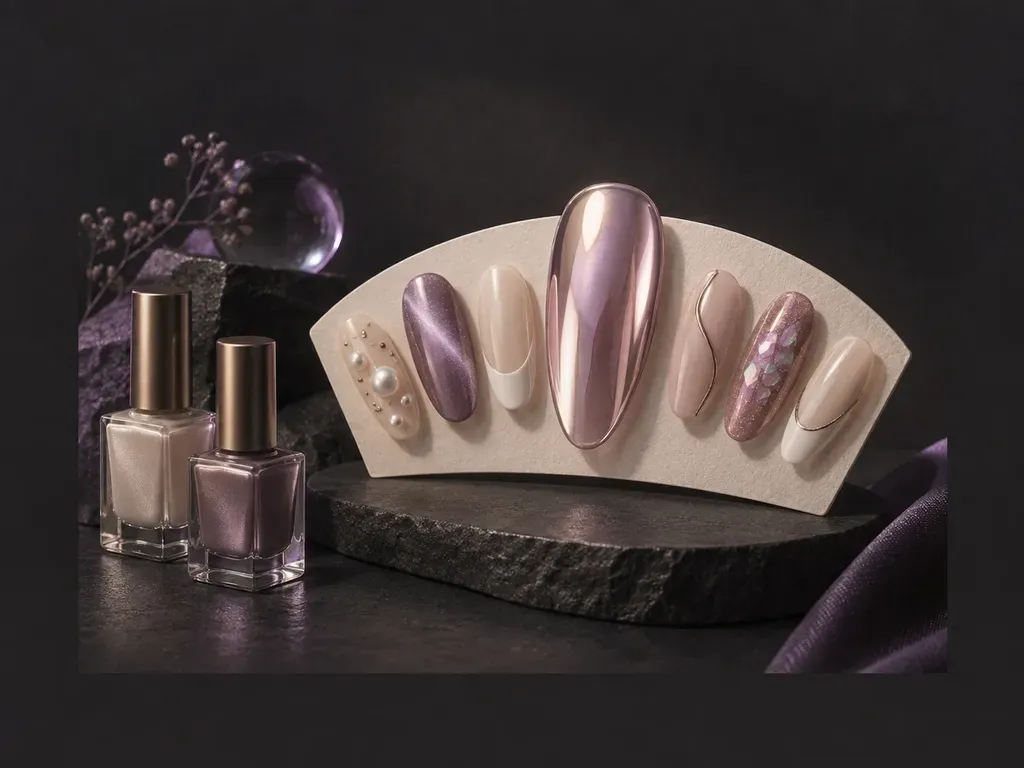
Draws nail art designs from a hand photo or a style idea.
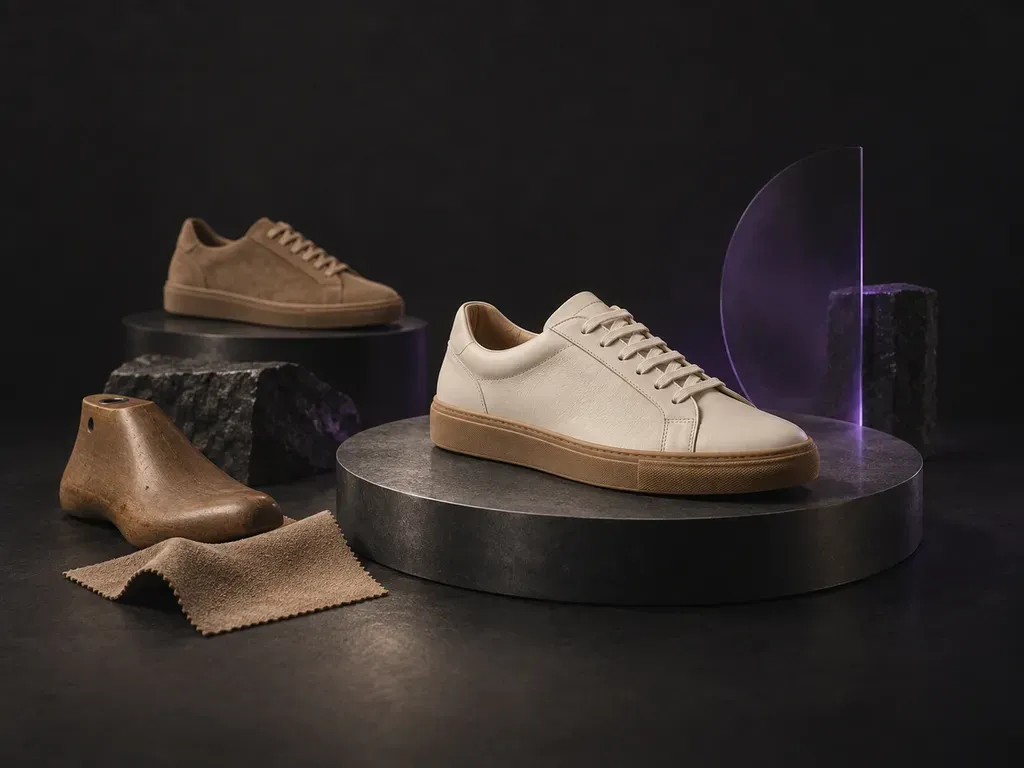
Describe a shoe in words and get concept renders to review.
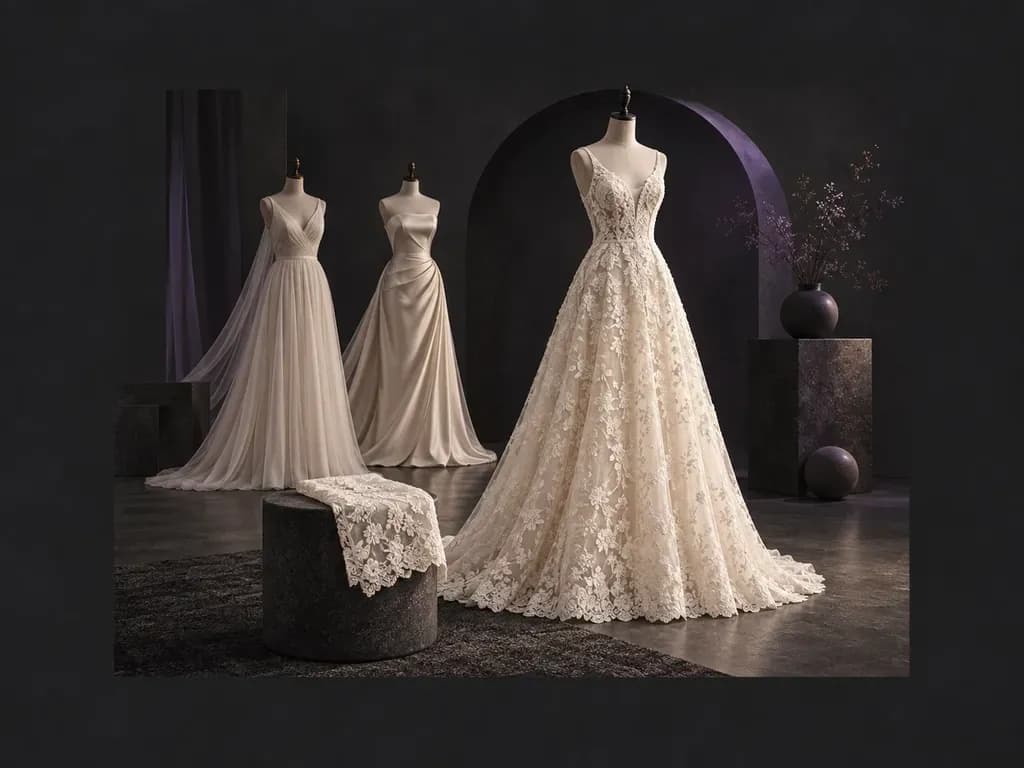
Turns a written description of a gown into an original design.
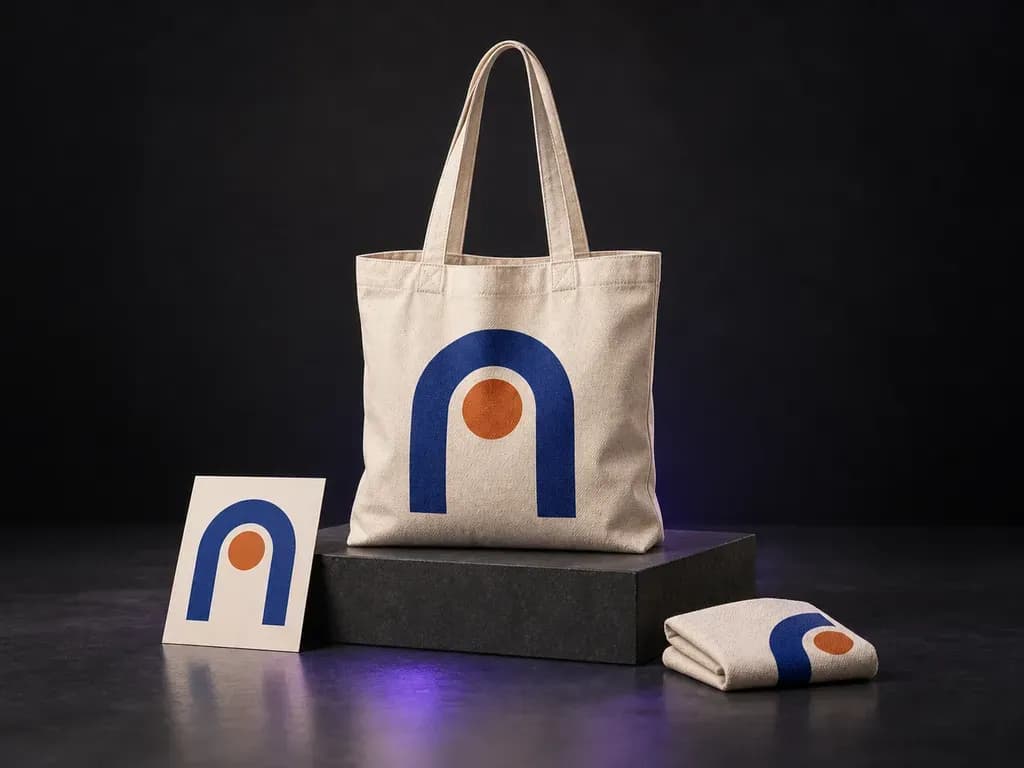
See your logo or illustration on a canvas bag.
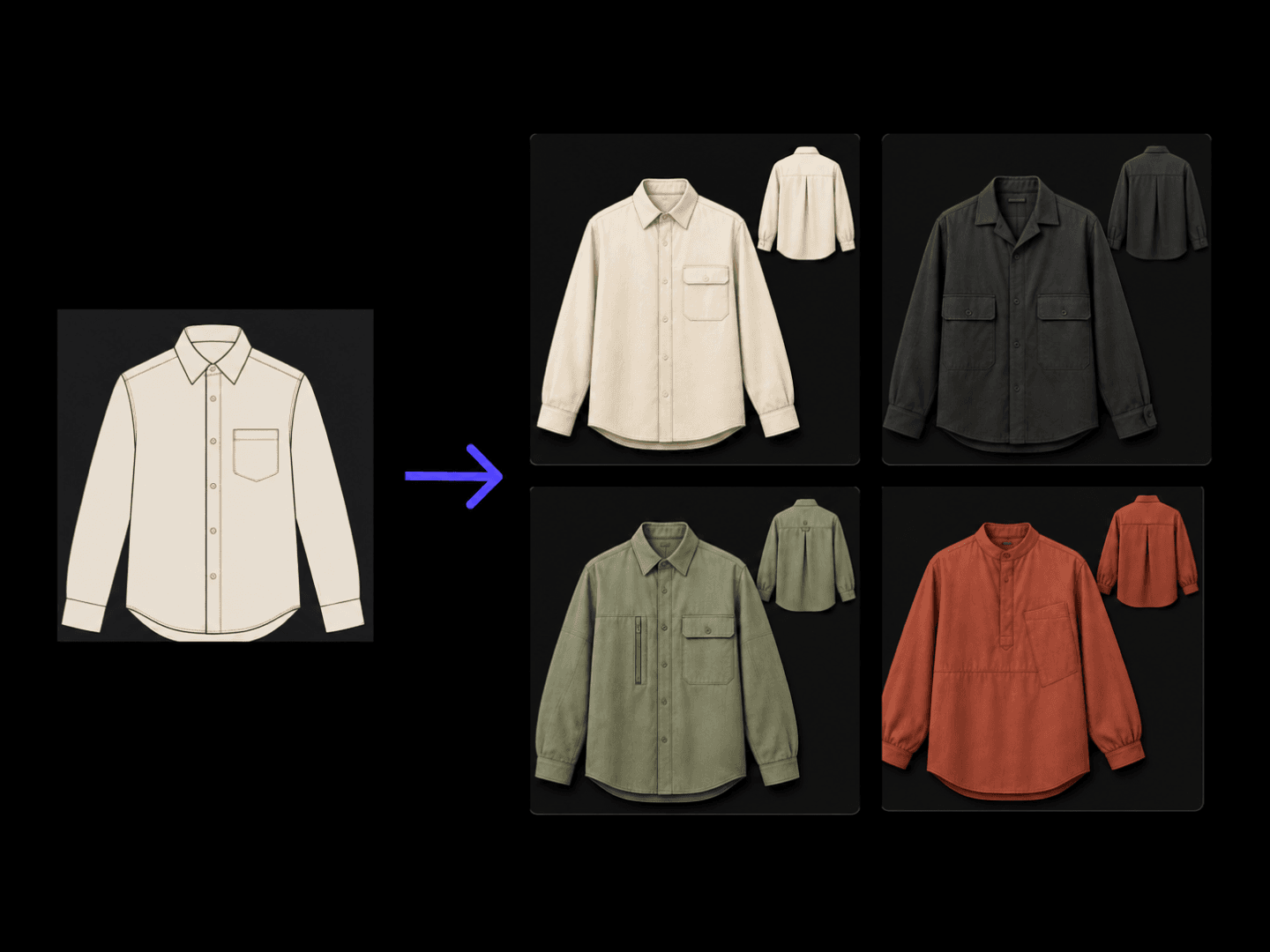
Turns a garment brief into a design concept with front and back views.
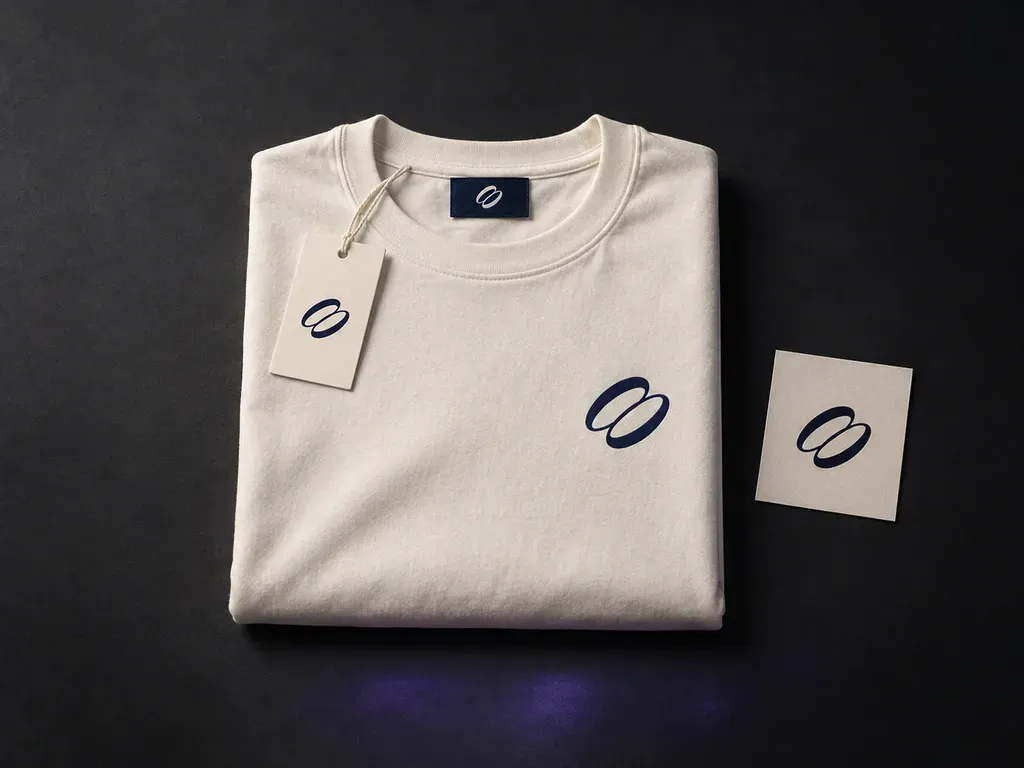
Present your apparel and its branding details as one collection.
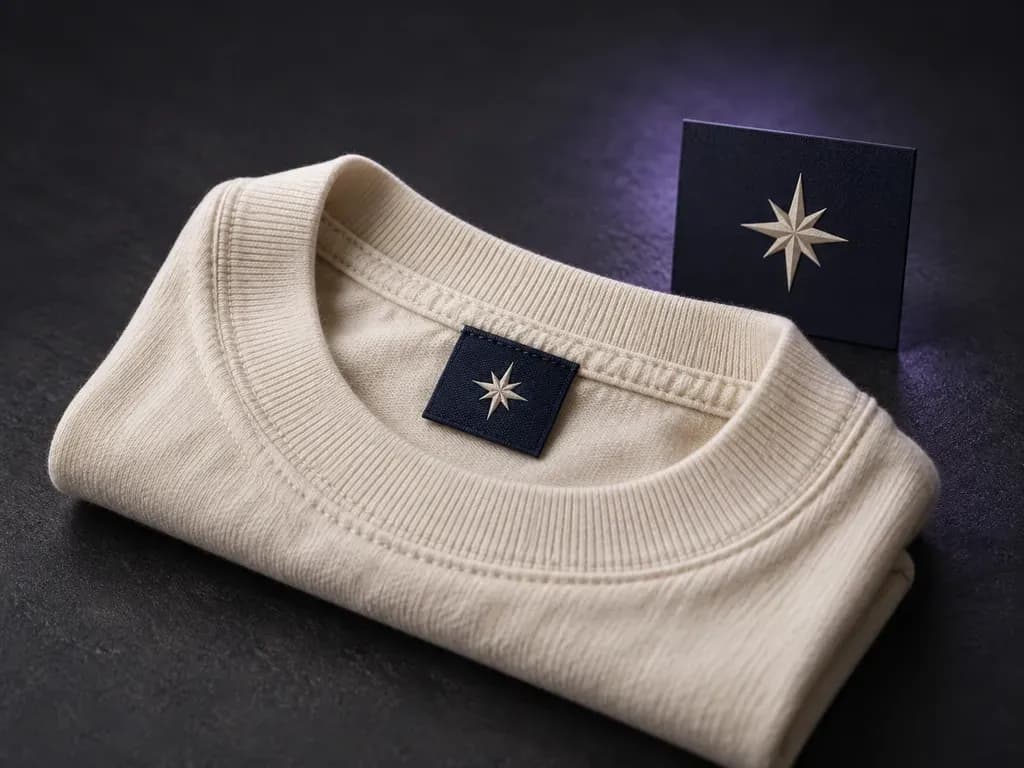
Preview your brand label at the neckline or side seam.
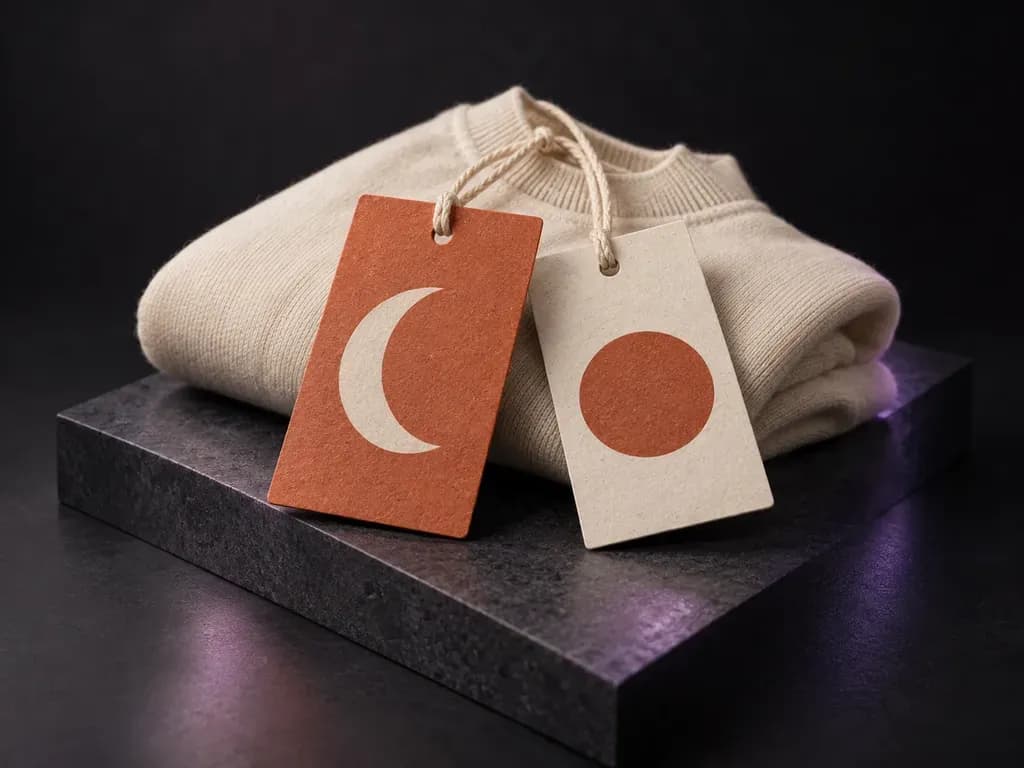
See your hang tag design with its paper, cord and garment.
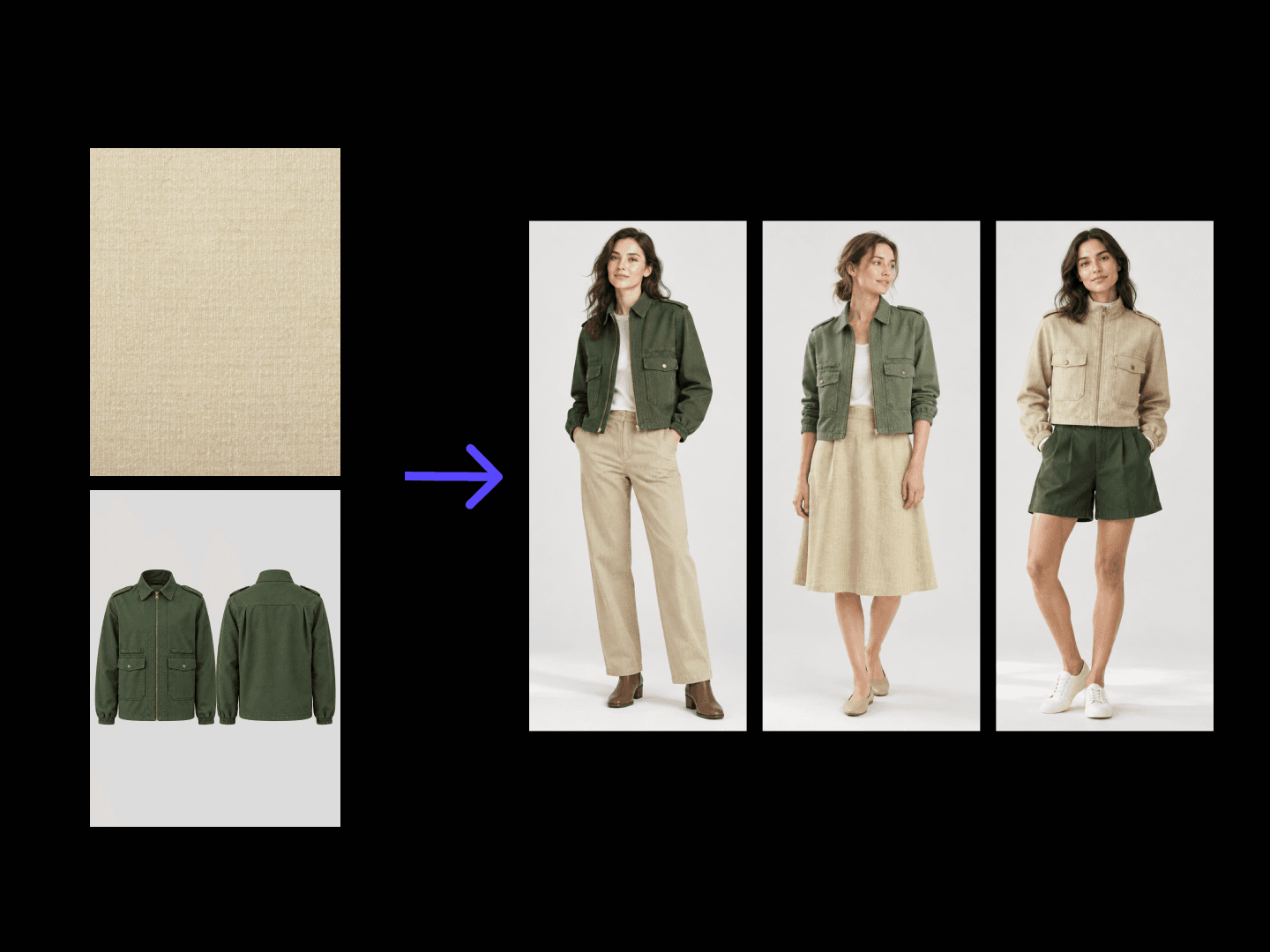
Turns a season brief into a full collection of styled looks.
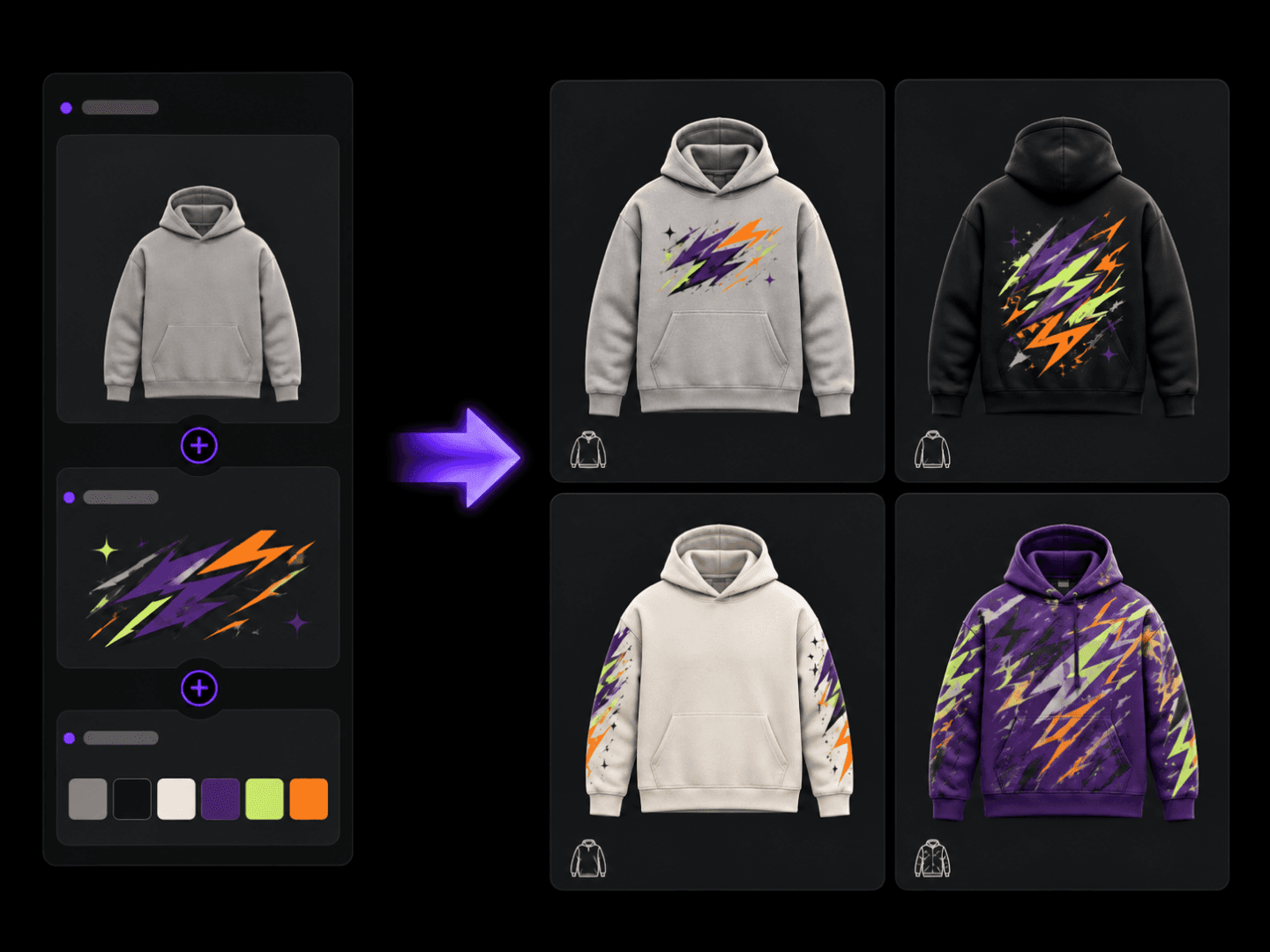
Turns a graphic idea into hoodie designs with print position mockups.
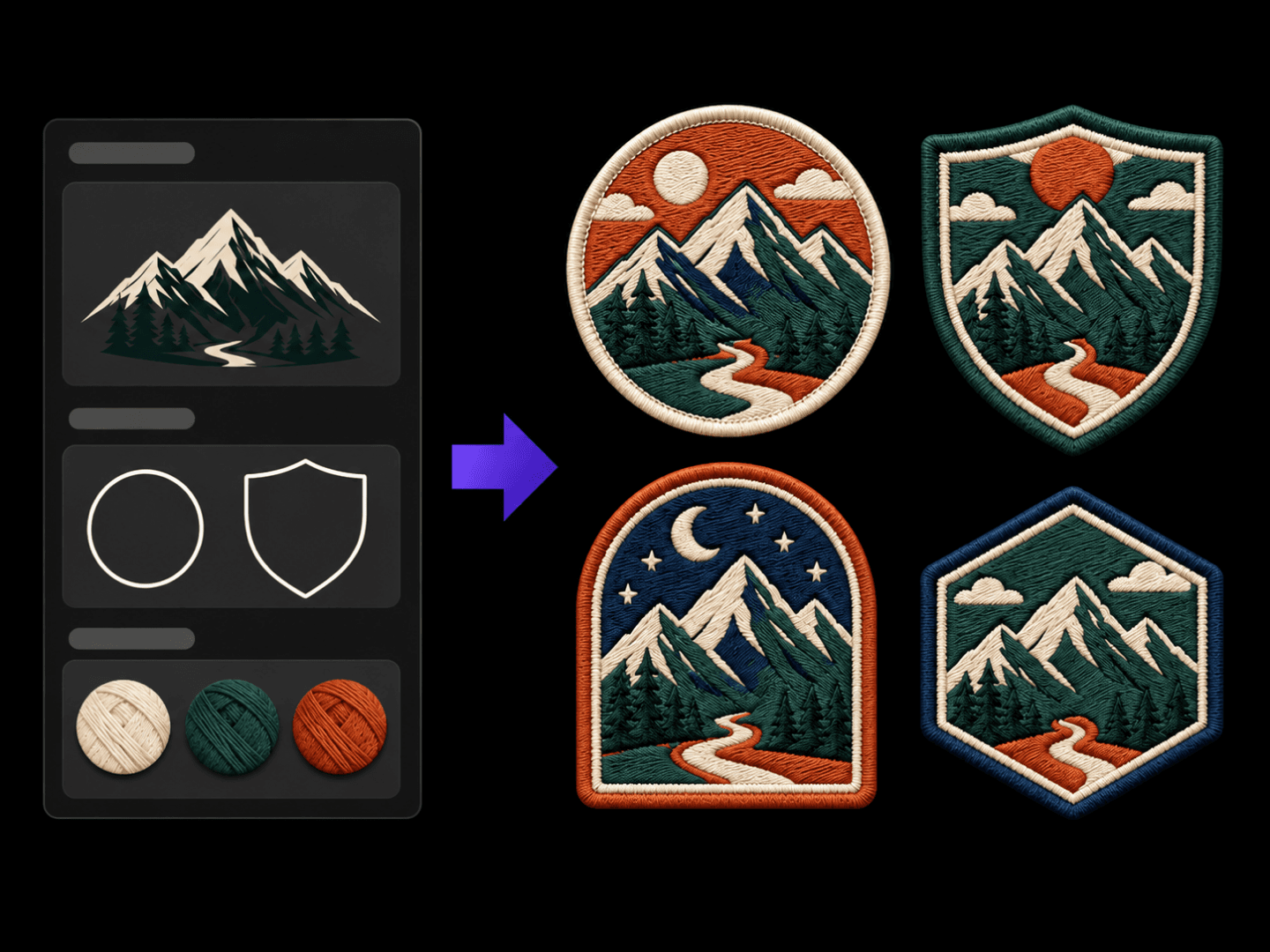
Turns a theme into embroidered patch concepts with a texture preview.
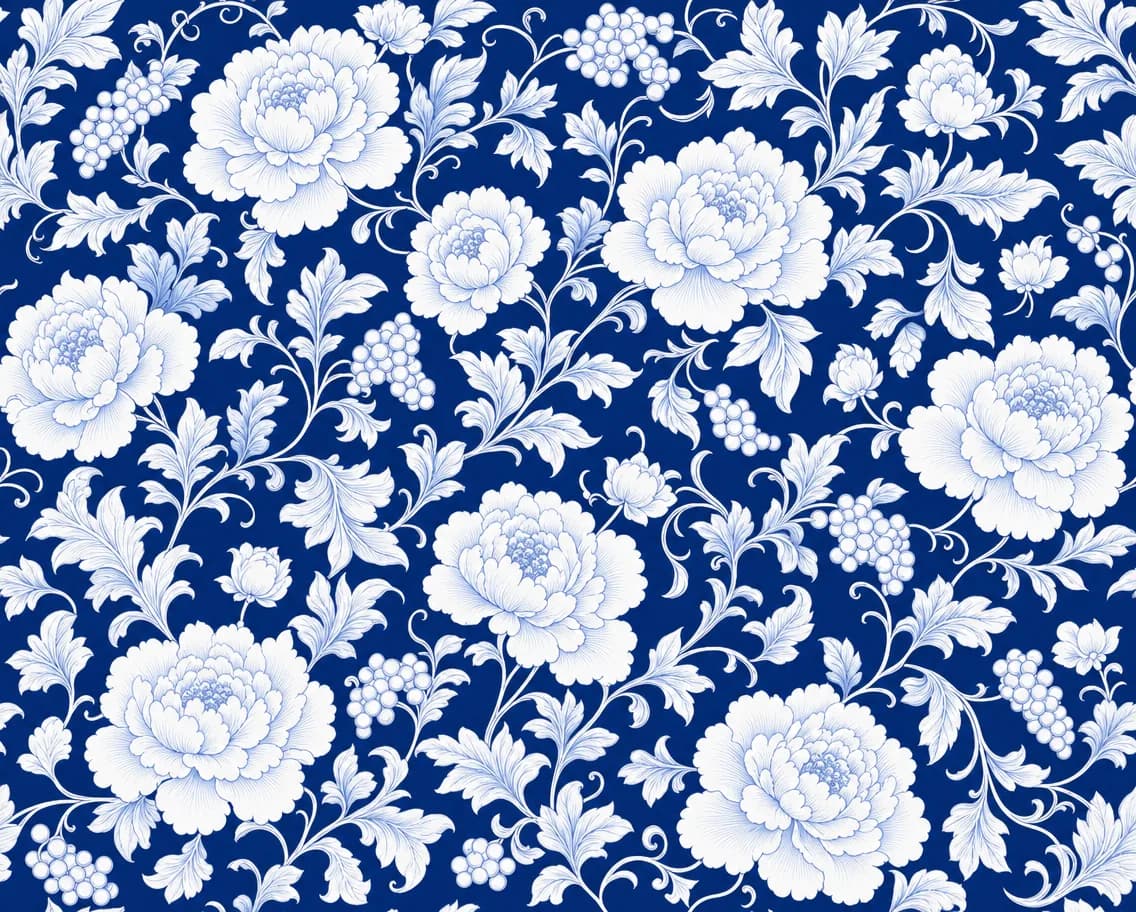
Extracts the surface pattern from a photo of fabric, garments, home textiles, or objects into a flat pattern swatch — wrinkles, perspective, and shading removed, motif and repeat layout restored with faithful colors.
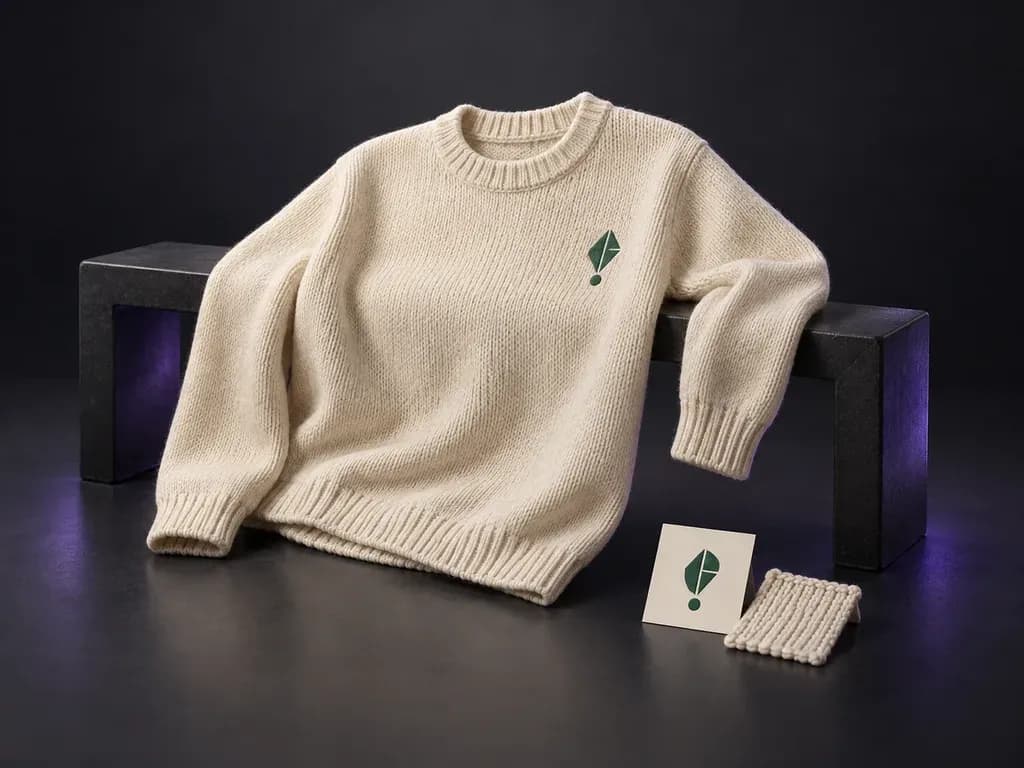
Preview your artwork on a sweater or jumper reference.
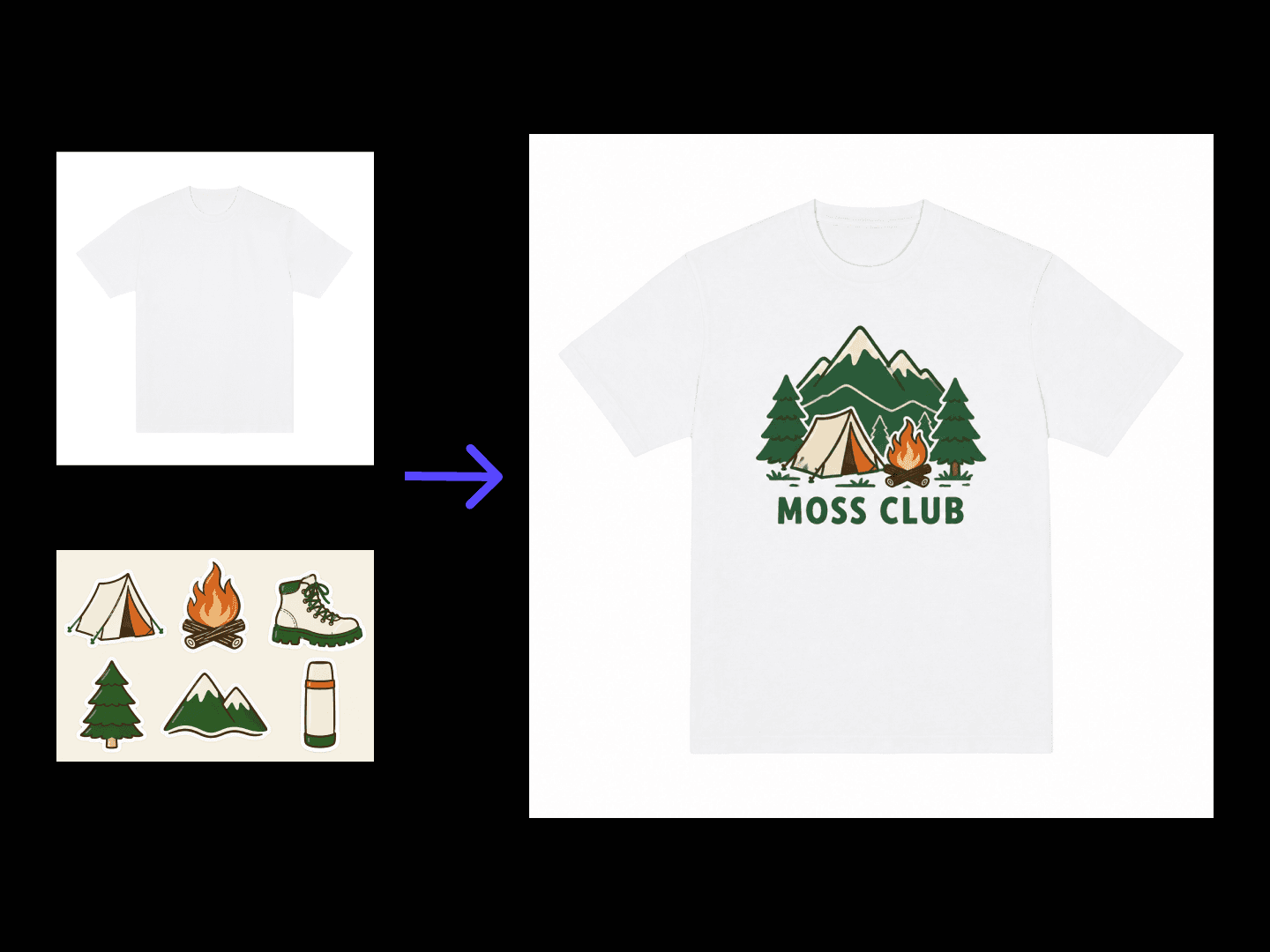
Turns a graphic idea into T-shirt designs with print position mockups.
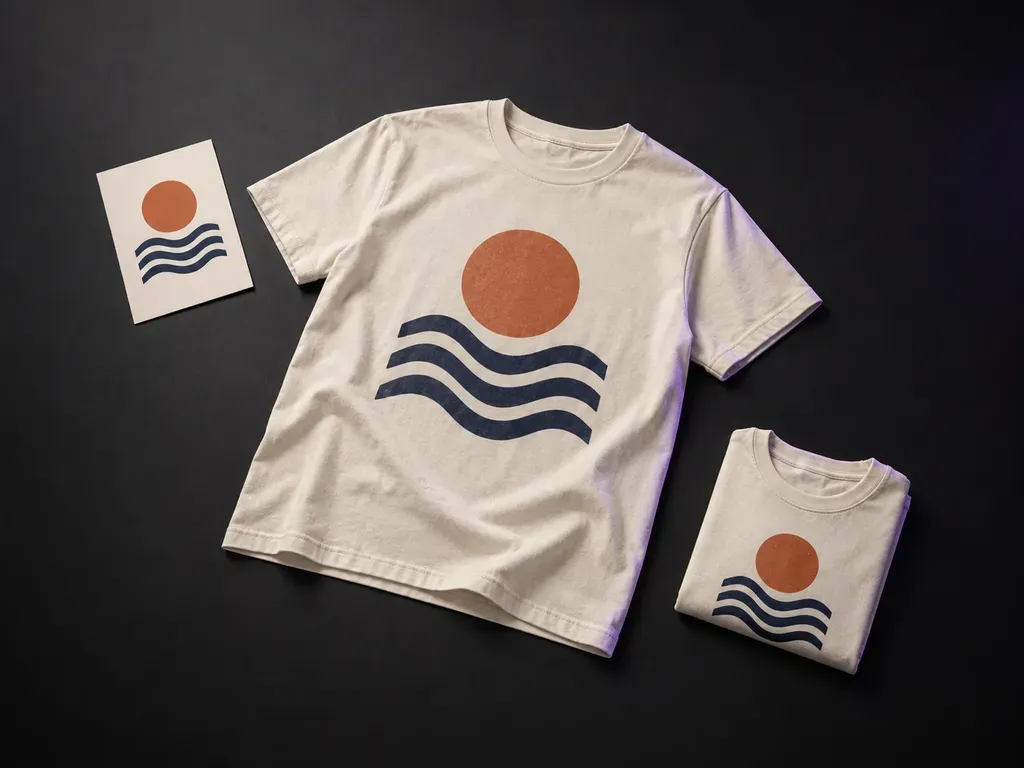
See your existing artwork on a T-shirt in the setting you choose.
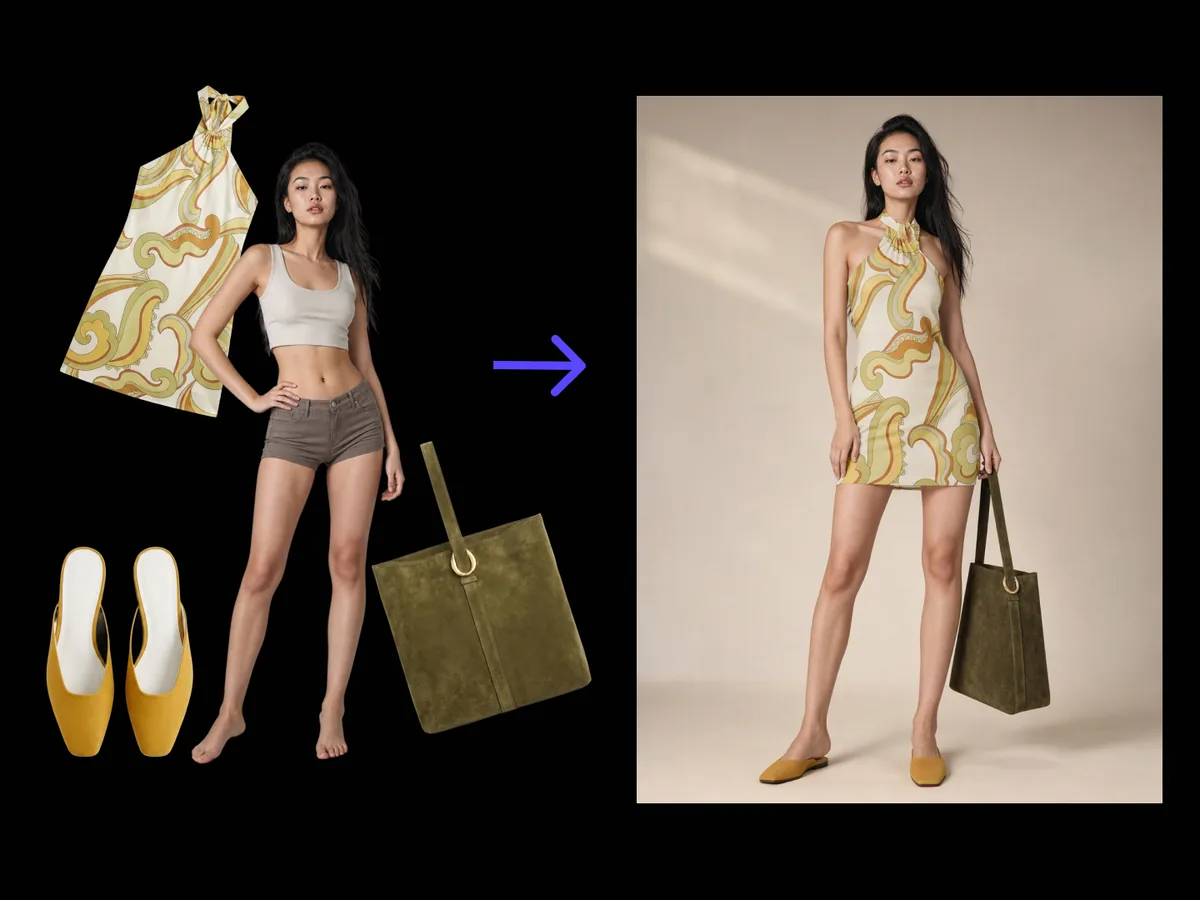
Dress one model in your garments, four distinct try-on shots out.
Industrial design8 tools
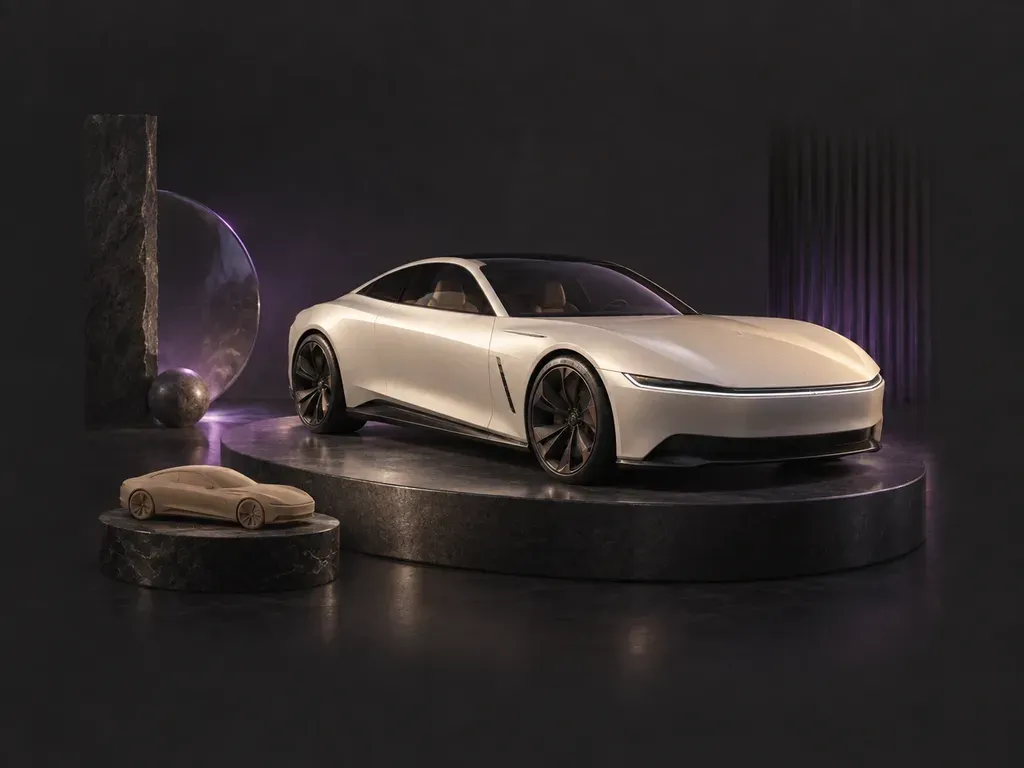
Draws concept cars from a description or a car photo.
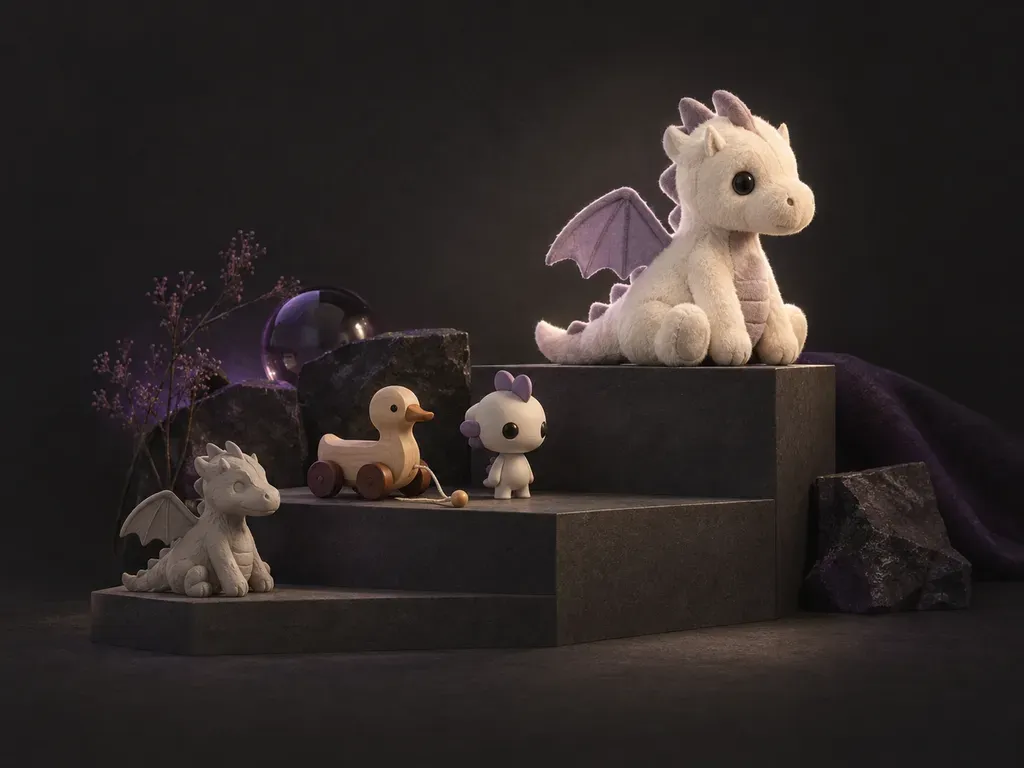
Draws toy concepts from a short description of the idea.


Reads a grey model and renders it finished, plus colorways on the same camera.
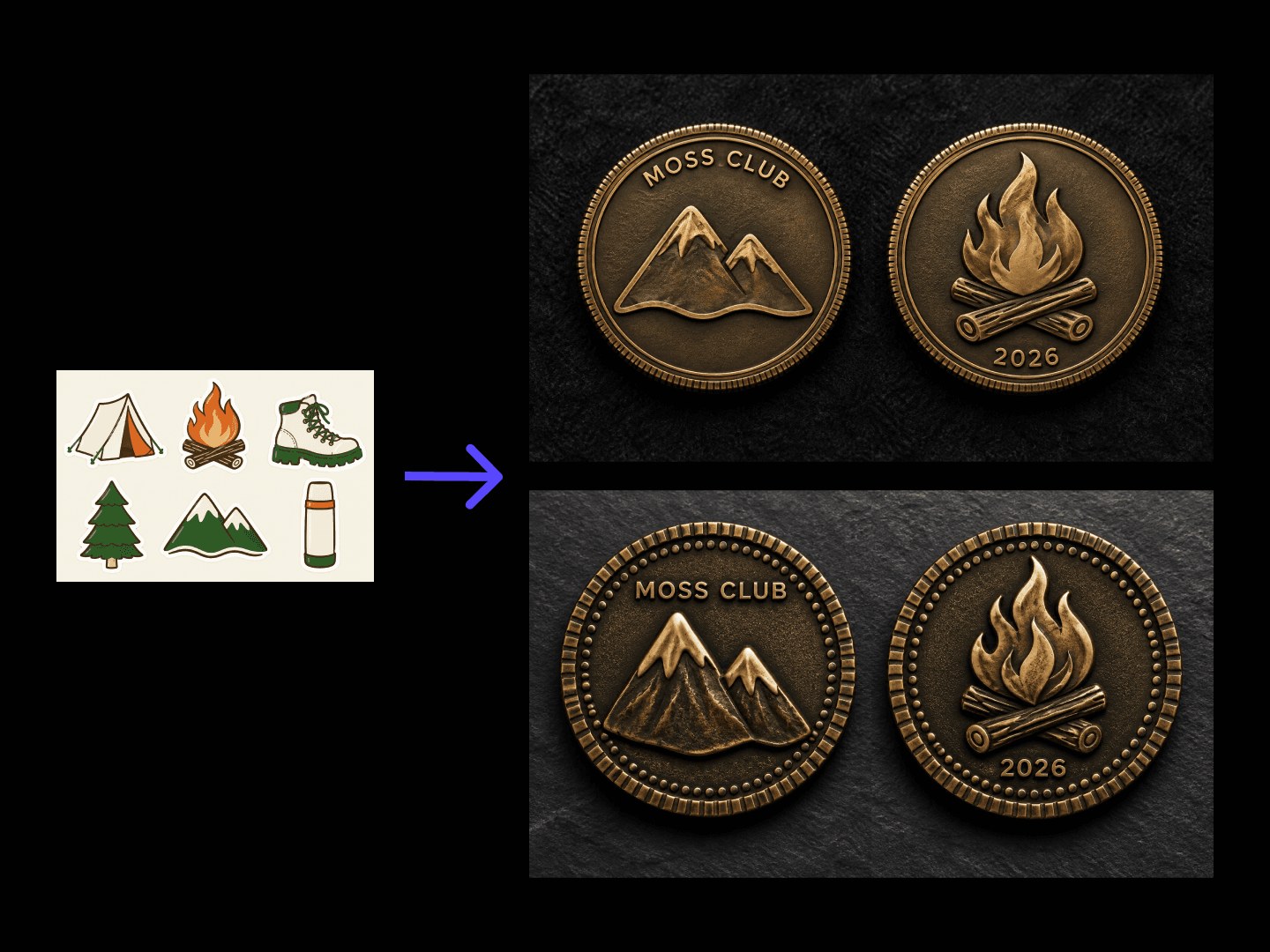
Turns a theme and finish into a front and back coin concept with a 3D preview.
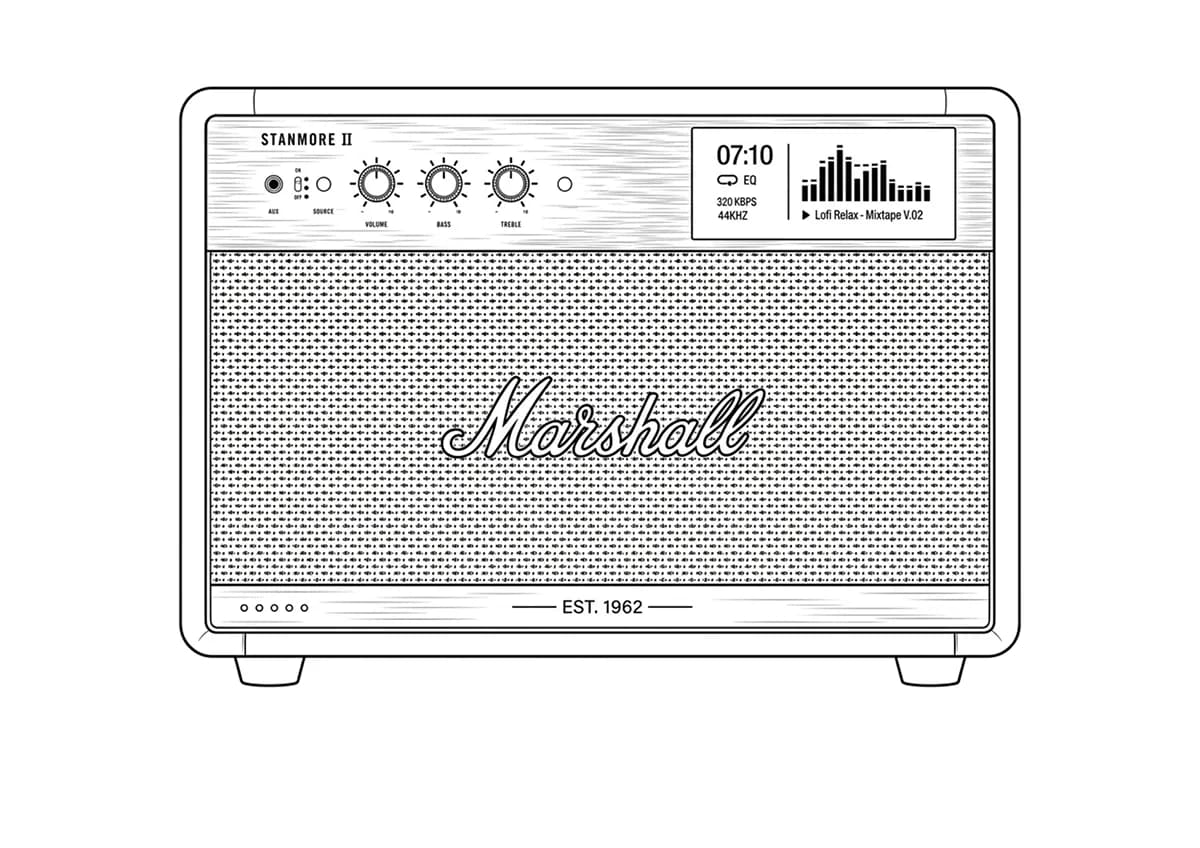
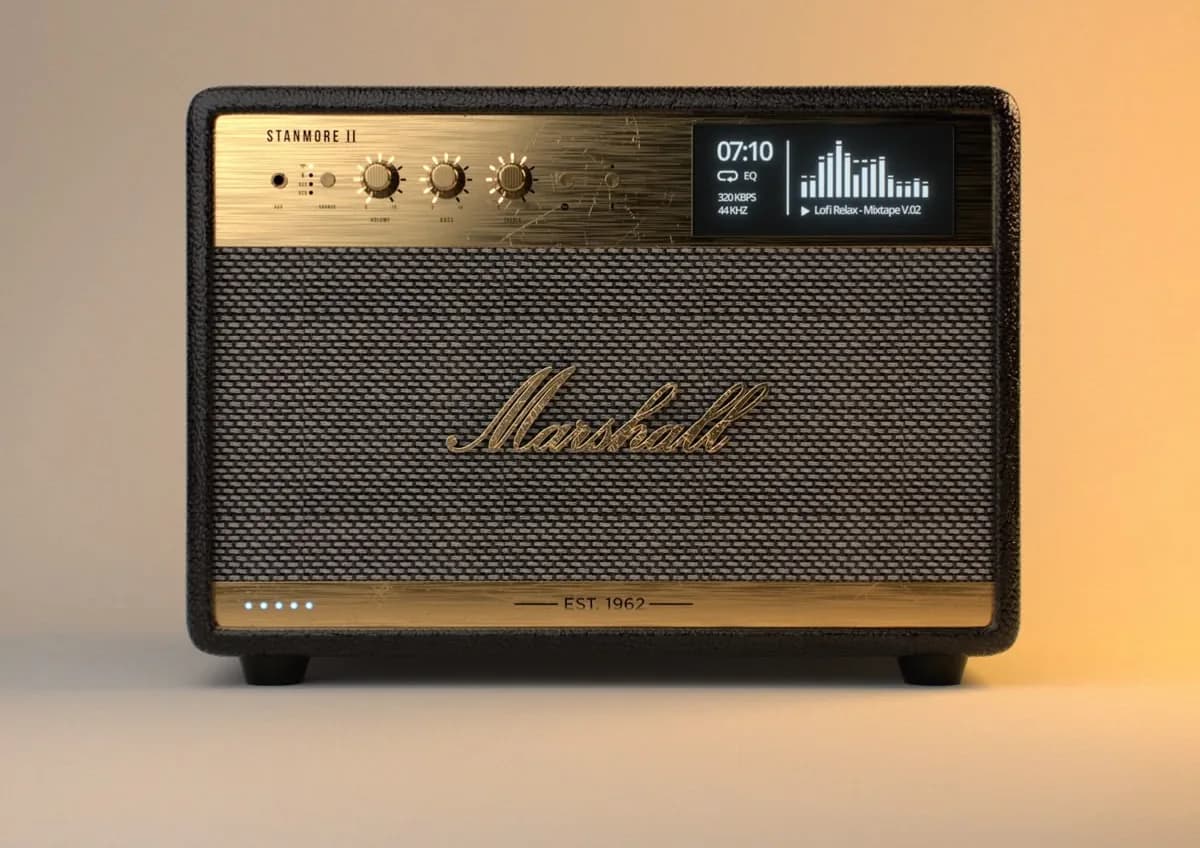
An AI line art generator that draws from your photo, not from a prompt.
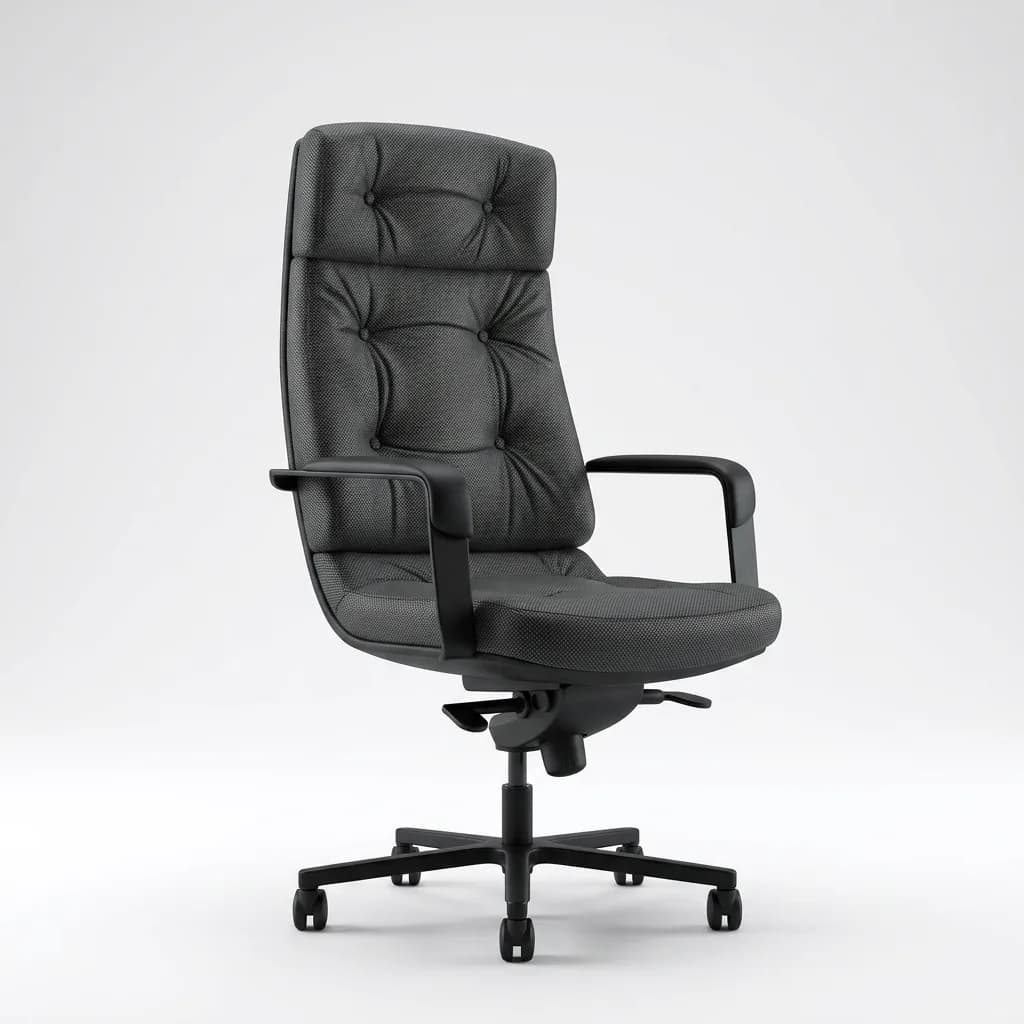

Turns a product line drawing into a photoreal render, material taken from a reference.

One reference photo becomes a six-piece PBR-style material set.
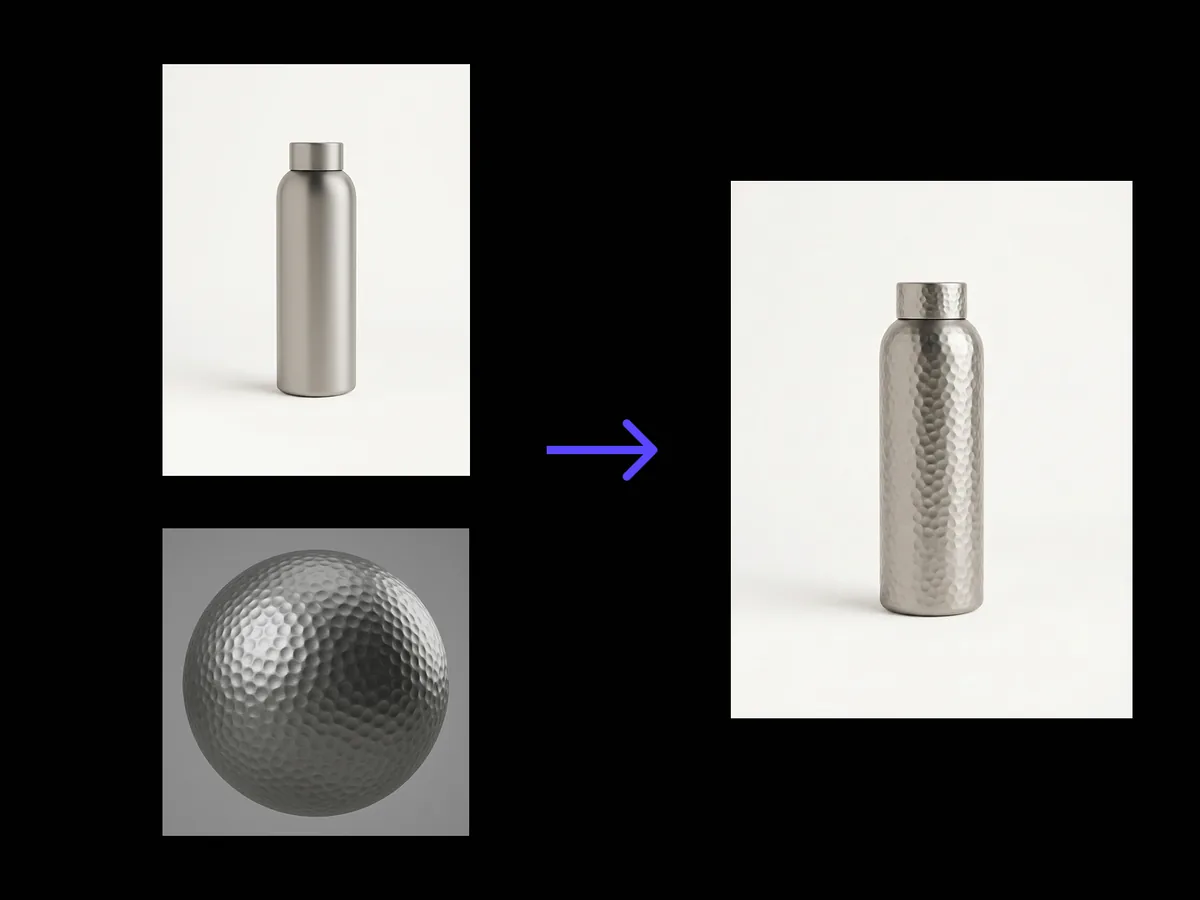
Wraps a reference material onto your product without moving an edge of the geometry.
Interior design6 tools
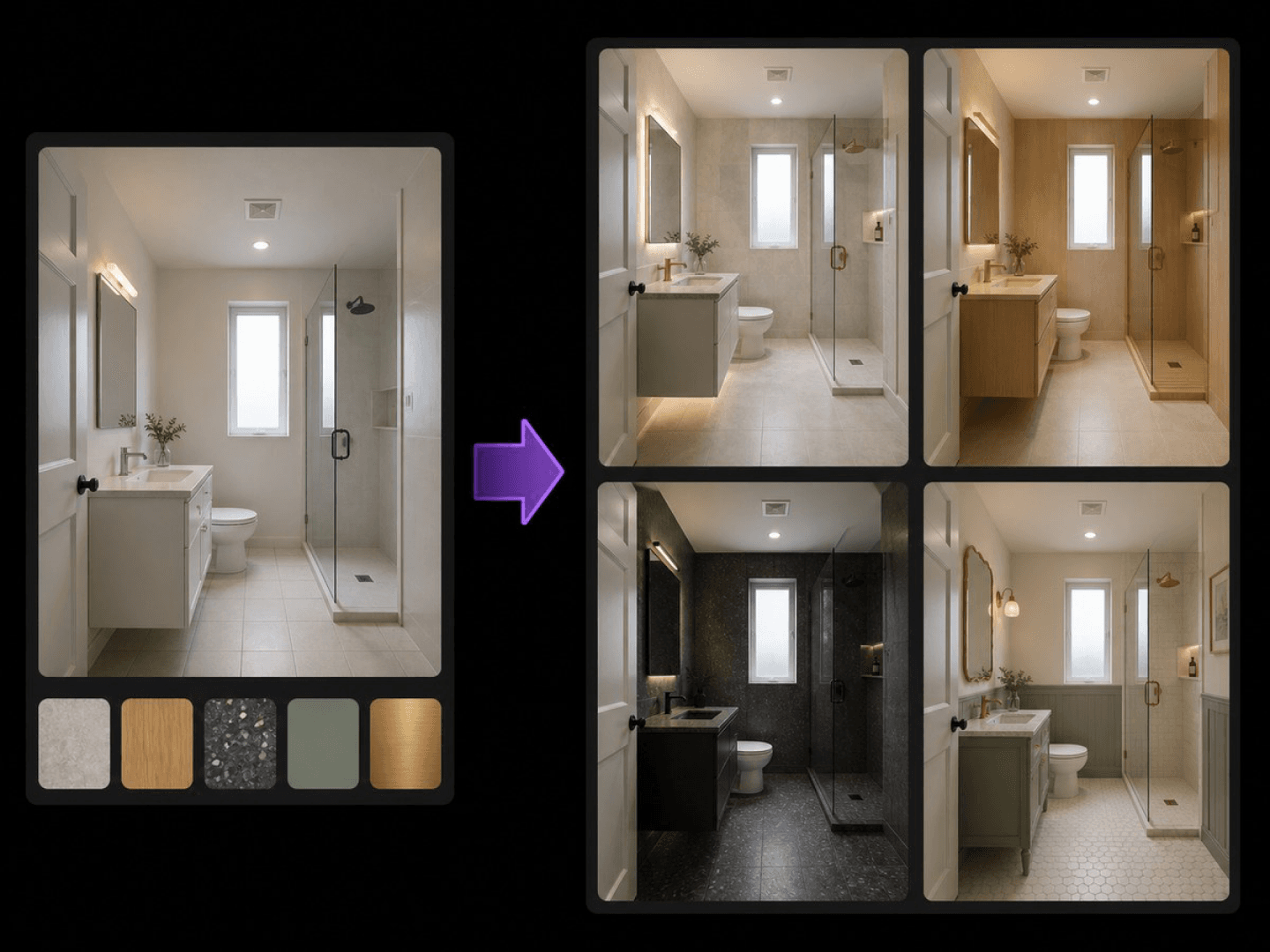
Keeps your bathroom layout intact and previews new materials.
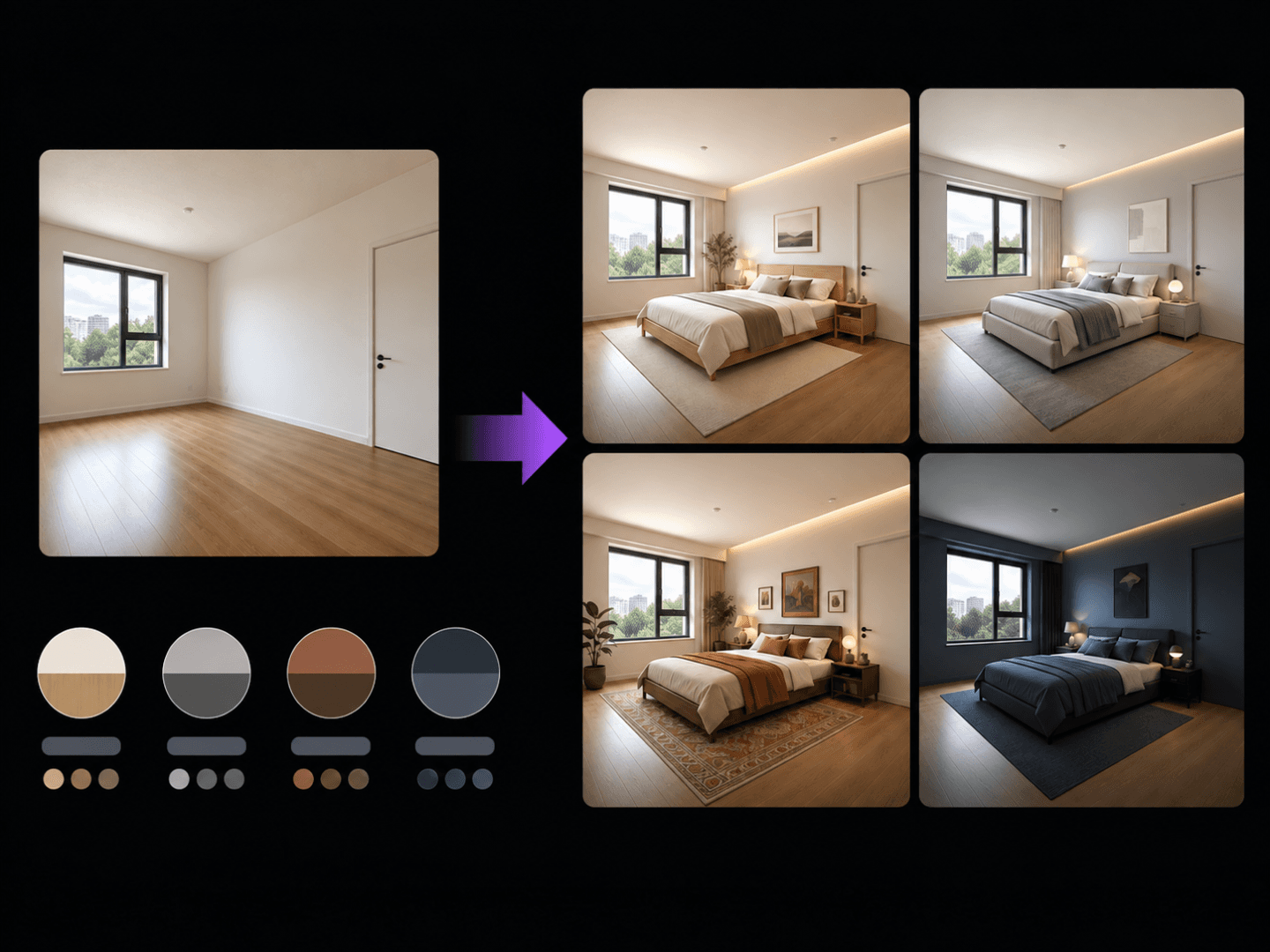
Keeps your doors and windows intact and previews new styles.
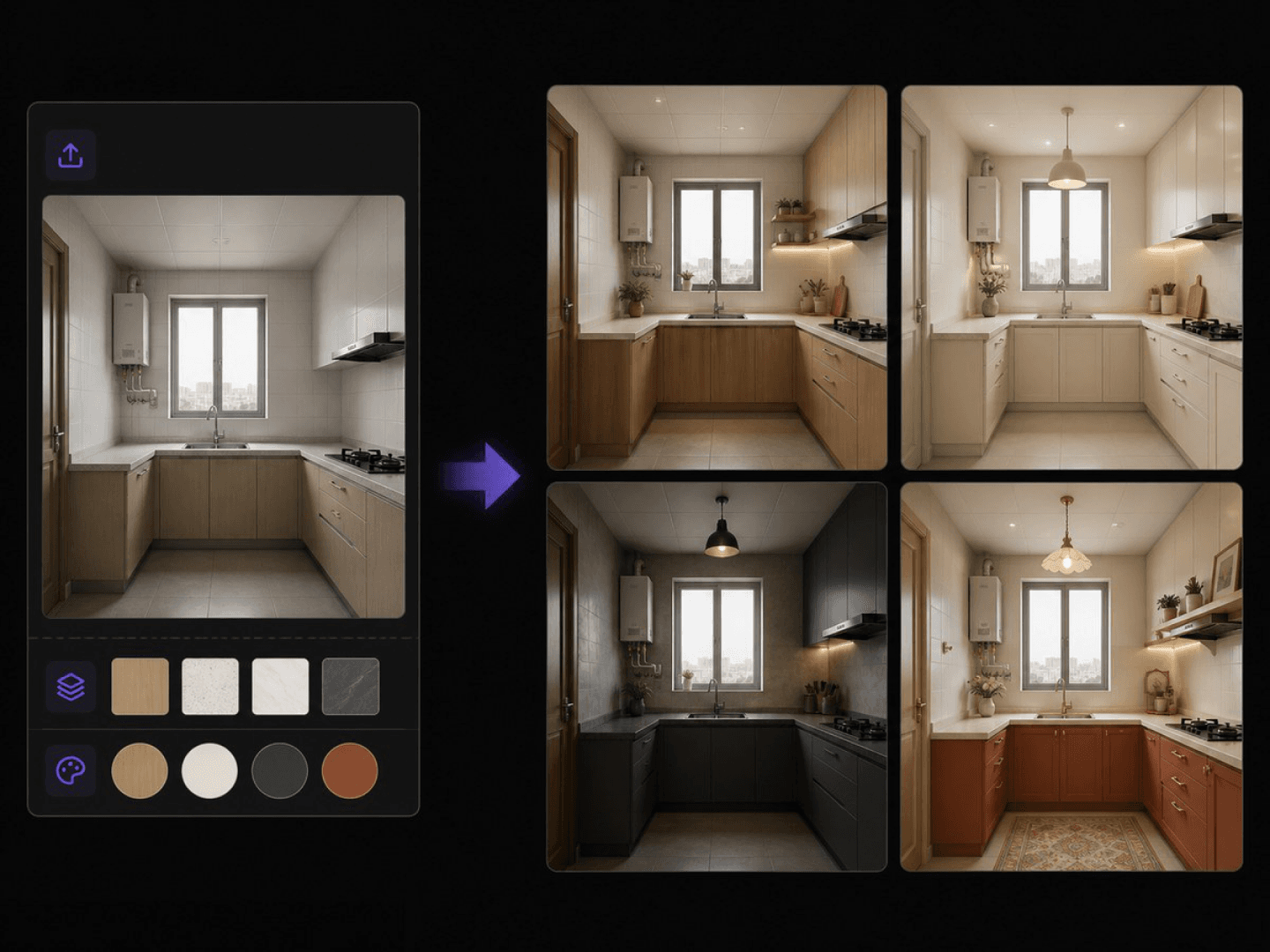
Keeps your kitchen layout intact and previews new materials.
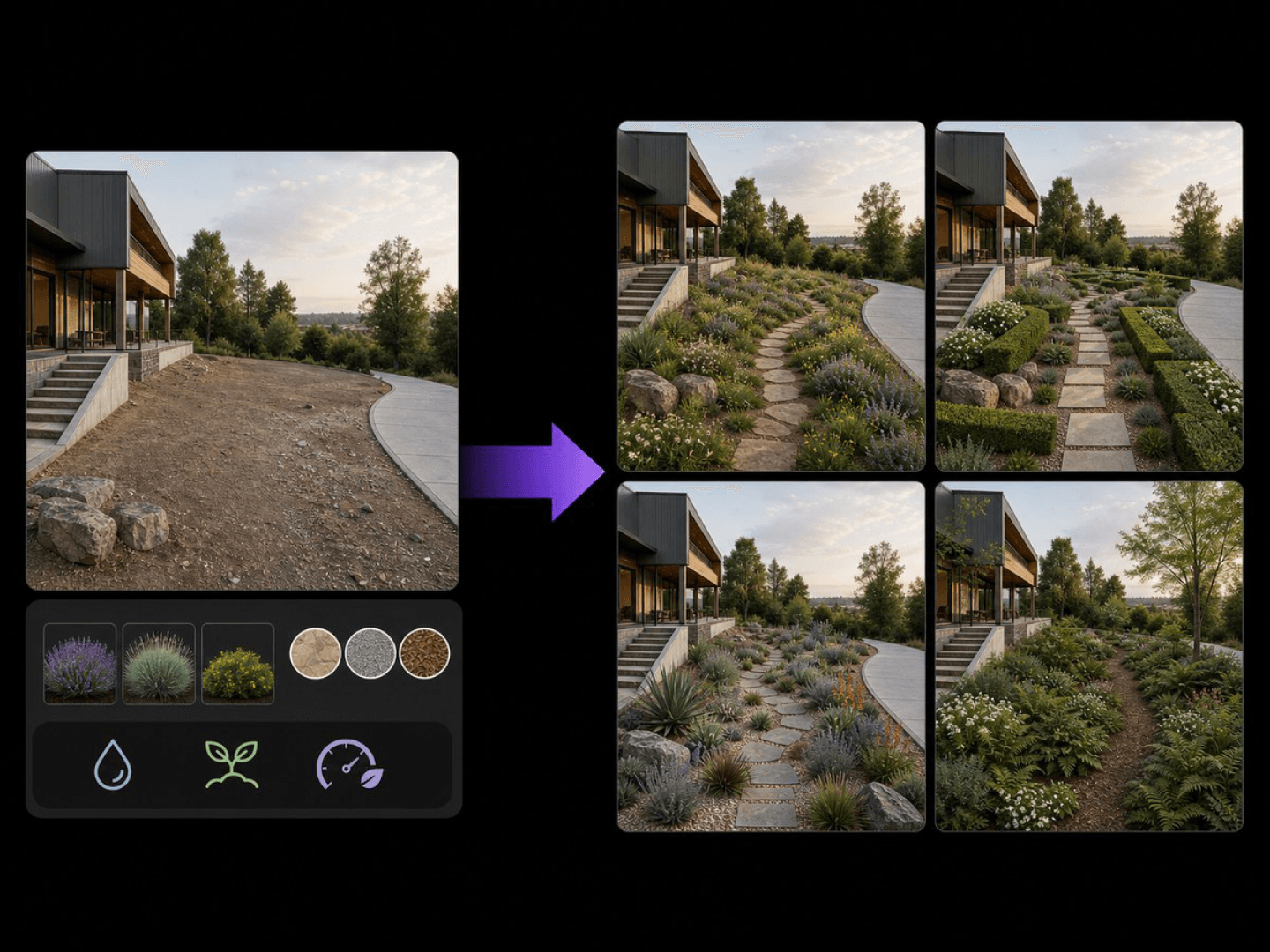
Keeps your site's structure and previews new planting and paving.
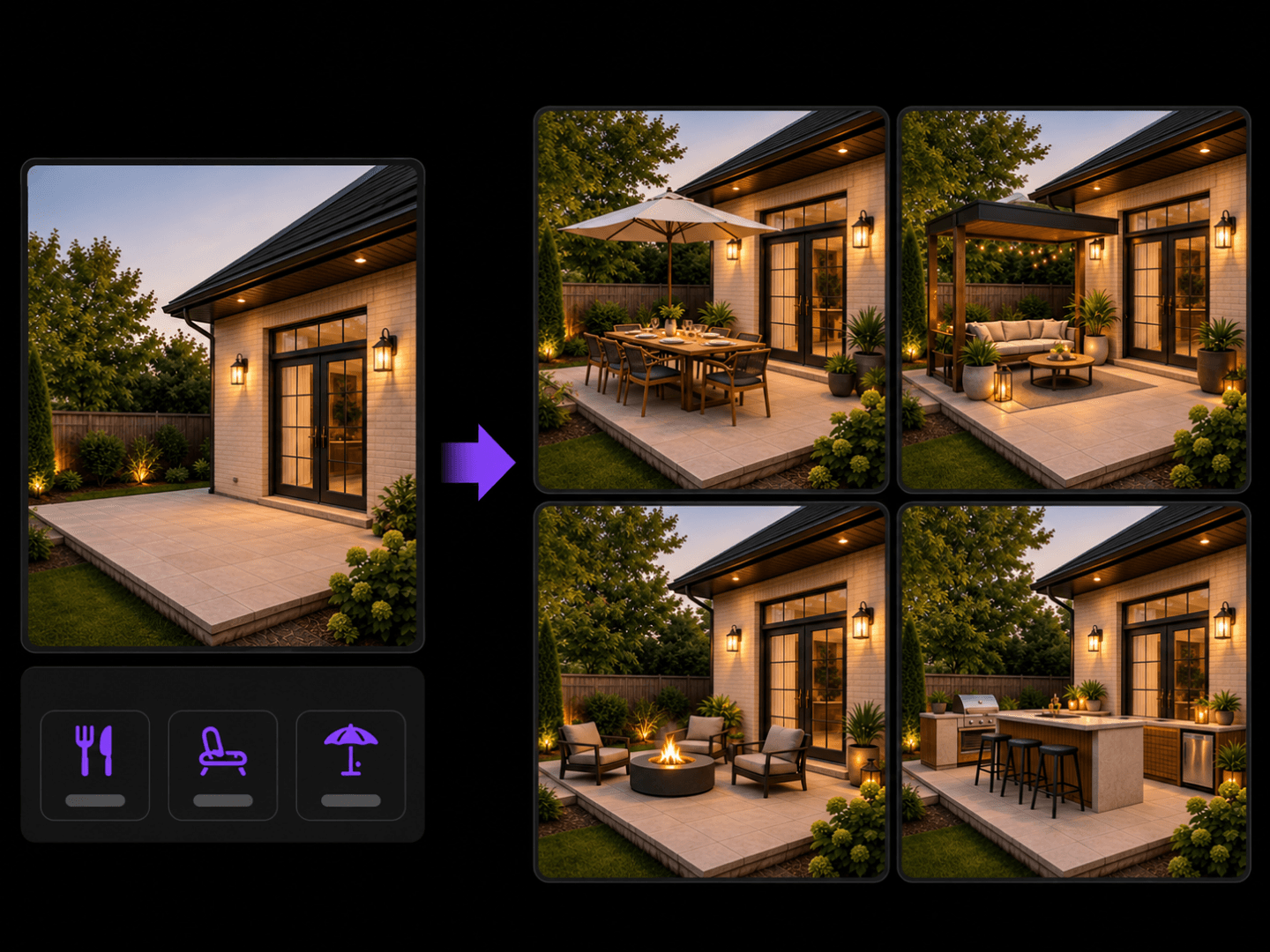
Keeps your structure intact and previews an outdoor living space.
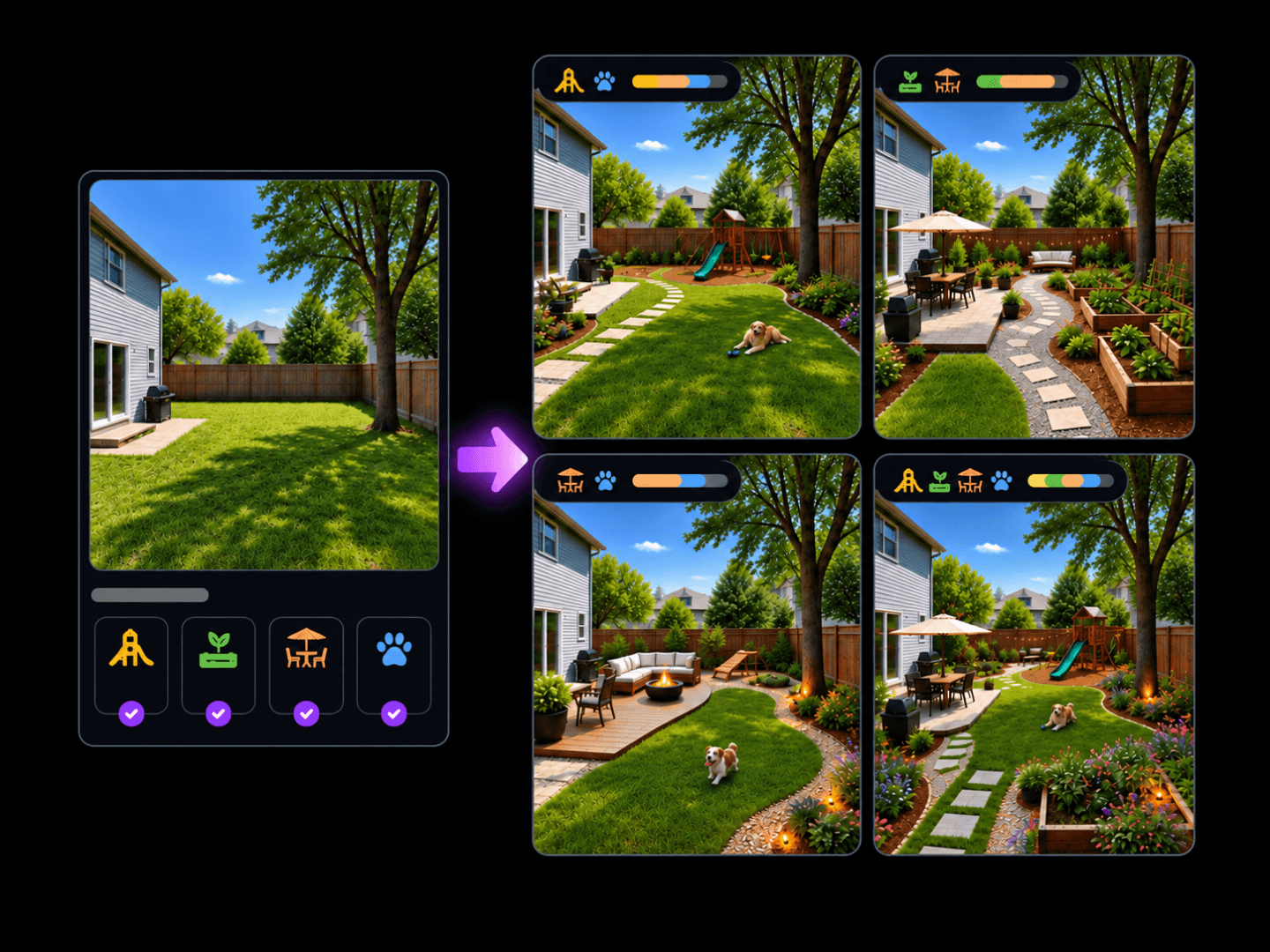
Keeps your house and boundaries intact and previews new layouts.